To begin using the plugin, follow these simple steps:
- Download the Plugin:
Obtain the plugin ZIP file from your WPFactory account or from wordpress.org for the free version. - Upload and Install:
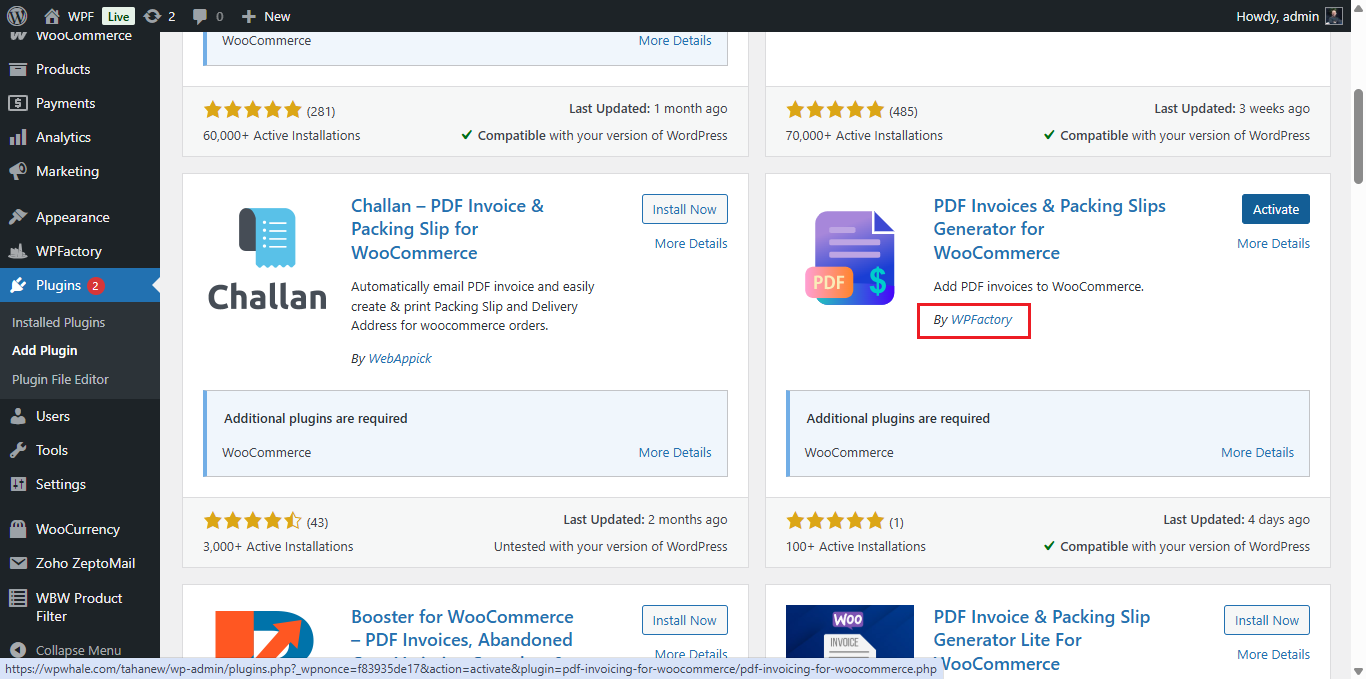
Navigate to your WordPress dashboard and go to Plugins > Add New > Upload Plugin. Select the downloaded ZIP file, click Install Now, then Activate Plugin.
- Access Settings:
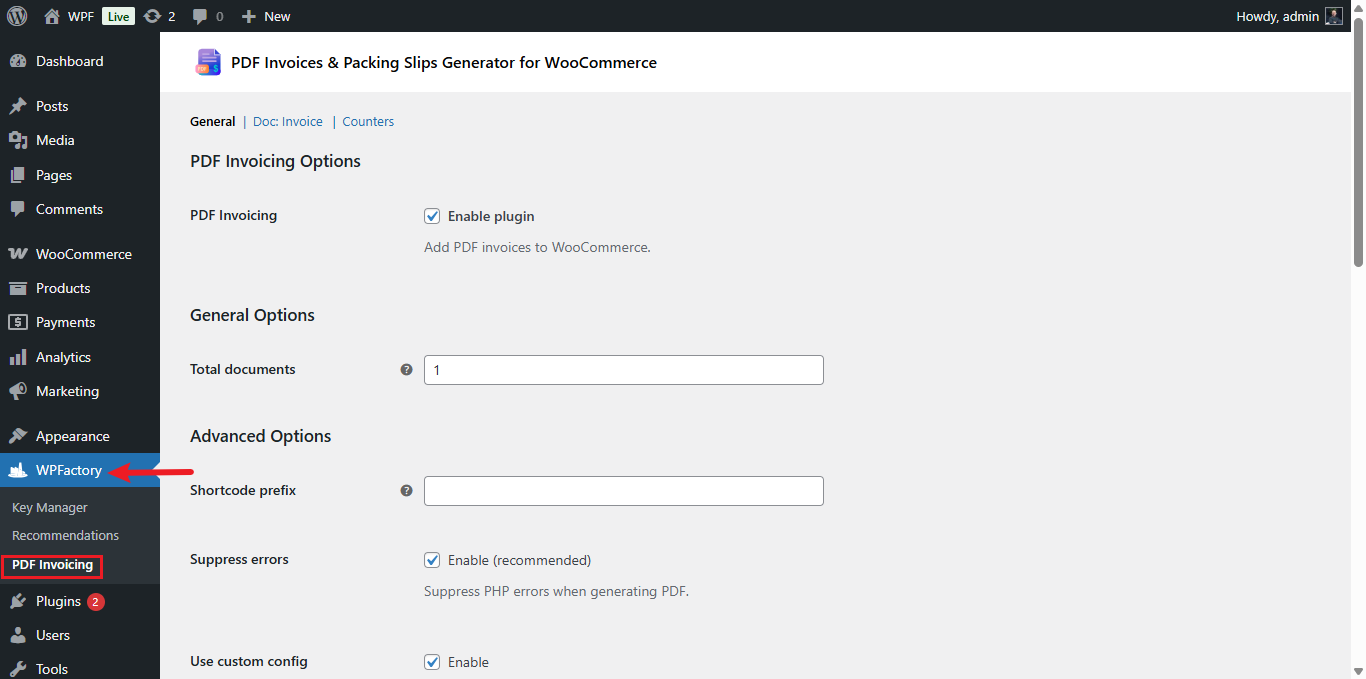
Once activated, the main configuration panel can be found under WPFactory > PDF Invoicing.