

WooCommerce Quantity Manager – Min Max Step Quantities Plugin
Set Smart Quantity Rules That Increase Order Value and Control Purchases. Define minimum and maximum quantities, sell in fixed steps or decimals, and guide customers to buy exactly how your store needs. Replace the quantity field with dropdowns, enforce fixed values, set default quantities, and show total price by quantity, giving you full control over how every product is purchased.
Featured in




Plugin Description
The WooCommerce Quantity Manager plugin gives you complete control over how customers purchase products by allowing you to set minimum quantity WooCommerce rules, maximum limits, and flexible quantity steps.
If you need to set minimum and maximum quantities in WooCommerce, enforce fixed purchase values, or guide customers toward specific order sizes, this plugin provides a practical and flexible solution.
Trusted by 10,000+ active installs, with a 5.0 rating and 91 reviews, it allows you to apply min max quantity WooCommerce settings at product, category, or global level.
You can require minimum quantities, limit how many units can be purchased, or define step rules such as selling in multiples or allowing decimal quantities for weight-based products.
Beyond basic limits, the plugin includes powerful features that directly impact how customers interact with your store.
You can replace the quantity input field with a dropdown, set default quantities, and enforce fixed values to simplify the buying process. It also lets you show total price by quantity, helping customers clearly understand pricing as they adjust quantities.
Store owners use these features to increase average order value, align orders with packaging requirements, and prevent unprofitable small purchases.
Whether you sell wholesale, bulk items, or variable-size products, this plugin helps you control quantity behavior while keeping the shopping experience clear and efficient.
What You'll Gain With This Plugin?
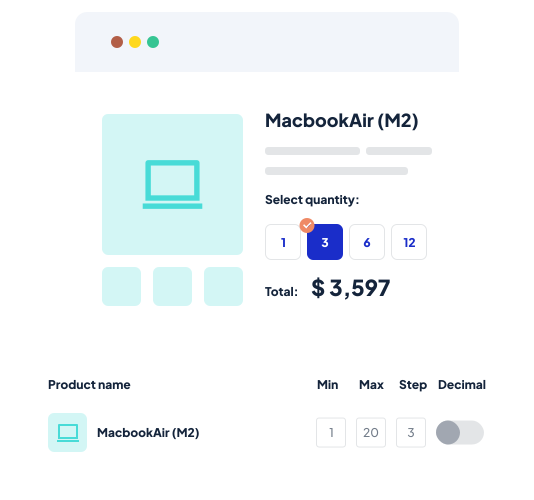
Set Min & Max Quantity Limits for Better Control
Boost your store's efficiency with flexible quantity controls:
✔ Set minimum and maximum purchase quantities for all products, by category, tag, or for specific items.
✔ Perfect for wholesale, packaging needs, or limited stock.
✔ Easily manage inventory and reduce overstock or under-purchase risks.
✔ Apply rules to cart items, categories, or attributes.
✔ Adjust controls for special promotions, seasonal demand, or product availability.
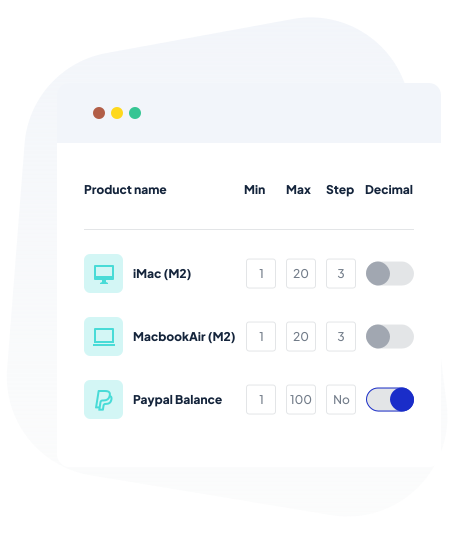
Control Quantity Intervals with Incremental Steps
Improve your store’s order management with quantity steps:
✔ Sell products in specific increments like 5, 10, 15 for better control.
✔ Perfect for packaging, shipping, and production needs.
✔ Guide customers to buy in the quantities that work best for your store.
✔ Set increments at the product, category, or cart level.
✔ Customize quantity steps to fit your business’s unique requirements.
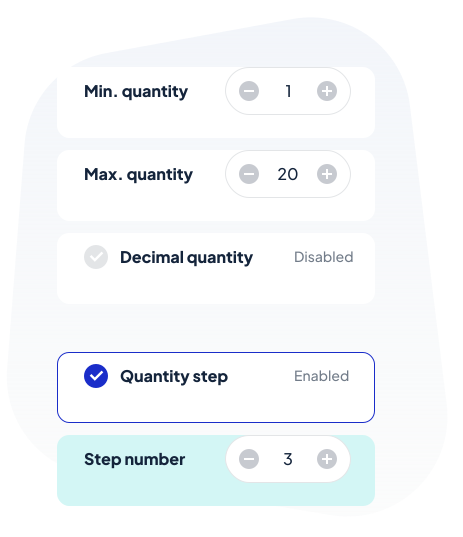
Replace Quantity Input Field With a Dropdown
Enhance the shopping experience with a user-friendly dropdown for quantity selection:
✔ Transform the standard quantity input into an easy-to-use dropdown with a search option.
✔ Automatically adjust the dropdown's highest value based on maximum quantity or set limits.
✔ Choose your preferred thousand separators—comma, dot, or any style that fits.
✔ Display quantities with unit indicators like '10 KG' or '20 Litres' for clarity.
✔ Define singular and plural units effortlessly to suit your products needs.
Set Default Quantities & Enforce Fixed Values
Steer customers toward preferred purchase quantities like 1, 3, 5, or 10 but not anything else:
✔ Set non-traditional default quantities to suit bulk or promotional products.
✔ Offer specific fixed quantities to match packaging or specific needs.
✔ Streamline the shopping process and align with your sales strategy.
✔ Manage inventory effectively while providing a smooth shopping experience.
✔ Keep consistency and clarity in your store with dynamic quantity controls.
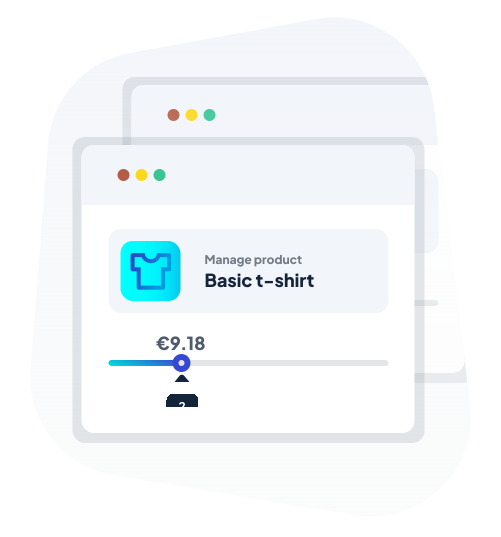
Clear Quantity Guidelines Right on the Product Page
Give your customers all the info they need at a glance:
✔ Show minimum, maximum, and step quantities directly on product pages.
✔ Display unit details next to prices, helping customers understand exactly what they're buying.
✔ Enhance product comparisons based on size, volume, or count.
✔ Encourage informed purchasing decisions and reduce post-purchase regrets.
✔ Make shopping straightforward and transparent with clear quantity details.

Discover More Powerful Features
Leverage the full suite of features in this plugin to enhance your store's performance, boost sales, and elevate the customer experience in countless ways.
-
Got products that need precise measurements? Whether it’s flour, fruits, liquids, tiles, or textiles, this plugin lets you sell in decimal quantities. Set up min, max, and step quantities to match your needs perfectly. Make selling by weight or volume easy and flexible for your store!
-
Decide which quantity shows up first when customers visit a page—minimum, default, or maximum. Whatever you choose will appear on archive, category, and product pages. Tailor the shopping experience to guide customers right from the start!
-
Want to sell in random amounts like 5, 8, 15, or 50? No problem! With the Fixed Quantities feature, you can allow customers to purchase in any quantity you choose, without any restrictions. Make your store as flexible as you need it to be!
-
Don’t keep your prices stuck at single quantities! Show an interactive total price based on the quantity selected, so customers always know what they’re adding to their cart. It’s a great way to keep them informed and encourage bigger orders!
-
Make it clear what customers are buying! Add a unit next to the quantity, like KG, meters, or any other measure. Perfect for stores selling different types of products, ensuring customers know exactly what they’re getting without any confusion.
-
Keep your customers in the know! Display minimum, maximum, and step quantities right on the product page, so they don’t have to guess what they can buy. Make it crystal clear and easy for customers to understand their options, leading to a smoother shopping experience.
The Plugin Can Optimize Your Store with These Scenarios
Discover how this plugin can address common challenges and enhance your store's performance
These practical scenarios show the versatile applications of the "Min Max Default Quantity Manager for WooCommerce" Plugin
Got a product you want to move in bulk?
Set a minimum quantity to encourage customers to buy more at once. It’s a great way to boost sales and clear inventory.
Tired of customers ordering just one item when it’s not profitable?
Use the plugin to set a minimum quantity, ensuring every order makes sense (and profit) for your business.
Running low on stock and want to spread it out?
Set a maximum quantity to make sure more customers get a chance to buy without one person taking it all.
Want to suggest a standard order amount?
Set a default quantity that auto-fills in the cart, guiding customers toward the most profitable purchase quantity.
Got products that need to be sold in packs, like sets of 5 or 10?
This plugin lets you set specific quantities, so customers buy the right amount every time. Perfect for stores selling items in predefined packs like beverages, bulk goods, or stationery.
Selling items by weight, volume, or length?
You can set default quantities or enforce minimum/maximum limits to match how these products are sold, making sure customers order the correct units whether they’re buying fabric by the yard or honey by the pound.
Offering trial-sized products?
Use the plugin to set a default quantity of 1 or 2, so customers can easily add samples to their cart. It’s a great way to let them try before they buy big, encouraging them to come back for more after testing.
Running a promotion that requires a specific quantity purchase?
Set those limits with ease, making sure your promotional strategy is executed flawlessly.
Selling seasonal products like holiday decorations or summer gear?
Use the plugin to set minimum and maximum quantities to balance inventory and avoid getting stuck with out-of-season stock.
Selling products in pre-packaged quantities such as water bottles in packs of 6, 12, or more?
The Step/Interval Quantity feature ensures that customers can only purchase in these predefined multiples.
Your business offers printing services like business cards or brochures?
Step/Interval Quantities allow you to guide customers to order in specific increments, such as 100 or 250.
Do you have fixed-size packages that fit X amount of products?
The plugin allows you to specify fixed quantity step in whole order, so orders can come in 10, 20, 30 items and so on.
Plugin reviews and statistics
WooCommerce Min Max Step Quantity Limits Manager is such a simple and brilliant plugin - a must for any WordPress online shop. I also cannot fault the customer service received. A special mention to Omar. Thank you.

This plugin helped me get around bespoke requests from my client, I struggled initially but support guided me through my issues and solved a couple of others which were not requested. Thanks Omar.

Worth every penny!
It works flawlessly!
Global setup to make your life easy, but if you have more complex needs, per category or per product it can be done.
Support is more than great!
So 5 stars for the plugin and another 5 stars for the support!

When things are working as expected you cannot judge a plugin developer, but when there is an issue and you contact support, that is when you get to see how good they are, we had a php 8 update issue, we reported this to the team and they coded up a fix for us and passed us an early version to resolve our issue, couldn't be happier with the support we received.

Superior support. Happy customer with a well working product - Great job Omar!
Hope to see your portfolio expand in the future.
BR Kenn

Choose your license
This plugin is a premium version of free WooCommerce Quantity Manager – Min Max Step Quantities Plugin plugin.
| Features | Free | Pro |
|---|---|---|
| Define Min, Max, Step quantities per product | ||
| Define Min, Max, Step quantities on all products at once | ||
| Define Min, Max, Step quantities cart-level | ||
| Define Min, Max, Step quantities by category & tag attribute | ||
| Define Default quantity on product & category level | ||
| Define Fixed (allowed & disallowed) on all products at once | ||
| Define Fixed (allowed & disallowed) quantities by product, category, and tag attribute | ||
| Replace quantity input with a dropdown | ||
| Customize dropdown labels by product | ||
| Hide/show quantity by category | ||
| Show total price based on quantity | ||
| Customize total price labels, messages, and location | ||
| Customize labels by product, category, and tags | ||
| Define price unit by category | ||
| Define price unit by product | ||
| Exclude plugin settings by product, category, user role | ||
| Premium & expedite support | ||
| Get free |
Single plugin
Add to cart
All plugins access
Add to cart
Why Choose WPFactory?
Leading the way with quality and support


e-commerce challenges.
Screenshots
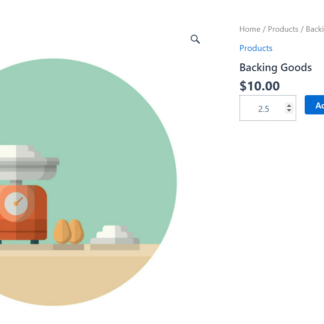
Decimal Quantity Step
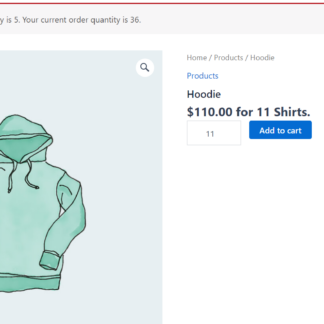
Maximum Cart Error
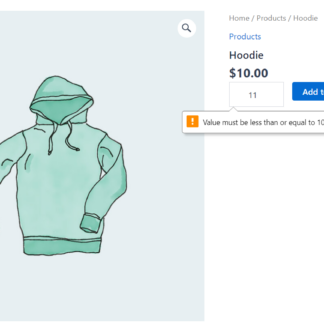
Maximum Quantity Error Message
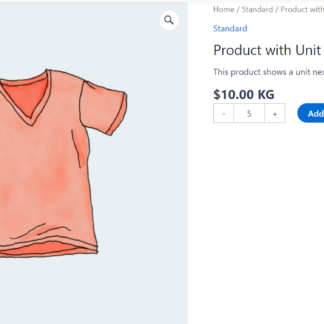
Price Per Unit
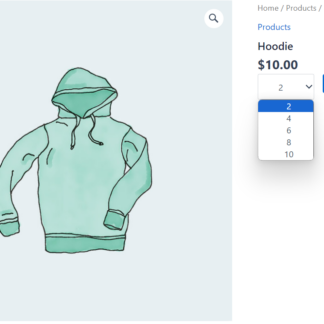
Quantity Dropdown
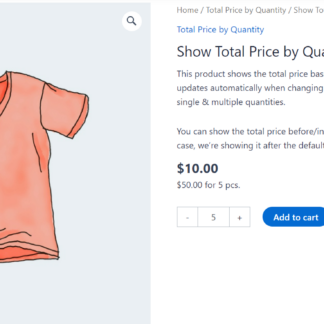
Total Price By Quantity
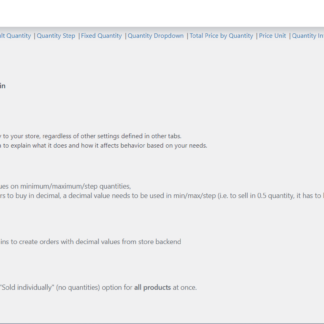
Product Quantity General Tab
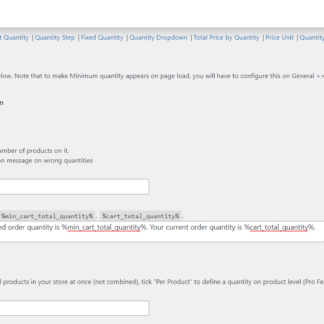
Product Quantity Minimum Quantity Tab
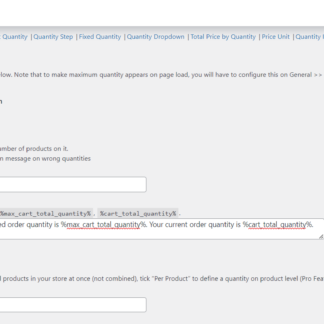
Product Quantity Maximum Quantity Tab
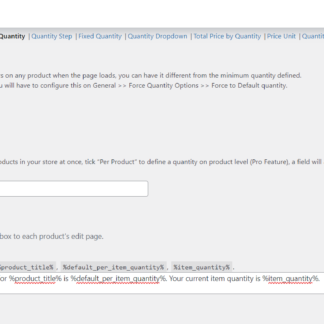
Product Quantity Default Quantity
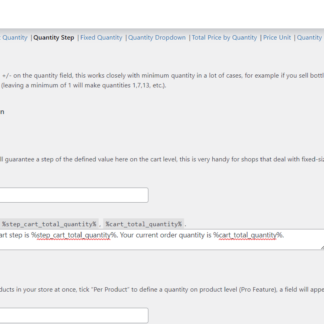
Product Quantity Step Options
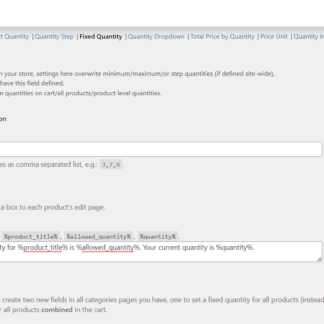
Product Quantity Fixed Quantity Tab
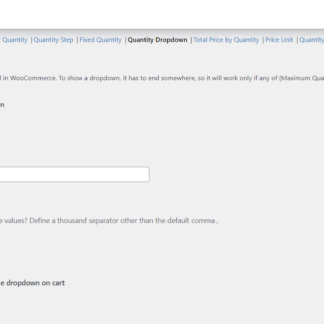
Product Quantity, Quantity Dropdown Tab
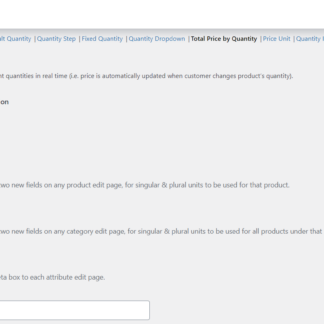
Product Quantity Total Price By Quantity Tab
Product Quantity Section in Product Page
Plugin FAQs
Any questions? We're here to help.
Still have questions?
We're ready to help out & answer questions! Or read the plugin documentation to get tips and guidance.