5 Best WooCommerce Pricing Plugins for Optimal & Guaranteed Sales in 2026

Quick answer: The right pricing plugin depends on how you set prices. To price from your real costs and margins, use Cost of Goods for WooCommerce. To sell by weight, length or area, use a price-per-unit or measurement price calculator plugin such as Price Per Unit Pro or Measurement Price Calculator. All five are compared below.
What if someone is shopping and gets the best and lowest prices at your store? It’s like a reward for the user and builds credibility for your WooCommerce store. Do you need to add the prices manually for each product or category for every user? No worries! Best Price or guaranteed price plugins for WooCommerce take all the heavy lifting and automatically suggest the best and lowest price to the customers. The plugins analyze several factors and apply the available discounts to give the best prices to the users.

The plugins match the user’s intent, choice, and product, and after analyzing these crucial factors, the best price is shown to the users. It’s effortless, approved, tested, and reliable for all the stores. Don’t wander online to find the best plugin for prices because we have shortlisted the top 5 out of several.
Stick to the guide to learn more about the shortlisted plugins, including their features, descriptions, and everything necessary to know about them. Let’s go!
1. WooCommerce Cost of Goods: Product Cost & Profit Calculator
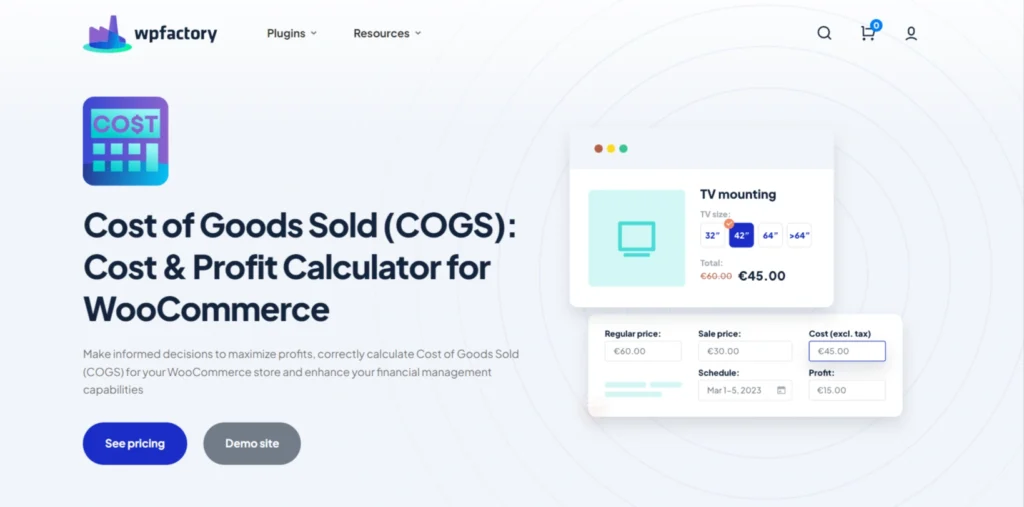
Simply put, this tool takes the stress out of handling all your store calculations. All you need to do is connect it to your store, and your numbers and data will be available within seconds.
The COGS plugin, used by 15K+ online stores, tracks your WooCommerce product costs to give you your true net profit, not just revenue. It allows you to add product costs individually or in bulk, and choose exactly which costs to include, whether it’s direct costs only or also indirect costs like materials, labor, and packaging.
The plugin automatically handles all calculations and provides you with the profit reports and cost breakdowns you need, helping you better understand where your money is going. You can also add any additional costs at any time to keep your data accurate and up to date.
One of its most powerful features is that it doesn’t just calculate profit; it helps you identify your most and least profitable products through detailed reports.
It also lets you track cost changes over time using cost archives, giving you full visibility into how your costs have increased or decreased across different periods.
And it doesn’t stop there; beyond reporting, the plugin also supports your pricing strategy, helping you determine the optimal price for your products based on actual costs and profit margins.
Here are some of its most powerful features:
- Track and Analyze Your COGS Effortlessly
- Advanced Inventory Management with Real-Time Tracking
- Comprehensive Tax Reporting & Financial Management
- Customize How COGS Is Calculated
- User-Friendly Admin Management
- Bulk Edit Prices in a Single Click
- Save Historical Values for Costs
- Customize Your Admin Panel
Now, you can make smarter pricing decisions based on real data and actual net profits.
2. Price Per Unit Pro
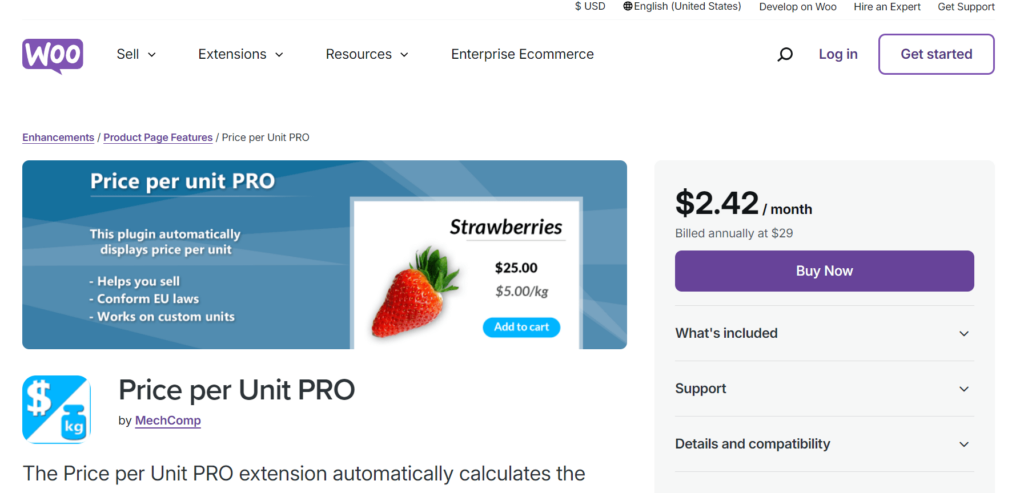
As the name suggests. This plugin automatically calculates the optimal price of a product and shows it on your e-commerce store. It’s another reliable and easy-to-use plugin to automate product prices with trendy automatic pricing techniques.
It comes with a compatible extension to set up things effortlessly and quickly. It’s helpful, especially for those who sell things in quantity, such as food items. When the customer enters the weight or the units, the plugin shows the optimal value according to that. Here, check out its primary features below:
- It’s usually used to display the best prices for items with weight, like food items, fruits, etc.
- You can set up different prices for different values to cater to more clients. It’s especially helpful when the vendor wants to discount a certain quantity.
- Calculating different prices for different quantities of the same products looks challenging. However, the plugin can do it easily, and you only have to set up things only once.
- You can create prices for custom units. For example, if you don’t want to offer the best prices on a 1 kg item, you can do it with a customized weight.
- For European users, it shows the settings meeting the EU laws.
3. Price Calculator for WooCommerce
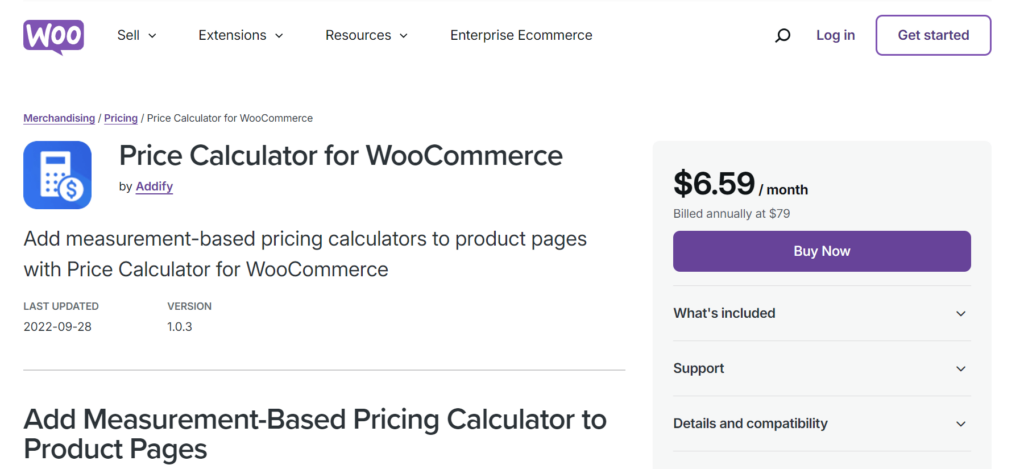
It’s also a WooCommerce extension to expand the working and sales strategy by showing the optimal prices. Primarily, it allows the vendors to show prices according to different aspects, including size, units, weight, and dimensions. It means it applies to almost all store owners whether you sell wallpapers, boxes, wires, ropes, etc. Yes, it also takes custom inputs based on available products. For more:
- You can sell products based on sizes, lengths, and dimensions with different price options.
- You can add the best prices for a single product or set it up for global customers.
- It supports the best pricing for the product with different variables.
- You can set limits for guaranteed pricing for minimum and maximum purchases.
- You can assist the customers by allowing them to choose the dimensions or sizes from the drop-down menu.
4. Measurement Price Calculator
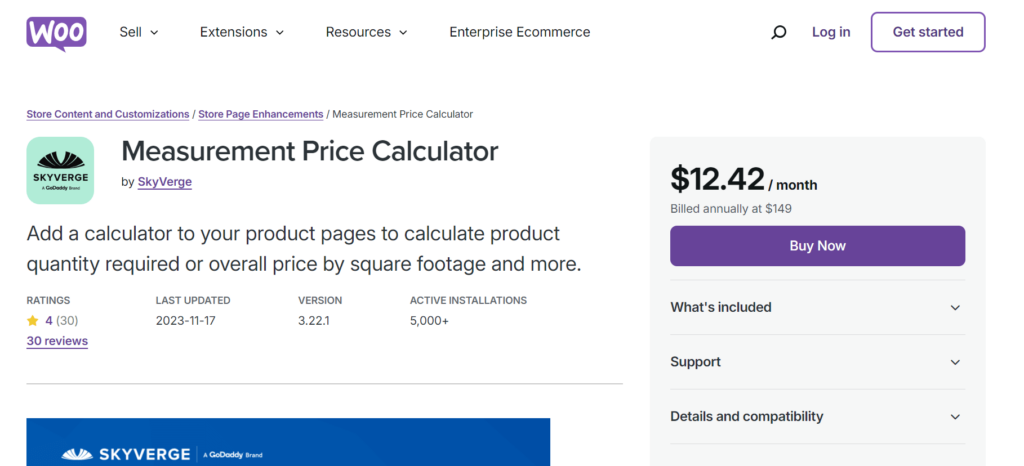
Add this plugin to your product or category pages and let it calculate the prices according to the different parameters, i.e., unit, size, etc. Whether you sell T-shirts and want to change the prices by the entered size, this plugin will take all the heavy lifting. The primary perks of this plugin are:
- It suggests prices to the users based on size, units, value, etc.
- It automatically calculates the prices for a custom size or quantity.
- It provides support for all your inventory with variations.
- It allows the vendors to use multiple units for automatic calculation.
- It has a special room-wall calculator for art enthusiasts.
5. WooCommerce Measurement Price Calculator Plugin, Price Per Unit
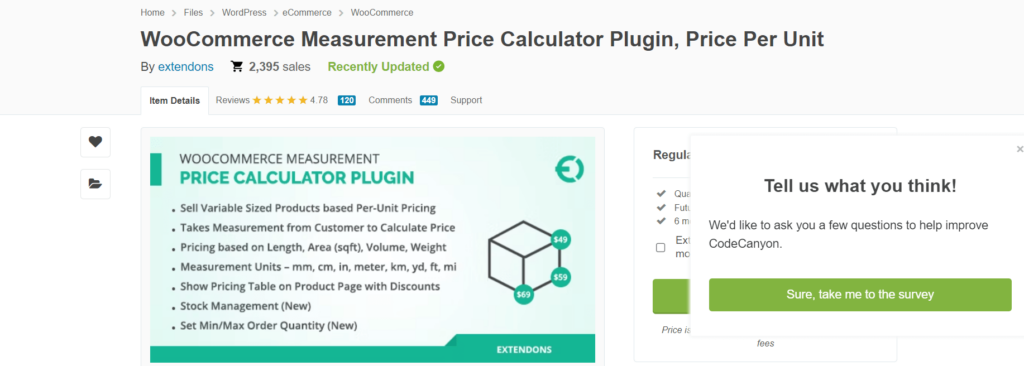
It’s a simple plugin to simplify the payment procedure, giving automatic calculations assisting the users in shopping. It also offers calculations with different scenarios such as size, length, etc. Here are some of its important features:
- Adding a product pricing calculator to each product page or category is easy.
- It supports and calculates the prices for variable products.
- It offers customized pricing for custom units.
- Set prices according to the minimum or maximum shopping value.
- Compatible with all the WooCommerce versions.
Want to go beyond plugins and understand real pricing strategy? Download the free eBook The WooCommerce Pricing Playbook for proven methods to grow profit and sales.
Bottom Lines
In conclusion, optimal price plugins help boost sales by offering a discount price to the customers. In actuality, it’s helpful for both the users and the store owners simultaneously. However, Price Robot for WooCommerce has versatile functions for guaranteed pricing, meeting different conditions. Besides, it’s good to try other mentioned plugins to find reliable ones because all of them are developed for different guaranteed pricing scenarios.