To show cart and checkout notices when a shipping method is hidden by a condition, use the notice options in Conditional Shipping for WooCommerce: Restrict Shipping Options by Anything. When a method disappears from the cart or checkout, a short message tells the customer why, instead of leaving a silently missing option.
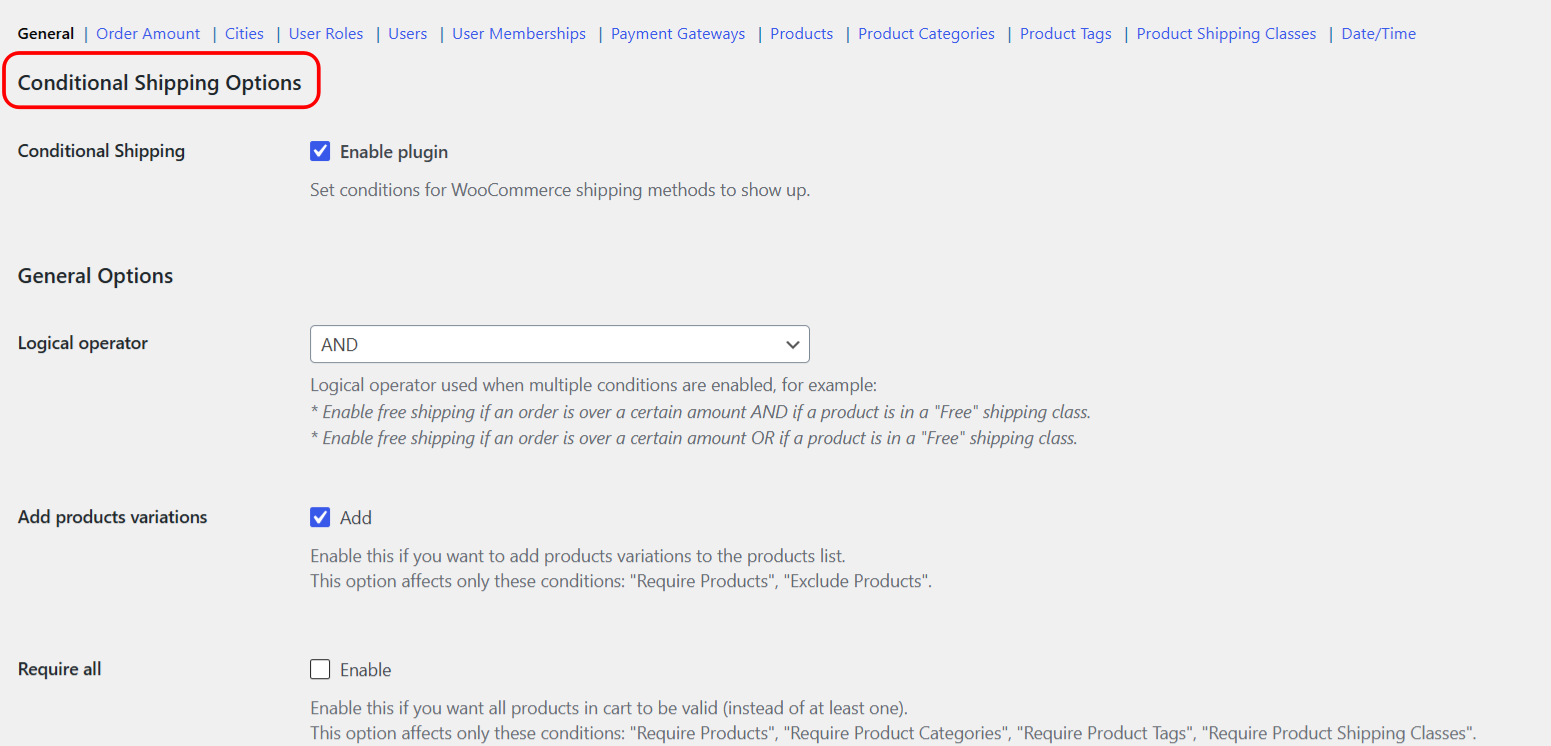
Conditional Shipping has two separate notice systems. Use the per-condition “Additional notice” for a message tied to one condition, and the global “Checkout notice” for a method the customer had already selected that then became unavailable.
1. Per-condition Additional notice #
Each condition section has its own “Additional notice”. When that condition hides a method, the notice appears on the cart and checkout pages, before the form. It is set per condition, so different conditions can show different wording.
- Go to WPFactory > Conditional Shipping (also reachable at WooCommerce > Settings > Conditional Shipping).
- Open the condition section you are using, for example Order Amount or Cities.
- Enable Additional notice (
wpjup_wc_cond_shipping_{condition}_notice[enabled]). - Edit the notice text in content (
wpjup_wc_cond_shipping_{condition}_notice[content]). The default is%shipping_method% is not available. - Save changes.
The %shipping_method% placeholder is replaced with the name of the hidden method. Replace {condition} in the option id with the condition id, for example min_order_amount or city_incl.
2. Global Checkout notice #
The Checkout notice is a single General option. It shows when a customer had selected a shipping method that then became unavailable during checkout validation, for example when a Date/Time window passed between selecting the method and placing the order.
- Go to WPFactory > Conditional Shipping (also reachable at WooCommerce > Settings > Conditional Shipping).
- On the General section, edit Checkout notice (
wpjup_wc_cond_shipping_checkout_notice). - Save changes.
This notice also uses the %shipping_method% placeholder for the method name.
Options reference #
| Label | Option ID | Type | Default | Free/Pro |
|---|---|---|---|---|
| Additional notice (enable) | wpjup_wc_cond_shipping_{condition}_notice[enabled] |
Checkbox | No | Free |
| Additional notice (content) | wpjup_wc_cond_shipping_{condition}_notice[content] |
Text | %shipping_method% is not available. |
Free |
| Checkout notice | wpjup_wc_cond_shipping_checkout_notice |
Text | %shipping_method% is not available. |
Free |
Placeholder #
Both notice types support one placeholder, %shipping_method%, which is replaced with the name of the affected shipping method.
Move the Additional notice for developers #
By default the per-condition Additional notice prints on woocommerce_before_cart and woocommerce_before_checkout_form. Developers can change where it appears with the alg_wc_conditional_shipping_notice_hooks filter, which receives and returns the array of hook names. See the Conditional Shipping developer hooks reference for details.
Get more control #
These notice options are free. Conditional Shipping for WooCommerce: Restrict Shipping Options by Anything Pro adds per shipping-instance conditions, so you can restrict the same method type differently across shipping zones. See what Pro unlocks.