To show cart and checkout notices when a shipping method is hidden by a condition, use the notice options in Conditional Shipping for WooCommerce: Restrict Shipping Options by Anything. When a method disappears from the cart or checkout, a short message tells the customer why, instead of leaving a silently missing option.
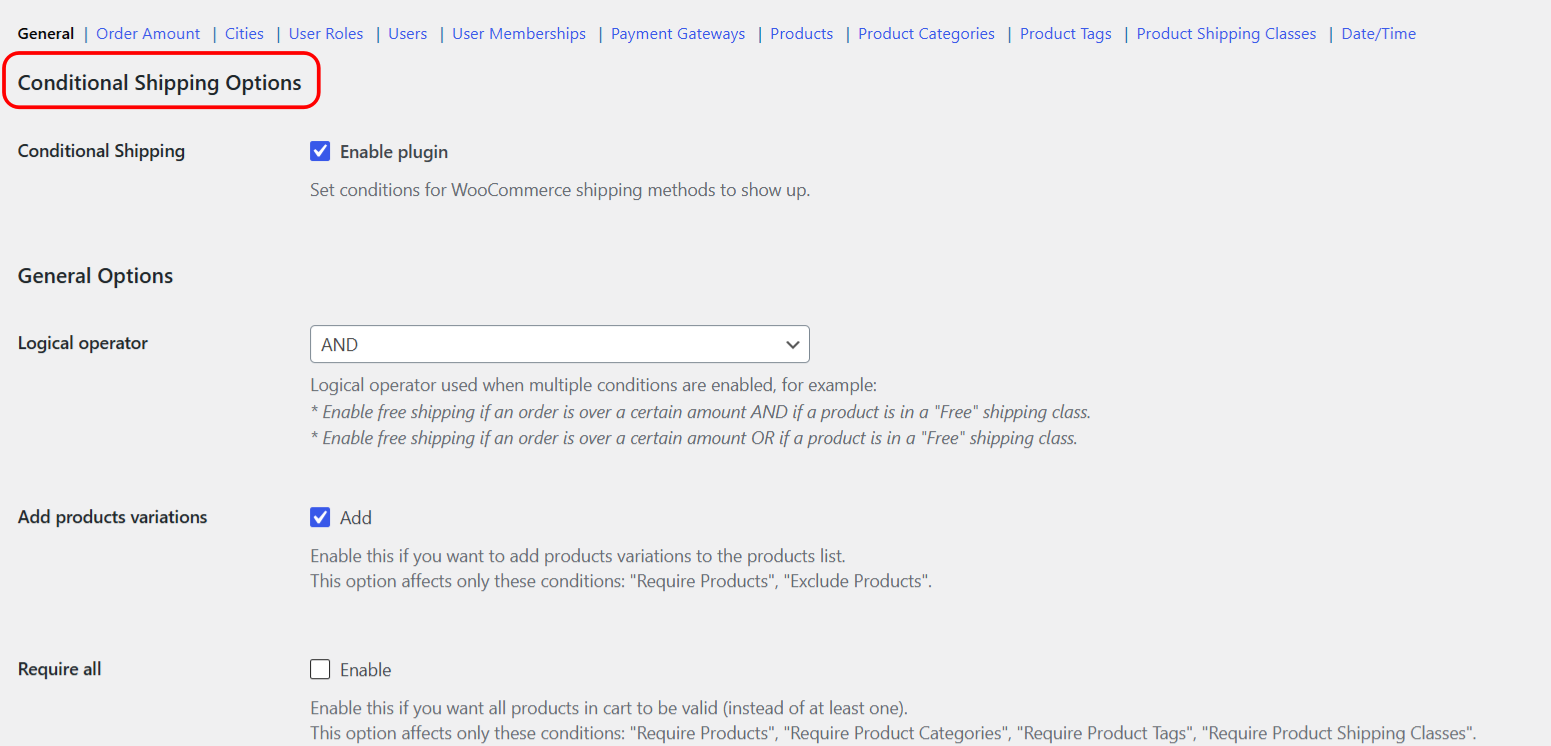
Conditional Shipping has two separate notice systems. Use the per-condition “Additional notice” for a message tied to one condition, and the global “Checkout notice” for a method the customer had already selected that then became unavailable.
1. Per-condition Additional notice #
Each condition section has its own “Additional notice”. When that condition hides a method, the notice appears on the cart and checkout pages, before the form. It is set per condition, so different conditions can show different wording.
- Go to WPFactory > Conditional Shipping (also reachable at WooCommerce > Settings > Conditional Shipping).
- Open the condition section you are using, for example Order Amount or Cities.
- Enable Additional notice (
wpjup_wc_cond_shipping_{condition}_notice[enabled]). - Edit the notice text in content (
wpjup_wc_cond_shipping_{condition}_notice[content]). The default is%shipping_method% is not available. - Save changes.
The %shipping_method% placeholder is replaced with the name of the hidden method. Replace {condition} in the option id with the condition id, for example min_order_amount or city_incl.
2. Global Checkout notice #
The Checkout notice is a single General option. It shows when a customer had selected a shipping method that then became unavailable during checkout validation, for example when a Date/Time window passed between selecting the method and placing the order.
- Go to WPFactory > Conditional Shipping (also reachable at WooCommerce > Settings > Conditional Shipping).
- On the General section, edit Checkout notice (
wpjup_wc_cond_shipping_checkout_notice). - Save changes.
This notice also uses the %shipping_method% placeholder for the method name.
Options reference #
| Label | Option ID | Type | Default | Free/Pro |
|---|---|---|---|---|
| Additional notice (enable) | wpjup_wc_cond_shipping_{condition}_notice[enabled] |
Checkbox | No | Free |
| Additional notice (content) | wpjup_wc_cond_shipping_{condition}_notice[content] |
Text | %shipping_method% is not available. |
Free |
| Checkout notice | wpjup_wc_cond_shipping_checkout_notice |
Text | %shipping_method% is not available. |
Free |
Placeholder #
Both notice types support one placeholder, %shipping_method%, which is replaced with the name of the affected shipping method.
Move the Additional notice for developers #
By default the per-condition Additional notice prints on woocommerce_before_cart and woocommerce_before_checkout_form. Developers can change where it appears with the alg_wc_conditional_shipping_notice_hooks filter, which receives and returns the array of hook names. See the Conditional Shipping developer hooks reference for details.

Conditional Shipping
Get more control
These notice options are free. Conditional Shipping for WooCommerce: Restrict Shipping Options by Anything Pro adds per shipping-instance conditions, so you can restrict the same method type differently across shipping zones.