The Compatibility and Advanced sub-sections of Payment Gateway Currency for WooCommerce keep conversion working with other plugins. Compatibility enables support for named gateways and plugins, such as Always show PayPal and WooCommerce Subscriptions renewals. Advanced covers gateway locking, cart recalculation, session start, price caching, and the rate field. Both are free for the standard gateways.
Compatibility #
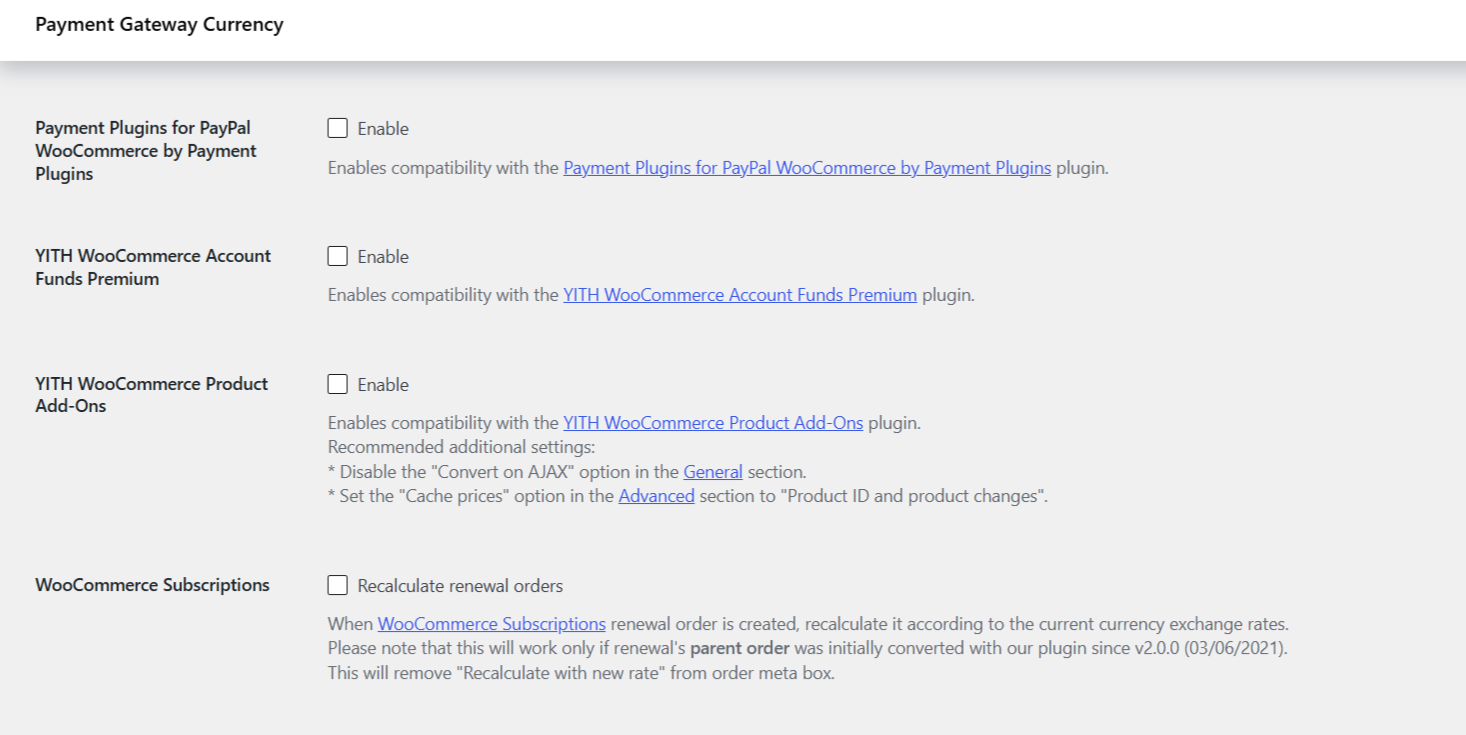
Each option enables support for a named plugin or gateway. Highlights:
- Always show PayPal and Always show PayFast (both default
Yes): keep those gateways visible for all currencies. - WooCommerce PayPal Checkout Gateway (default
Yes): also requires Convert on AJAX in the General sub-tab. - WooCommerce PayPal Payments, PayPal for WooCommerce by Angell EYE, Payment Plugins for PayPal WooCommerce, YITH Account Funds, YITH Product Add-Ons, WooCommerce Subscriptions renewals (all default
No).
Each option and its stored key is listed in Convert Currency Compatibility options.
Advanced #
- Lock gateway on order payment (default
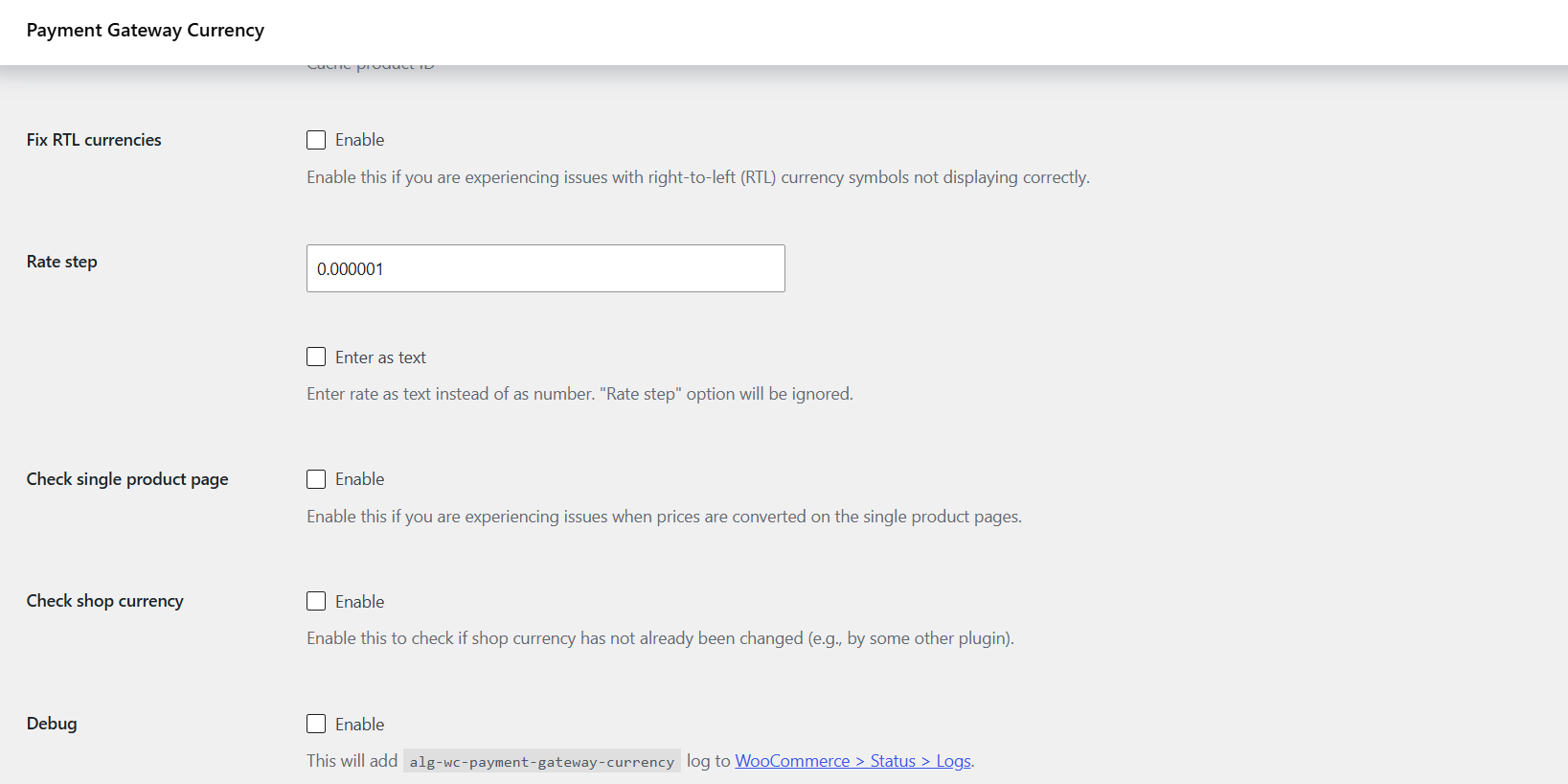
Yes): stops customers switching gateway on the “Pay for order” page so the currency stays consistent. - Recalculate cart (default
Yes): fixes wrong amounts in the mini-cart. - Current gateway fallbacks: which gateway to use for conversion when it cannot be read from the session.
- Force session start (default
Yes): saves conversion info for guests. - Cache prices (default
Yes) and Cache product ID (defaultProduct ID): resolve double-conversion issues. - Rate step (default
0.000001) sets the numeric field’s step; Enter as text (defaultNo) is a separate switch that turns the rate field into text and then ignores Rate step. These are two different options.
Free or Pro? These Compatibility and Advanced options are not Pro-gated. Pro only unlocks configuring gateways beyond the five standard ones. The full Advanced table is in Convert Currency Advanced options.
Ready to set this up? #
If you need conversion on gateways beyond the standard set, upgrade to Payment Gateway Currency Pro. Get Payment Gateway Currency Pro.