WooCommerce Store Launch Checklist: Your First 30 Days to Success

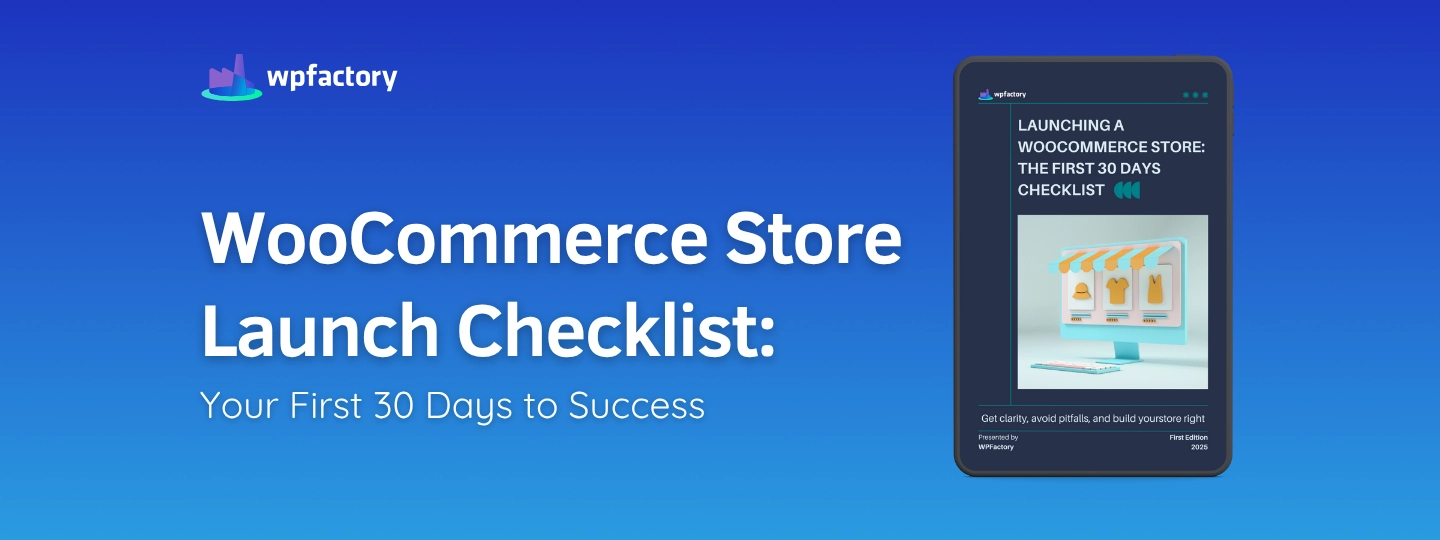
Quick answer: Before and just after launch, check that your store settings, products, payments, shipping and taxes are set up and tested with a real order, that legal pages and emails are in place, and that analytics are tracking. Then focus the first 30 days on marketing and learning from early customers. This free ebook turns that into a day-by-day checklist.
You’ve built your online store, chosen your WordPress plugins, and set up WooCommerce, then you chose the perfect theme that aligned with your store identity, and customized it to reflect your brand. Maybe you have even added some products, which make you feel like you have done almost everything, right?
But launching eCommerce store isn’t just about going live, “it’s about launching the right way”. What I mean by this, you need a solid plan, especially in the first 30 days, because these days are the most critical phase. Without a clear plan, you risk a lot of things, potential customers, missing key steps, sales, or even launching with many technical issues.
That’s exactly where a WooCommerce Store Launch Checklist becomes essential — to guide you through every step and ensure your launch is truly successful. Because sometimes you think you have done everything, but there are some setbacks, some missing things that you will only notice if you stumble upon them or if you avoid them through some checklists.
To make sure you haven’t missed anything, that your customers can find you, and to ensure that everything works smoothly before you start selling. So, you need to double-check every page in your store, from the checkout page to the cart and Wishlist page. And of course, you must not forget that you need to develop a clear plan and strategy, not just to attract your customers, but having a clear plan is a key to spreading the word about your store to build awareness.