Why Your Biggest Variation Quietly Eats the Profit?

Quick Answer: WooCommerce Variable Product Cost of Goods
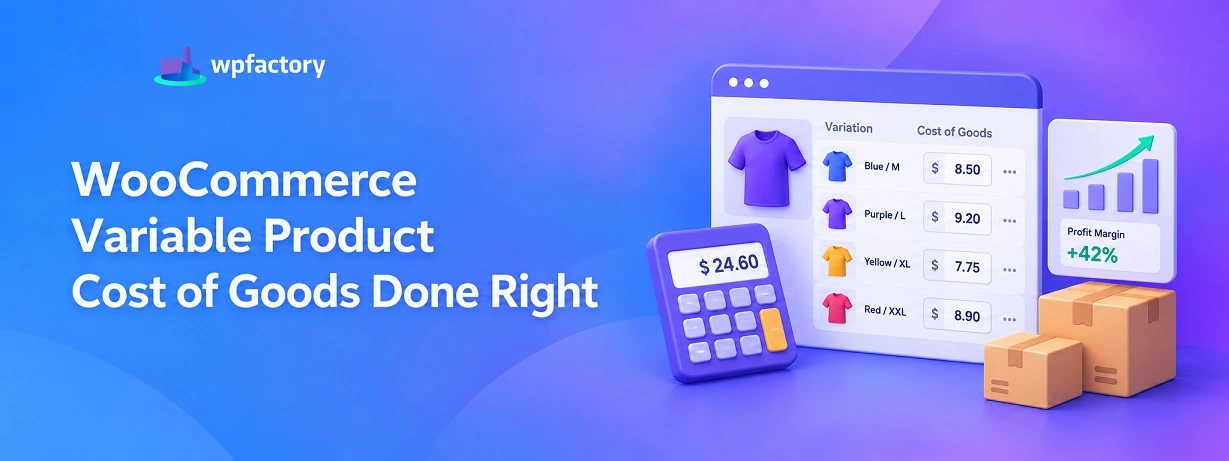
Getting WooCommerce variable product cost of goods right means giving each variation its own cost, not one shared number for the parent product. A small and an extra-large rarely cost the same to buy or make, so a single blended cost overstates the margin on the cheap sizes and hides a loss on the expensive ones. The fix is a cost field on every variation, which lets the store report real profit size by size.
- One cost per parent is the trap: It averages away the truth, and the biggest variation pays the price.
- Each variation needs its own cost: Sizes, colors, and bundles carry different real costs.
- Per-variation cost reveals the loser: The size that looked fine on a blended number often sits in the red.
Enter a few of your own variations in the checker below to see the gap between a blended cost and the real one. The expensive size is usually where the surprise lives.
A tumbler comes in three sizes. The 12oz sells for 20 dollars, the 24oz for 28, the 32oz for 34. Prices rise with size, so at a glance every size looks like it earns more than the last.
That glance is wrong, and the reason is hiding in the cost.
WooCommerce lets you set one cost on the parent product. Enter 9 dollars, and the store treats all three sizes as if each one cost 9 dollars to make.
The 12oz shows a healthy margin. So does the 32oz. The numbers look clean.
The problem is that the 32oz does not cost 9 dollars. More material, heavier shipping weight, a bigger box, call it 15.
On a blended 9-dollar cost it looks like your best earner. On its real cost it is the only size in the catalog losing money.
This is the quiet math of variable products. A single cost flatters the cheap sizes and conceals the expensive ones, and the bigger the variation, the bigger the lie.
Fixing it takes one thing.. a real cost on every variation.
Where the Blended Cost Goes Wrong
Set one cost on a variable product and WooCommerce applies it to every variation underneath. That is fine when all variations truly cost the same, which is almost never true.
Sizes scale in material. A large uses more fabric, more liquid, more metal than a small.
Bundles multiply the cost of their contents. Even color can change the cost when one dye or finish is pricier than another.
So the blended cost sits somewhere in the middle. It is too high for the cheapest variation, which then looks less profitable than it is, and too low for the priciest, which looks more profitable than it is.
The averaging does not cancel out. It moves profit on paper from the small sizes to the large ones, exactly backward from reality.
The store owner sees a tidy margin on every size and never suspects that one of them is sold at a loss on every order.
The Same Three Sizes, Two Ways
Numbers make it concrete. Here are the three tumbler sizes, first on a blended 9-dollar cost, then on each one’s real cost.
| Size | Price | Blended Cost | Margin (Blended) | Real Cost | Margin (Real) |
|---|---|---|---|---|---|
| 12oz | $20 | $9 | 55% | $6 | 70% |
| 24oz | $28 | $9 | 68% | $11 | 61% |
| 32oz | $34 | $9 | 74% | $36 | −6% |
On the blended cost, the 32oz looks like the star at 74 percent. On its real 36-dollar cost, it loses money on every single sale. Same product, same store, opposite conclusion.
Notice the reversal in the small size too. The 12oz looked like the weakest at 55 percent, but on its real 6-dollar cost it is the strongest at 70.
The blended number did not just hide a loss, it ranked the whole product upside down.
The Fix Is a Cost on Every Variation
There is only one way out of the blended trap, and it is simple to state. Every variation gets its own cost, entered on the variation itself rather than on the parent.
WooCommerce does not do this on its own. The parent carries a single cost field and the variations inherit it.
To break that, you need a cost field that lives on each variation, and that is what a cost of goods plugin adds.
With the Cost of Goods for WooCommerce plugin, the same cost field appears on every variation, so the 12oz, 24oz, and 32oz each carry their own real number.
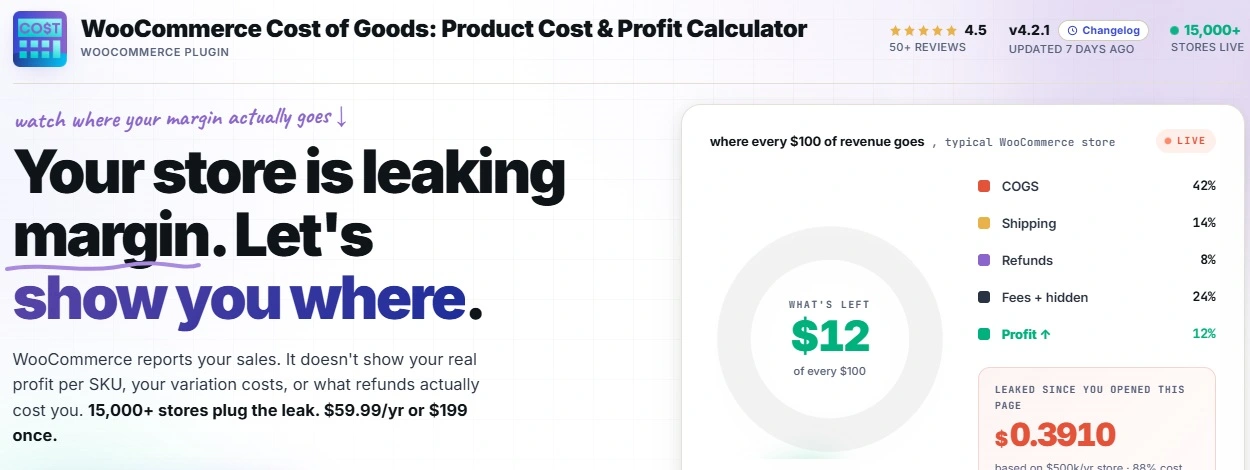
Profit is then calculated at the variation level, which means the store finally reports per SKU, per variation, instead of averaging the truth away.
When a catalog has many variations, the plugin can bulk-set them in seconds rather than one at a time.
See Real Profit on Every Size and Color
The Cost of Goods for WooCommerce plugin puts a cost field on every variation and reports profit per SKU, per variation, so a loss-making size can no longer hide behind a healthy average. Join 15,000+ stores using it, rated 4.5 stars, with a 14-day money-back guarantee.
Setting Per-Variation Costs Step by Step
The setup is short, and most of it is work you do once. Here is the path from a blended guess to real per-variation numbers.
Step 1: Install and Activate
Upload the plugin then Add New, and activate it. A cost field becomes available on your products, including on each variation of a variable product.
Step 2: Open a Variable Product
Edit the variable product whose costs you want to fix. The same cost field that sits on a simple product now appears on every variation of this one, ready for a real number.
Step 3: Enter Each Variation’s Real Cost
Give each variation the cost it truly carries. The small size gets its lower number, the large size gets its higher one. This is the step that ends the blended lie, because now no two variations have to share a cost they never shared in reality.
Step 4: Bulk-Set When the List Is Long
A product with many variations does not need a number typed twenty times. Costs can be bulk-set across the variations in seconds, which keeps a wide size run from becoming a long chore.
Step 5: Read Profit Per Variation
With real costs in, the store reports profit at the variation level. You can finally see which size earns, which size coasts, and which size you have been selling at a loss without knowing.
Check Your Own Variations
Theory is one thing. Your own numbers are more convincing.
Enter a few variations below with their price and real cost, and the checker shows the margin on each one, then compares it against the blended cost that WooCommerce would have applied.
Watch the two margin columns diverge. The size where they disagree most is the one the blended number was lying about.
Per-Variation Margin Checker
If one of your variations swung from green to red between the two columns, you have found a size that has been draining profit in silence. That single discovery usually pays for the fix many times over.
Which Stores Get Caught Most
Any store with variable products can fall into the blended trap, but a few types live right in its path.
Apparel and Size Runs
Clothing scales in fabric from extra-small to plus sizes, and the largest sizes often cost noticeably more to make. A single cost across the run makes the big sizes look like earners while they thin the margin.
Food, Drink, and Volume Sizes
Anything sold by volume, from coffee bags to tumblers to bottles, pays more in material and shipping weight as the size climbs. The largest option is the classic hidden loser.
Bundles and Multipacks
A three-pack costs three times the contents of a single, yet a blended parent cost treats them as one. Bundles are where the gap between blended and real can be widest of all.
Mistakes That Keep Variation Costs Wrong
Even stores that mean well slip on a few recurring errors. Each one keeps the blended distortion alive.
- Leaving the parent cost in place
Entering a cost on the variable product and stopping there is the whole problem. The number has to live on each variation, not the parent.
- Copying one cost to every variation
Setting the same cost on all variations is just the blended trap wearing a disguise. The point is a different, real cost per variation.
- Costing only the sizes you think about
It is tempting to cost the popular sizes and leave the rest. The uncosted ones quietly fall back to a guess, and a guess is where losses hide.
- Setting costs once and forgetting them
When a supplier raises the price of materials, the larger variations feel it first and hardest. Stale costs put the big sizes back underwater.
What Per-Variation Costs Change in Your Decisions
Accurate variation costs are not just tidier bookkeeping. They change what you do next, and that is where the value shows up.
Pricing is the first thing to shift. Once you see the 32oz losing money, you have a clear choice.. raise its price, trim its cost, or retire the size.
The blended number never let you make that call, because it never showed the loss.
Promotions change too. A discount on a healthy variation is a nudge to buyers.
The same discount on a variation already near break-even can push it into the red, and only a per-variation view tells you which is which before you run the sale.
Even your product range gets clearer. When each size reports its own margin, you can see whether a wide size run earns its complexity or whether a couple of sizes are quietly carried by the rest.
That is a stocking decision you can only make with honest numbers underneath it.
Related Resources
- the complete cost of goods and profit tracking guide frames where per-variation cost fits in the bigger picture
- how to set costs across a whole catalog at once is the fastest way to cost many variations
- how to rank every product in a profit report shows per-variation profit rolled up across the store
- how to read the profit on a single order explains the order-level view those variation costs feed
- the way margin is calculated for an online store covers the percentages behind each variation
Give Every Variation Its Own Honest Cost
The Cost of Goods for WooCommerce plugin adds a cost field to every variation and reports profit per SKU, per variation, so the size that was quietly losing money finally shows its true colors. Join 15,000+ stores using it, rated 4.5 stars, backed by a 14-day money-back guarantee.
FAQs About WooCommerce variable product cost of goods
What is cost of goods for a WooCommerce variable product?
It is the real cost of each variation of a variable product, not one shared cost on the parent.
A small and a large usually cost different amounts, so each variation needs its own number to report accurate profit.
WooCommerce applies a single parent cost to every variation on its own, which is why a plugin is needed to set a cost per variation.
Can I set a different cost for each variation in WooCommerce?
Yes, with the Cost of Goods for WooCommerce plugin. The same cost field appears on every variation, so the 12oz and the 32oz each carry their own real cost.
Profit is then calculated at the variation level, which means each size reports its true margin instead of a blended average.
Why does one cost for all variations cause a problem?
Because variations rarely cost the same. A single blended cost is too high for the cheap sizes, making them look weak, and too low for the expensive ones, making them look strong.
The result is that the largest variation can appear profitable while it loses money on every order, and nothing on the dashboard warns you.
How do I bulk-set costs across many variations?
A product with a long list of variations does not need each cost typed by hand. The plugin lets you bulk-set variation costs in seconds, which keeps a wide size run from turning into a tedious job.
You still give each variation its own real number, just without entering them one at a time.
Does WooCommerce show profit per variation on its own?
No. WooCommerce can hold a price per variation, but it has no cost field per variation and no profit calculation. Without a cost on each variation, there is no per-variation margin to read.
Adding a cost of goods plugin fills that gap and reports profit for each variation separately.
Is there a plugin for per-variation cost of goods in WooCommerce?
Yes. Cost of Goods for WooCommerce is available on WordPress.org and adds a cost field to each variation, along with profit reporting per SKU and per variation. You record each variation’s real cost, and the store handles the margin math.