This WooCommerce checkout field types reference lists every field type in Custom Checkout Fields for WooCommerce, the internal type key each one stores, and how it behaves. You choose the type with the Type option (alg_wc_ccf_type_1, default Text) at the top of a field tab.
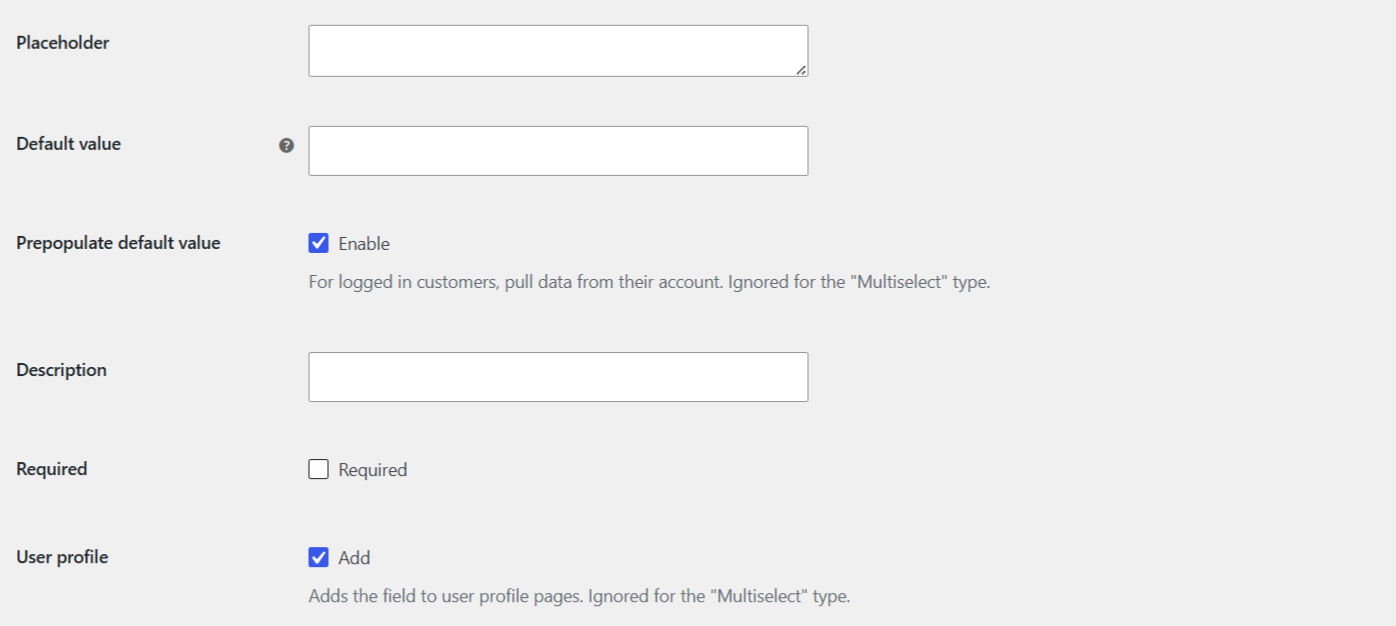
All field types #
| Type (label) | Internal key | Notes |
|---|---|---|
| Text | text |
Single-line text input. The default type. |
| Textarea | textarea |
Multi-line text box. |
| Number | number |
Numeric input. Honors Min value, Max value, and Step from Input Options. |
| Checkbox | checkbox |
Single checkbox. Stores the Value for ON or Value for OFF text you set in Checkbox Type Options. |
| Datepicker | datepicker |
jQuery UI date picker. Configured under Datepicker/Weekpicker Type Options. |
| Weekpicker | weekpicker |
Week selector. Shares the Datepicker/Weekpicker Type Options. |
| Timepicker | timepicker |
Time selector. Configured under Timepicker Type Options. |
| Select | select |
Single-choice dropdown. Options are set one per line, with an optional Select2 enhancement. |
| Multiselect | multiselect |
Multiple-choice list. The value is saved as an array. Prepopulate and User profile do not apply. |
| Radio | radio |
Radio buttons. Shares the Select/Multiselect/Radio options list. |
| Password | password |
Masked text input. |
| Country | country |
WooCommerce country selector. |
| State | state |
WooCommerce state or county field. |
email |
Email input with browser email validation. | |
| Phone | tel |
Telephone input. The internal key is tel, not phone. |
| Color | color |
Native color picker, rendered by swapping the input type. |
| Search | search |
Search-styled text input, rendered by swapping the input type. |
| URL | url |
URL input with browser URL validation, rendered by swapping the input type. |
| Range | range |
Slider input. Honors Min value, Max value, and Step from Input Options. |
How values are stored #
- Most types save a single string value.
- Multiselect saves an array of the selected values.
- Checkbox saves the exact Value for ON or Value for OFF text, not a raw 1 or 0.
For where each value lands on the order, see the order meta reference for Custom Checkout Fields.
Type-specific option groups #
Some types unlock their own settings sections on the field tab: Select, Multiselect, and Radio share one group; Checkbox has its own; Datepicker and Weekpicker share one; Timepicker has its own. Enabling Hide unrelated type options in the plugin’s Advanced Options hides the groups that do not match the type you picked, which keeps the field tab shorter.
Get more fields #
You can add one field of any type in the free version. Custom Checkout Fields for WooCommerce Pro lets you add up to 100 fields. See what Pro unlocks.