Best WooCommerce Advanced Reporting Plugins in 2026


Quick answer: WooCommerce Analytics covers the basics, but not forecasts or combined sales and stock views. WooCommerce Advanced Reporting and Statistics adds sales, product, revenue and stock reports with filters and charts, and you can download any report in a few clicks.
See Your Store Clearly, Download the Plugin
Running a WooCommerce store without clear reports is like driving with your eyes closed!
You might guess where you’re going, but you’ll miss what matters.
That’s where the WooCommerce Advanced Reporting plugin comes in, it gives you real numbers, real charts, and real insights, no guesswork.
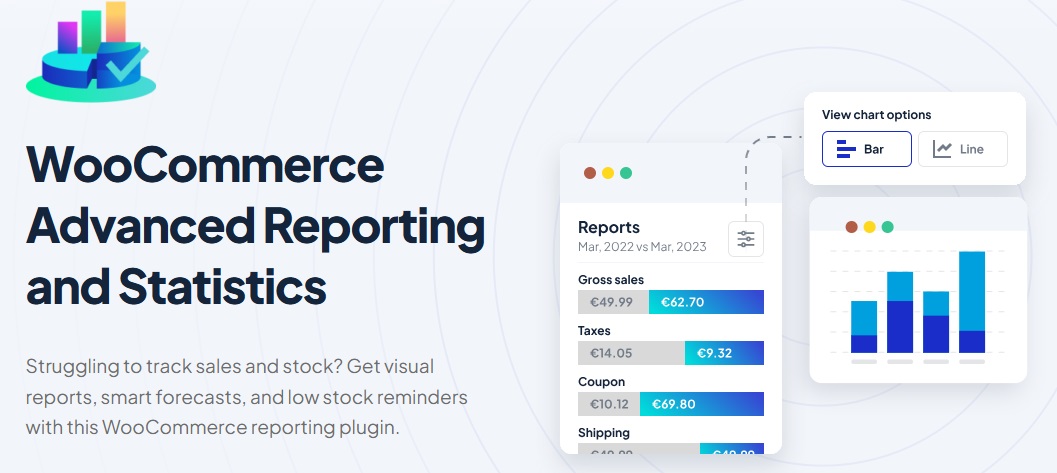
You’ll know what’s selling, which products are dragging, and how your revenue moves over time.
Whether you’re selling ten items or a thousand, this tool helps you see everything clearly, all in one place.
👉 Download WooCommerce Advanced Reporting Plugin, start tracking smarter today.
What It Tracks? Sales, Products, Revenue & More
This plugin gives you all the numbers you need to understand how your store is doing, clearly and without the noise.
Here’s what you can track:
-
Total Sales
See how much money your store made over time. -
Product Performance
Check which products are doing great, and which ones aren’t. -
Revenue by Date Range
Pick a day, week, or month and see exactly what came in. -
Order Statuses
Monitor how many orders are completed, pending, or refunded. -
Customer Data
Find out who’s buying and how often. -
Category Reports
Understand which product categories bring in the most sales. -
Coupon Usage
Track how many times coupons are used and their effect on sales. -
Payment Methods
See which payment options your customers prefer.
It’s like having a report card for your WooCommerce store, but without the confusing charts or extra fluff.
Smart Filters & Easy-to-Read Charts
You don’t need to be a data expert to use this plugin, seriously!
It gives you clean, clear charts and smart filters so you can quickly find what matters. No clutter, no mess.
Here’s how it makes your life easier:
-
Choose What You Want to See
Filter by product, date, category, or customer, just a few clicks and you’re there. -
Visual Reports
Instead of digging through rows of numbers, see your data in neat bar charts, line graphs, and pie charts. -
Compare Periods
Want to know if this month did better than last? Just pick the dates and compare side by side. -
Quick Sorting
Sort top-selling products, top categories, or payment methods without extra setup. -
No Overwhelm
Everything is laid out in a simple dashboard, no complicated menus or confusing settings.
This plugin helps you make sense of your store’s numbers fast, whether for checking in weekly or trying to spot trends over the year.
Use It Like a Pro, Simple Setup, Real Insights
No need to worry about complicated settings or tech headaches, setting up the WooCommerce Advanced Reporting plugin is quick and straightforward.
You install it, activate it, and your store’s data starts showing up right away.
The dashboard is clean and intuitive, you’ll know exactly where to click to see your reports, apply filters, or export the data you want.
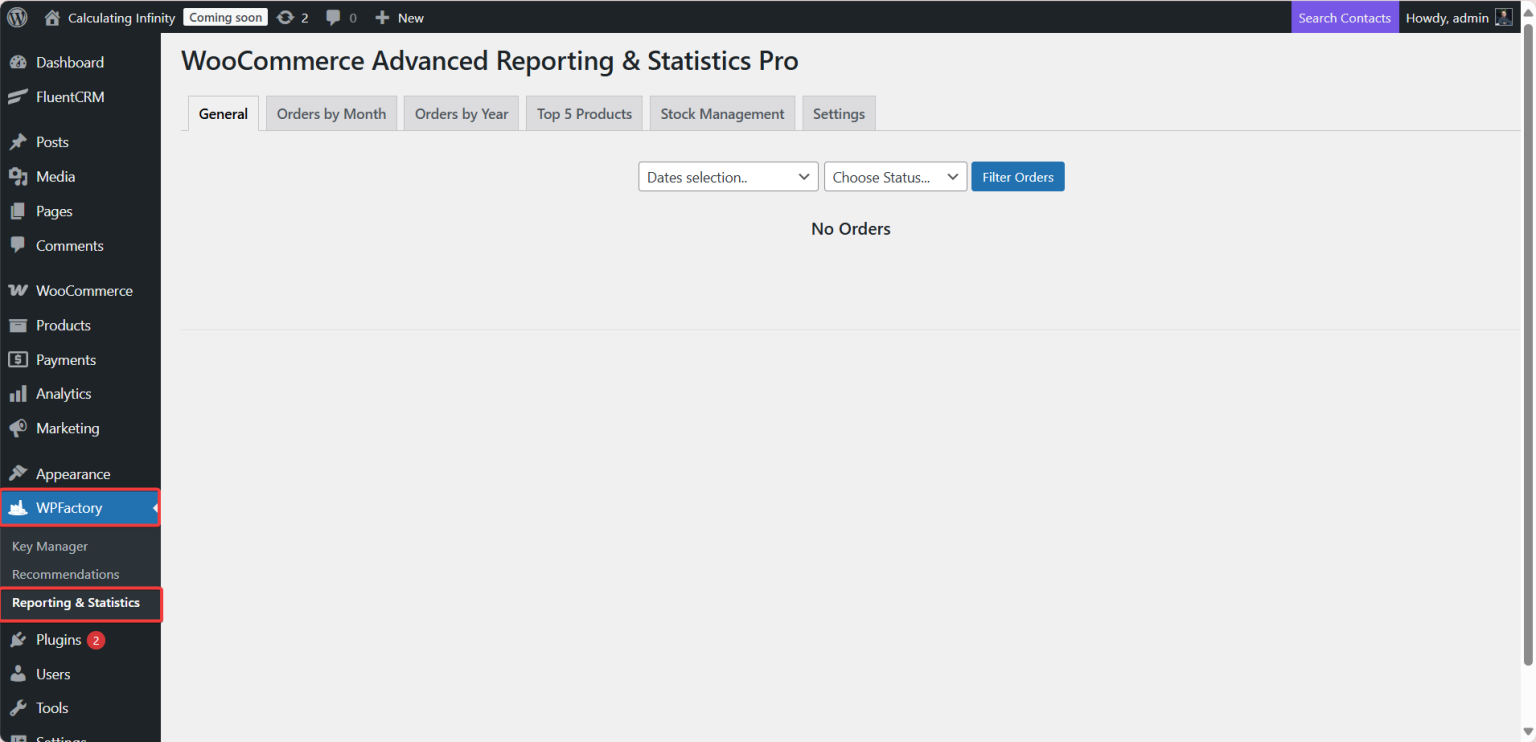
Want step-by-step help?
We covered the setup and install process in detail in the following article:
How to Get Advanced Reports in WooCommerce
Start Tracking Smarter Today
If you’re running a WooCommerce store, you deserve to know exactly what’s going on, what’s selling, what’s not, and where your revenue is really coming from.
This plugin keeps it simple, clean reports, clear numbers, and no messy setup.
Track your sales without the guesswork.
Download the WooCommerce Advanced Reporting Plugin and start seeing the full picture today.