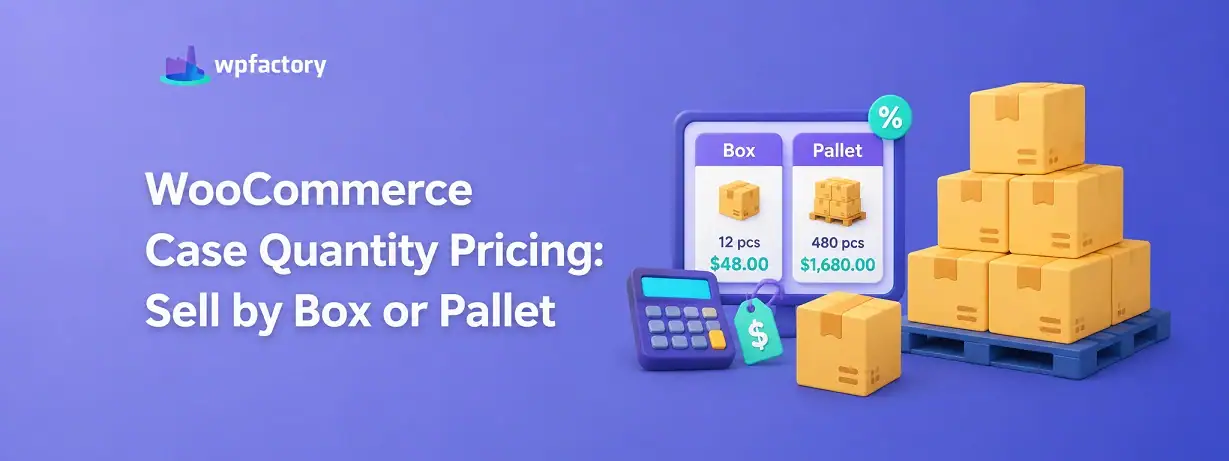
WooCommerce Case Quantity Pricing: Sell by Box or Pallet

Quick Answer: What Is WooCommerce Case Quantity Pricing?
WooCommerce case quantity pricing means selling a product in fixed pack sizes, a box or a pallet, and dropping the per-unit price as the pack gets bigger. It takes two rules working together, and the calculator further down shows the savings on any pack size you enter. The part that trips stores up is that pricing alone does not force whole cases, and forcing whole cases alone does not reward buying more.
- Sell by the case: a quantity step locks orders to whole boxes or pallets (24, 48, 96).
- Price by the case: a tiered discount lowers the unit price as the case count climbs.
Get both in place and a customer buying a pallet pays less per unit than one buying a single box, while nobody can order a broken case at all. Here is how the two pieces fit.
A pallet is not just a big pile of boxes. It is a different commercial unit, with its own price, its own logistics, and its own reason to exist.
Yet most WooCommerce stores treat it like a pile. They list the single unit, let customers type any number they like, and charge the same per-unit price whether someone buys one or one thousand.
That leaves two things on the table, you lose the tidiness of shipping only whole cases, and you lose the lever that actually drives bulk buying, which is a visibly better price for taking more.
Case quantity pricing closes both gaps at once. It sells the product in the units you actually ship, and it prices those units to make the bigger pack the obvious choice.
The Two Halves of Case Quantity Pricing
This is where stores get tangled, so it is worth being precise. Case quantity pricing is not one setting. It is two, and each does a job the other cannot.
The first half is the case unit. This forces orders into whole boxes or pallets, so a customer buys 24, 48, or 96, never 25 or 40. It is a quantity rule, handled by a step, and on its own it says nothing about price.
The second half is the case price. This lowers the per-unit cost as the quantity rises, so a pallet works out cheaper per item than a single box. It is a pricing rule, handled by tiered discounts, and on its own it does nothing to stop a broken case.
Run only the first and you ship neat cases at a flat price, with no incentive to size up. Run only the second and you reward bulk buying but still field awkward orders of 37 units. Run both and the two reinforce each other.
Setting the Case Unit: Selling by the Box or Pallet
The case unit comes from a quantity step. A step locks the quantity field to multiples of your case size, so the only valid amounts are whole cases.
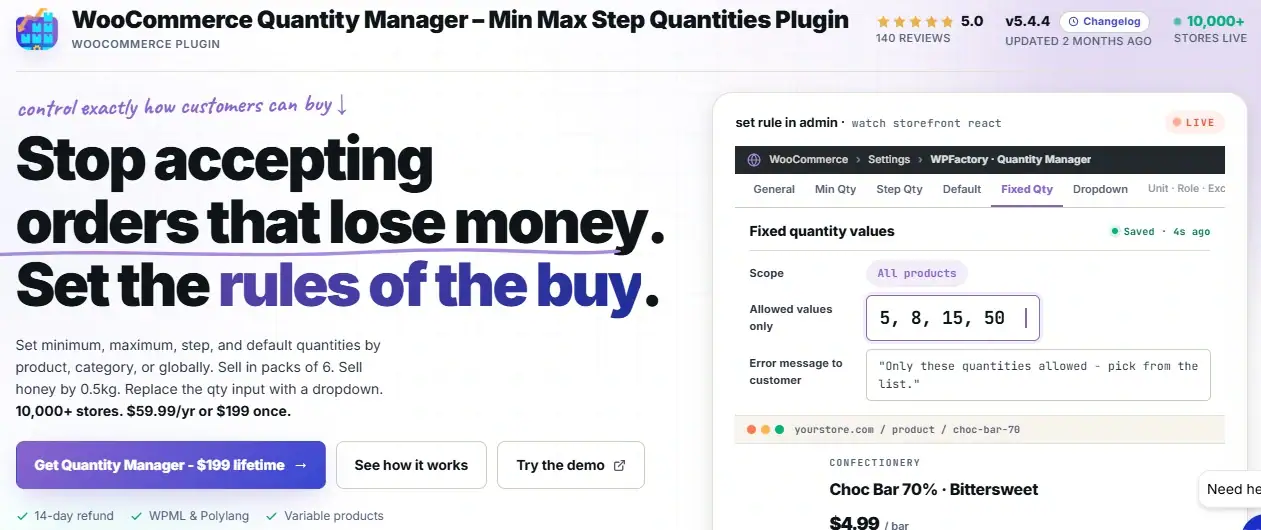
You set this with WooCommerce Quantity Manager. Open the WPFactory → Quantity menu, switch on the Step tab, and set the step to your case size. For a box of 24, the step is 24.
Set the minimum to the same number, and the smallest possible order becomes one full box. From there the quantity climbs in whole cases: 24, 48, 72, 96.
If you want to offer both a box and a pallet, the pallet is simply a larger multiple of the same base unit. A step of 24 already lets a customer reach 96, which is your pallet, so a single step can cover both tiers.
This is the same mechanism covered in depth in our guide to the WooCommerce quantity step. The difference here is that we are about to attach a price to each case tier, which is what turns a plain step into case quantity pricing.
Setting the Case Price: Tiered Bulk Discounts
The price half comes from tiered pricing, where each quantity level unlocks a lower per-unit cost.
This is the job of Price by Quantity and Bulk Quantity Discounts. On the product edit screen you build a small table of levels, each one a minimum quantity paired with a discount.
A typical setup for a product cased in 24s might read: 24 units at 10 percent off, 48 units at 15 percent off, 96 units, the pallet, at 20 percent off. The discount can be a percentage, a fixed amount, or a specific per-unit price, whichever suits your margins.
The plugin can show this table right on the product page, so shoppers see the saving before they commit. Prices update live as the quantity changes, which makes the reward for sizing up immediate and visible.
Because the tiers line up with your case sizes from the step rule, every price break lands exactly on a whole case. The customer never sees a discount they cannot actually reach.
Build case quantity pricing from two proven plugins.
Lock orders to whole boxes and pallets with Quantity Manager (10,000+ stores, 5.0 stars), then reward bigger cases with tiered discounts from Price by Quantity and Bulk Quantity Discounts (600+ stores, 5.0 stars). Together they turn a flat product into a proper case-priced one.
A Worked Example: Box and Pallet
Let us price a real product. Say a unit sells at $5, cased in boxes of 24, with a pallet of 96.
Apply a step of 24 so only whole cases sell, then add tiers: 10 percent off at one box, 15 percent at two, 20 percent at a full pallet. Here is how the numbers land.
| Pack | Units | Discount | Unit price | Pack total |
|---|---|---|---|---|
| 1 box | 24 | 10% | $4.50 | $108.00 |
| 2 boxes | 48 | 15% | $4.25 | $204.00 |
| 1 pallet | 96 | 20% | $4.00 | $384.00 |
Read down the unit-price column and the strategy shows itself. The pallet buyer pays $4.00 a unit against the box buyer’s $4.50, a full dollar below the $5 list price.
The step rule guarantees every one of these orders is a clean case, and the pricing rule makes the pallet the smart buy. That is case quantity pricing doing both of its jobs.
Try It: Case Price Calculator
Enter your case size, unit price, number of cases, and the bulk discount for that tier. The calculator returns the unit price after discount, the total, and what the customer saves against the plain list price.
How Case Quantity Pricing Differs From a Plain Step
If you have already read about quantity steps, you might wonder what this adds. The honest answer is one word.. price.
A plain step is mechanical. It controls how the product can be bought, forcing whole cases, and stops there. Every case costs the same per unit whether the customer takes one or ten.
Case quantity pricing keeps that mechanism but layers economics on top. Now the size of the case changes the price of the case, so buying more is not just tidier for you, it is cheaper for them.
Put simply, the step is the packaging rule and the tiered discount is the incentive. Case quantity pricing is what you call the two of them working as one.
Keeping the Two Rules in Sync
Because case quantity pricing rests on two plugins, the one thing to watch is that their numbers agree.
The trap is setting a pricing tier at a quantity the step rule can never produce.
If your step forces multiples of 24 but you place a discount tier at 30 units, no customer will ever land exactly on 30, so that tier quietly does nothing.
The fix is simple, set every pricing tier on a whole-case boundary that the step actually reaches: 24, 48, 96, and so on. When the tiers sit on real case counts, each discount triggers precisely when a customer completes another box or pallet.
It is worth doing a quick test order after setup. Add one case, check the price, add another, and confirm the discount steps down where you expect. Two minutes of checking saves a lot of confused customer emails later.
Common Scenarios by Store Type
Case-based selling and pricing suit any product that naturally ships in fixed units.
- Beverages and canned goods: sold by the tray or case, priced down by the pallet.
- Wholesale and B2B: box and pallet tiers that mirror how the warehouse actually picks stock.
- Building materials: tiles, bricks, and flooring sold by the box with pallet discounts.
- Print and packaging: cartons of stock priced in steps that reward larger runs.
- Distributors: resellers who expect a clear per-unit drop as they move up case tiers.
Related Resources
Keep refining how your store sells and prices in bulk with these guides:
- WooCommerce Quantity Rules: The Complete Guide
- How to Set Quantity Step Increments in WooCommerce (Sell in Multiples)
- Minimum Order Quantity vs Minimum Order Amount: Which to Use When
- WooCommerce Quantity Based Pricing: A Retailer’s Secret Weapon
- Retail vs Bulk Purchasing: Key Differences for Store Owners
Set up WooCommerce case quantity pricing today
Pair Quantity Manager for whole-case ordering with Price by Quantity and Bulk Quantity Discounts for tiered case pricing. Boxes and pallets sell as clean units, and every step up rewards the customer with a better price.
Both plugins come with a 14-day money-back guarantee, so you can build your case pricing, watch average order size grow, and decide with nothing at risk.
FAQs About WooCommerce Case Quantity Pricing
What is case quantity pricing in WooCommerce?
Case quantity pricing is selling a product in fixed pack sizes like boxes or pallets while lowering the per-unit price as the pack grows. It combines a quantity step, which forces whole cases, with tiered discounts, which reward buying more.
Can I sell products by the box or pallet in WooCommerce?
Yes. Set a quantity step equal to your case size with Quantity Manager, so customers can only order whole boxes or pallets. A step of 24 allows 24, 48, 72, and 96, but never an in-between number.
How do I give a discount for buying a full pallet?
Use Price by Quantity and Bulk Quantity Discounts to add a pricing tier at the pallet quantity. For a pallet of 96, set a level at 96 units with your chosen discount, and the lower price applies automatically once the cart reaches it.
Do I need two plugins for case quantity pricing?
Yes, because the two halves are separate jobs. Quantity Manager handles whole-case ordering, and Price by Quantity handles the tiered discounts. Running both gives you full case quantity pricing, since neither does the other’s part.
Can the discount show on the product page?
Yes. Price by Quantity can display a pricing table on the product page and update the price live as the quantity changes, so shoppers see the case saving before they add to cart.
Can I set different case prices for wholesale customers?
Yes. The pricing plugin lets you attach tiers to specific user roles, so a wholesale role can see deeper case discounts than a retail customer on the same product.