Create shipping rules by user ID to show or hide a shipping method for named individual customers, using Conditional Shipping for WooCommerce: Restrict Shipping Options by Anything. The Users conditions let you require or exclude specific accounts, so you can grant a hand-picked group exclusive shipping or keep certain customers off a given method.
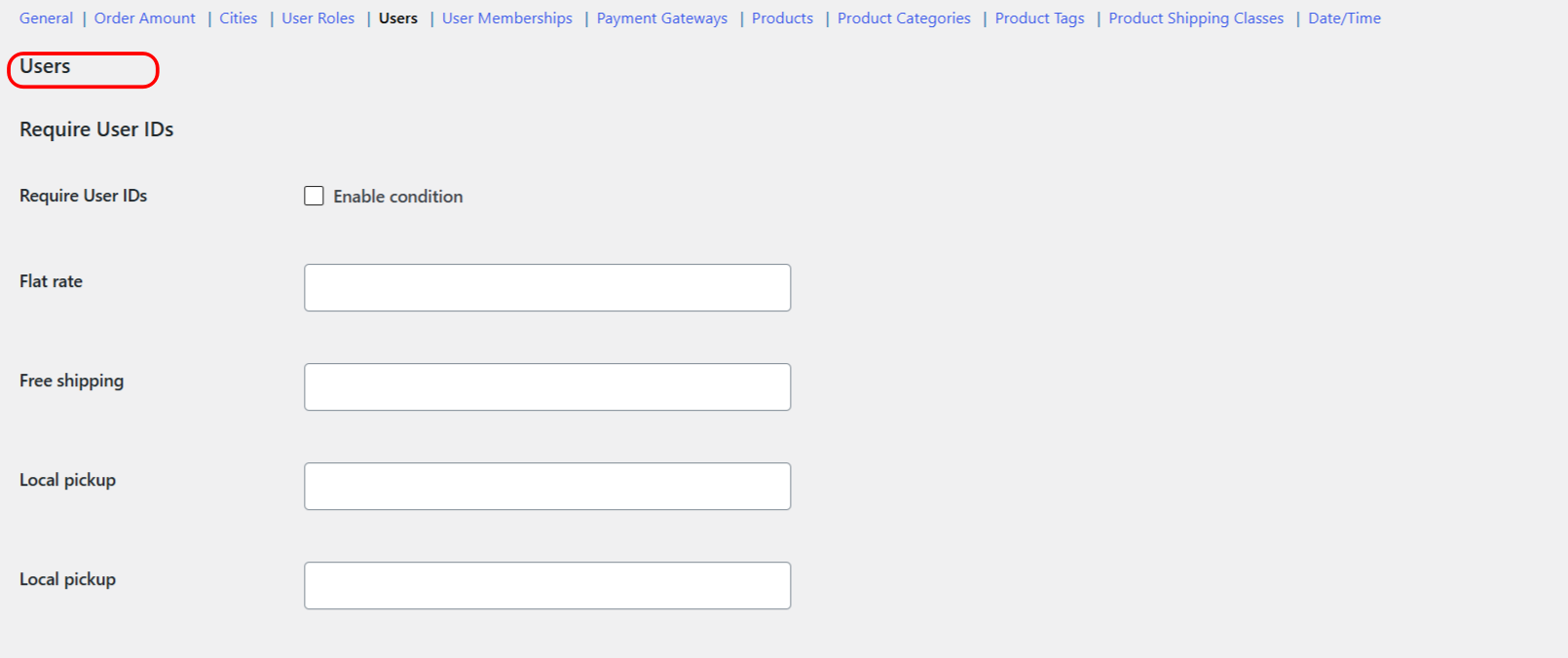
How the Users conditions work #
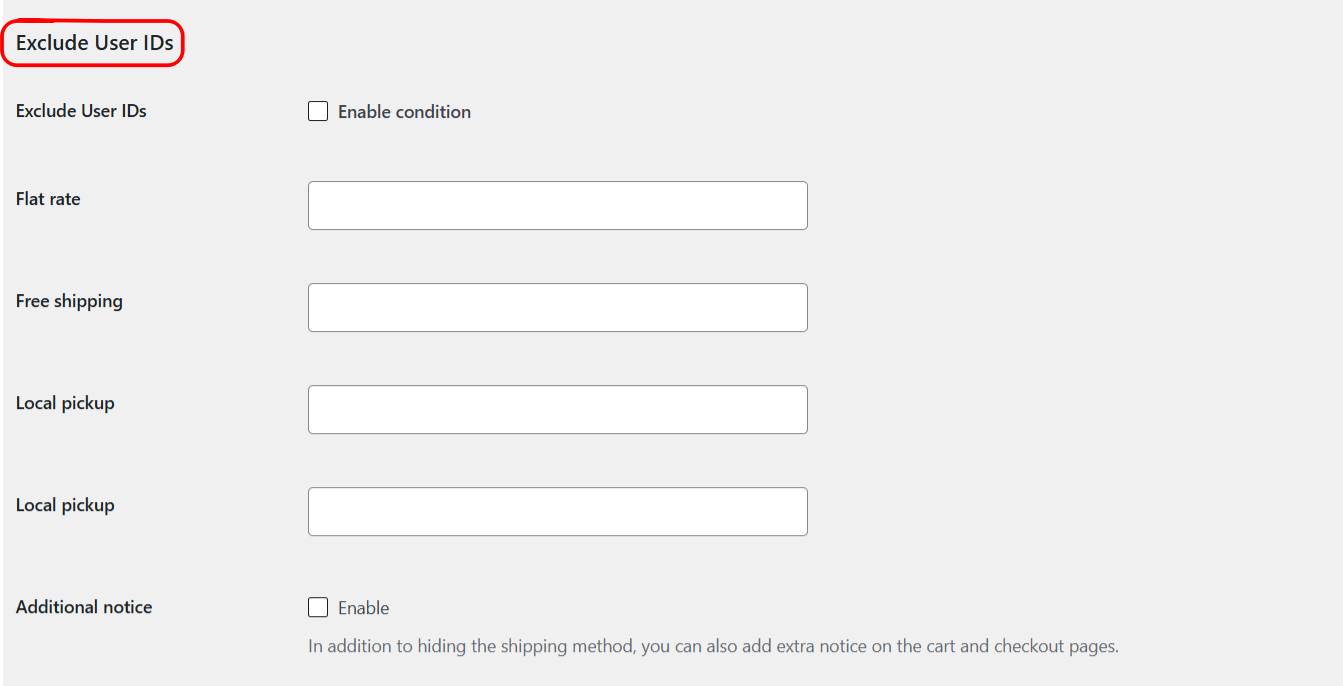
There are two conditions, each a multiselect of users (shown by display name plus ID) set per shipping method:
- Require User IDs (
user_id_incl): the method shows only for the selected users. Everyone else does not see it. - Exclude User IDs (
user_id_excl): the method is hidden for the selected users, and everyone else keeps it.
You pick users from a searchable list, so there is no need to look up numeric IDs by hand. The ID shown next to each name helps you tell apart customers with similar display names.
Step-by-step setup #
- Go to WPFactory > Conditional Shipping (also reachable at WooCommerce > Settings > Conditional Shipping).
- Open the Users section.
- Tick Enable condition for Require User IDs or Exclude User IDs.
- For the shipping method you want to control, select the users to include or exclude.
- Save changes and test by signing in as one of the selected users and as another account.
Options reference #
| Label | Option ID | Type | Default | Free/Pro |
|---|---|---|---|---|
| Require User IDs (per method) | user_id_incl |
Multiselect of users | Empty | Free |
| Exclude User IDs (per method) | user_id_excl |
Multiselect of users | Empty | Free |
Use cases #
- Reward loyal customers: require a short list of users for an exclusive shipping benefit.
- Run a targeted promotion: offer free shipping to a specific set of customers for a limited time.
- Limit an option: exclude specific users from a method such as local pickup when it is not practical for them.
Choosing require or exclude #
- Use Require User IDs to grant only the selected users access to a method.
- Use Exclude User IDs to remove a method for the selected users while everyone else keeps it.
Troubleshooting #
- Rule not applying: confirm Enable condition is ticked and that you selected users on the correct shipping method.
- Wrong customer affected: two accounts can share a display name, so check the ID shown beside each name before selecting.
- Guests unaffected: these conditions match registered accounts. To target logged-out visitors, use the User Roles condition and the Guest role.
Get more control #
This feature is free. Conditional Shipping for WooCommerce: Restrict Shipping Options by Anything Pro adds the Use shipping instances option, so you can apply user rules to a specific shipping method instance inside a specific zone rather than to the method type globally. See what Pro unlocks.