Export Products, Orders & Customers for WooCommerce has two customer tools, and both are free: Export Customers (from the WordPress users table) and Export Customers from Orders (buyers identified by billing email). This article covers their fields and marks the parts that need Pro.
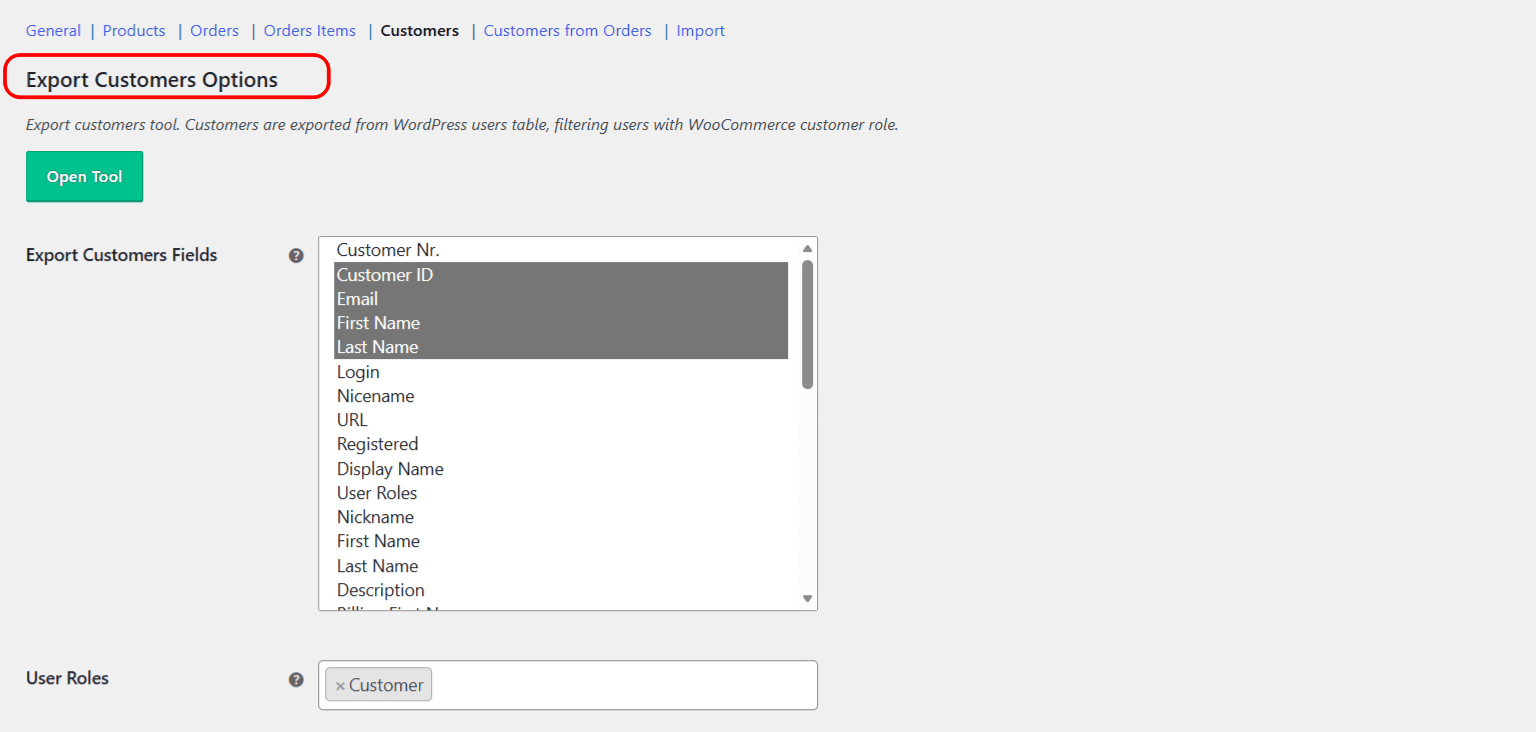
Export Customers #
Reads registered users. Free fields include Customer Nr., Customer ID, email, first and last name, login, nicename, URL, registered date, display name, user roles, nickname, description, the full billing and shipping address set, and Last Update.
- Filtering by role: the User Roles option is disabled in free (it always exports the WooCommerce customer role). Choosing other roles is a Pro feature.
- Pro fields: Total Spent (Lifetime), Order Count (Lifetime), and Last Order Date.
Export Customers from Orders #
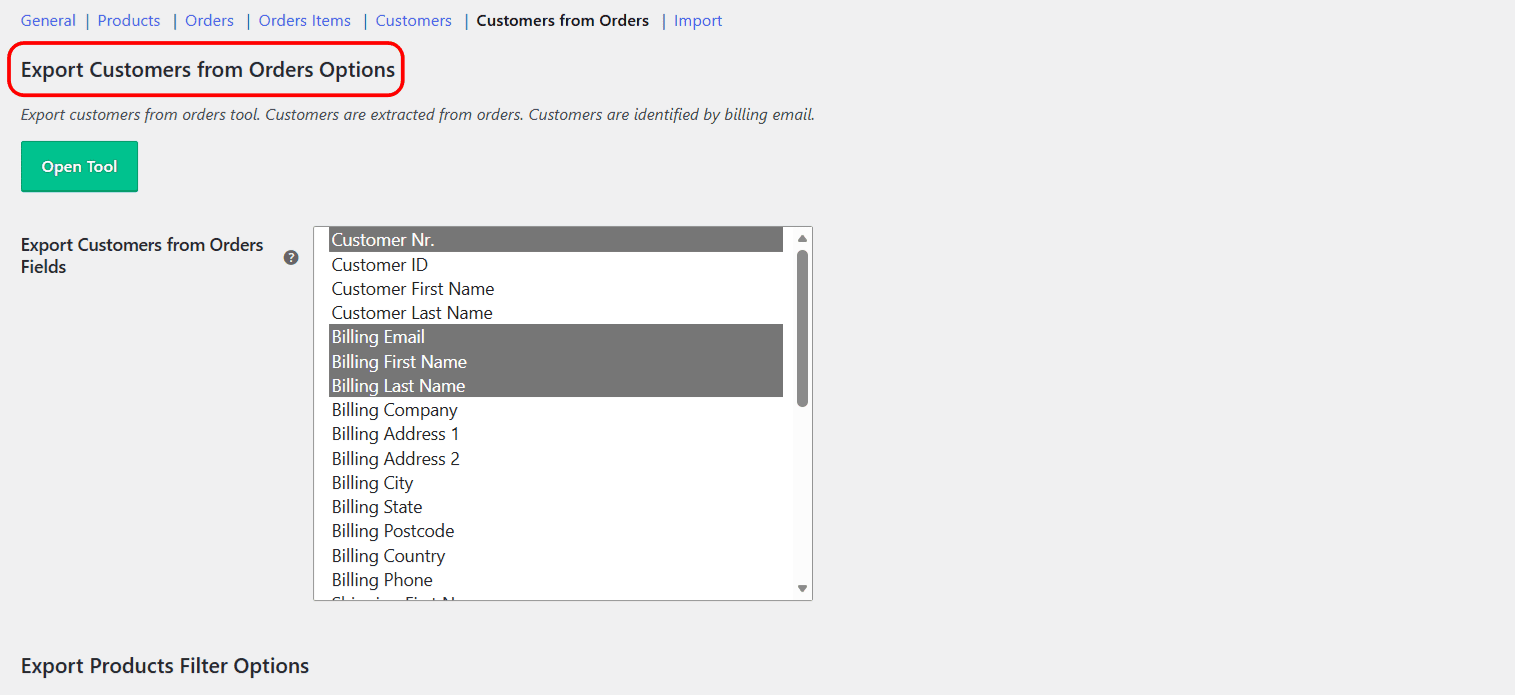
Extracts customers from your orders, so guest checkouts are included. Free fields include Customer Nr., Customer ID, first and last name, User Roles, the full billing and shipping address set, and Last Order Date. This tool has its own date filter and its own Preview and Export buttons.
Pro fields: First Order Date, Total Spent (Lifetime), Order Count (Lifetime), Total Spent (Period), Order Count (Period), and Item Count (Period). The “(Period)” fields are measured over the date range you set.
Which tool to use #
| If you want… | Use |
|---|---|
| Registered accounts by role | Export Customers |
| Everyone who bought, including guests, filtered by date | Export Customers from Orders |
Ready to set this up? #
Both customer tools are free. Export WooCommerce Pro adds lifetime and period spend and counts, and lets you export any user role. Get Export WooCommerce Pro.