Best 5 Checkout Field Editor for WooCommerce Plugins in 2026


Quick answer: WooCommerce doesn’t let you edit checkout fields from its settings, so you need a checkout field editor plugin. These let you add custom fields, remove or rename default ones, change their order and make fields required or optional. The plugins below include WPFactory’s Additional Checkout Fields Customizer, FunnelKit, Acowebs, QuadLayers and ShopLentor.
Transform the shopping experience on your WooCommerce store with the Best Checkout Field Editor and Customizer for WooCommerce. These powerful plugins are game-changers, allowing you to modify and refine the checkout process, ensuring a personalized and seamless checkout process.
With these plugins, you can easily add, remove, and rearrange checkout fields, as well as customize their appearance. This gives you complete control over the checkout process and allows you to collect the data you need from your customers in the most efficient and user-friendly way possible.
In a world where lots of stores are trying to get attention, having a super smooth and easy checkout is a big deal. These plugins help you to make your store stand out. Your customers will find it easier to shop, and they will most likely come back to shop with you again!
No matter which checkout field editor and customizer plugin you choose, you are sure to see a significant improvement in your checkout process and sales. So why are you waiting? Get started customizing your WooCommerce checkout page today!
1. WooCommerce Additional Checkout Fields Customizer
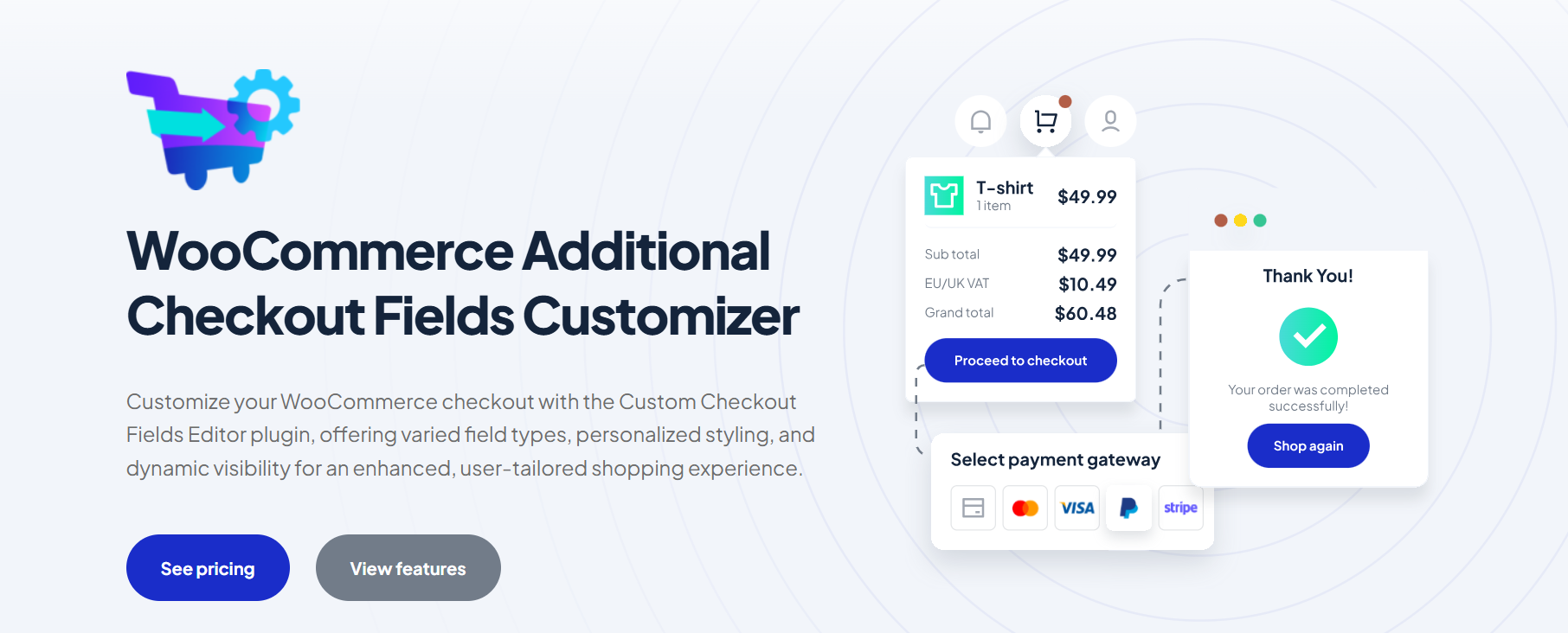
This plugin gives you full control over the checkout page fields, meaning you can add, remove, or customize any field you want instead of just being limited to the default fields like name and address. email and phone number.
So, if you want to know some additional information about the clients to promote to them in a personalized way, you can add custom additional fields, which you can show or hide whenever you want based on certain conditions.
This feature, called Dynamic Checkout Field Visibility, is one of the strongest features because it allows you to show or hide any field you want based on certain conditions, such as:
- User role (customer / wholesale customer).
- Cart value.
- Products in the cart.
- Shipping method.
- Payment method.
The main purpose of this plugin is to add, customize, and manage checkout page fields in WooCommerce with support for conditional logic and additional fees, allowing you to collect the data you need.
Key Features
- Checkout Field Variety & Enhanced Flexibility
- Checkout Field Customization – Personalized User Experience
- Field Styling Flexibility With Aesthetic Integration
- Dynamic Checkout Field Visibility
- Conditional & Intelligent Checkout Logic
- Automated Checkout Fee Processing
Main Use Case
Field customization, compliance & modular checkout control.
Pricing
2.FunnelKit WooCommerce Checkout
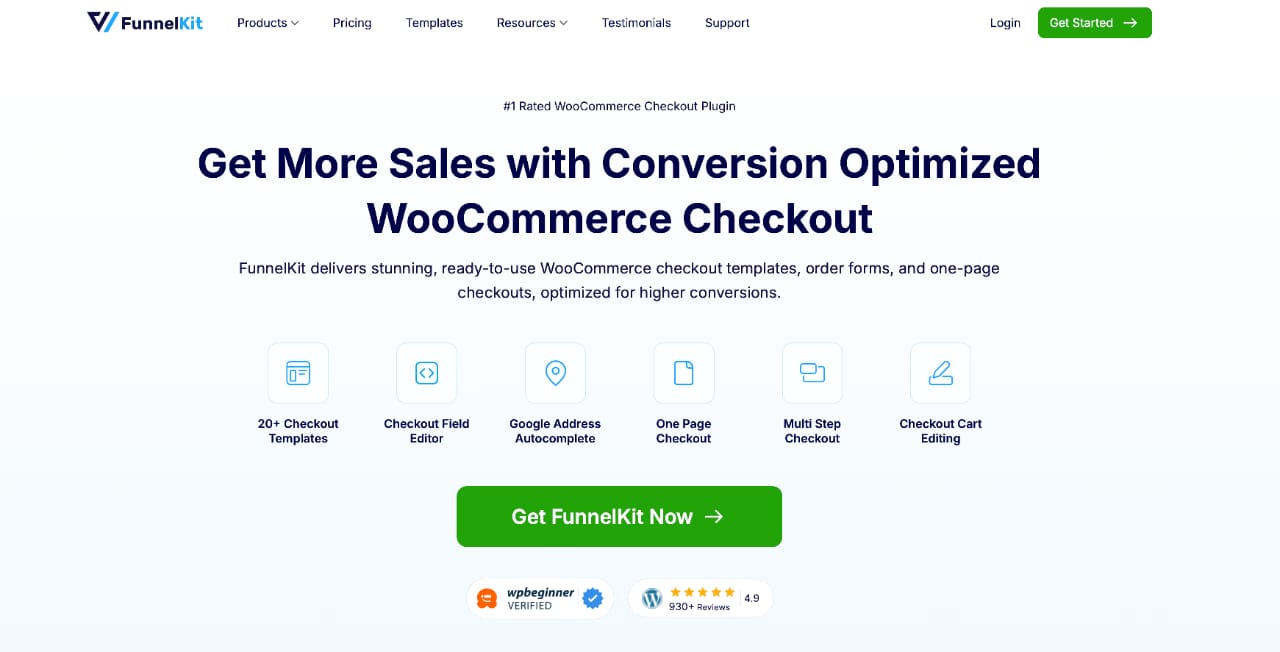
FunnelKit Checkout is a flexible and beginner-friendly plugin that lets you easily customize and optimize your WooCommerce checkout page. Built with simplicity and affordability in mind, it provides a budget-friendly solution for businesses that want more control over the WooCommerce checkout experience without the complexity or high cost of other tools.
- Create 15+ custom WooCommerce checkout fields to capture the exact information your store needs from customers.
- Customize one-step or multi-step checkout layouts in WooCommerce to improve user experience and reduce cart abandonment.
- Edit, remove, and rearrange WooCommerce checkout fields with an easy-to-use drag-and-drop interface.
- Highlight best-value products and offers directly on the checkout page to increase average order value.
- FunnelKit is an all-in-one, cost-effective, and beginner-friendly WooCommerce checkout solution available in both free and premium versions. It is one of many options worth knowing, alongside the rest of our essential WooCommerce plugins.
3. WooCommerce Checkout Field Editor and Manager by Acowebs
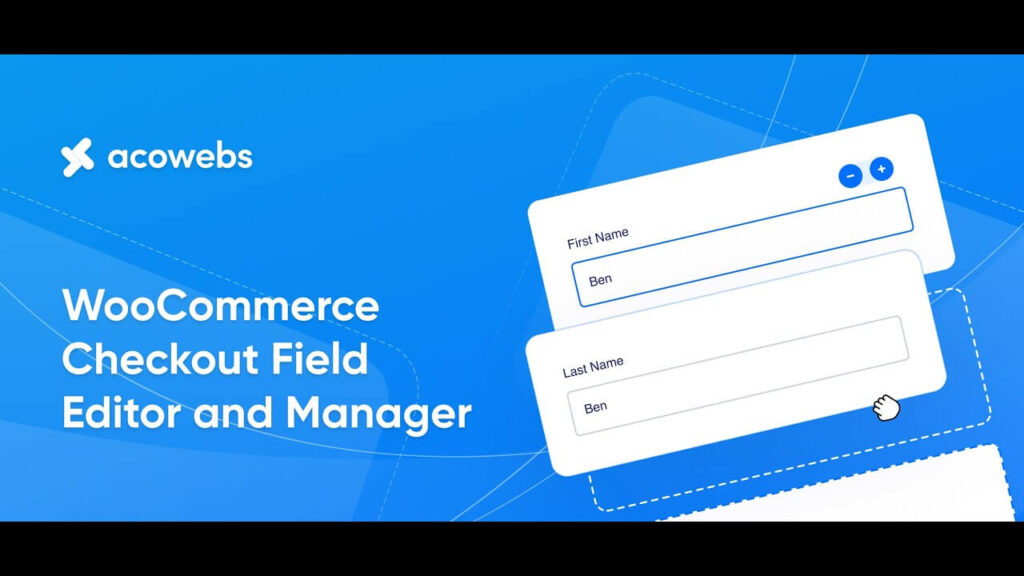
In your WooCommerce store, this premium WordPress plugin allows you to manage checkout page fields easily. In addition to adding, modifying, and hiding default WooCommerce checkout fields, you can create custom fields to collect additional customer information with its forms builder. You can use it to add, modify, or hide any of the default WooCommerce checkout fields. This includes fields such as billing address, shipping address, email address, and phone number.
- Custom fields can also be created to collect additional information from your customers. This could include information such as delivery instructions, tax information, or loyalty program membership information.
- It is also possible to set validation rules for your checkout fields. As a result, customers are more likely to enter valid information, such as their email address or phone number.
- It can save checkout field values as order notes. When customers checkout, they provide you with their information, which can be accessed easily.
4. Checkout Field Editor for WooCommerce by Themehigh

Our next choice is Checkout Field Editor for WooCommerce by Themehigh – It is a powerful plugin designed to customize and manage the checkout experience on WooCommerce-based online stores. It allows users to add, edit, and remove fields in the checkout form, offering a high level of flexibility and control over the information collected from customers during the checkout process.
- You can customize the appearance of checkout fields during checkout. For example, you can choose to display fields in a single column or multiple columns. You can also choose to display fields in a specific order or group them together into sections.
- You can use it to repeat fields and sections on the checkout page based on specific conditions. For example, you could repeat a shipping address field for each item in the customer’s shopping cart.
- You are able to rearrange the default and custom checkout fields on the checkout page to match your specific needs.
- The plugin allows you to import and export your custom checkout fields and sections to and from other WooCommerce stores.
5. Checkout Field Editor by WooCommerce
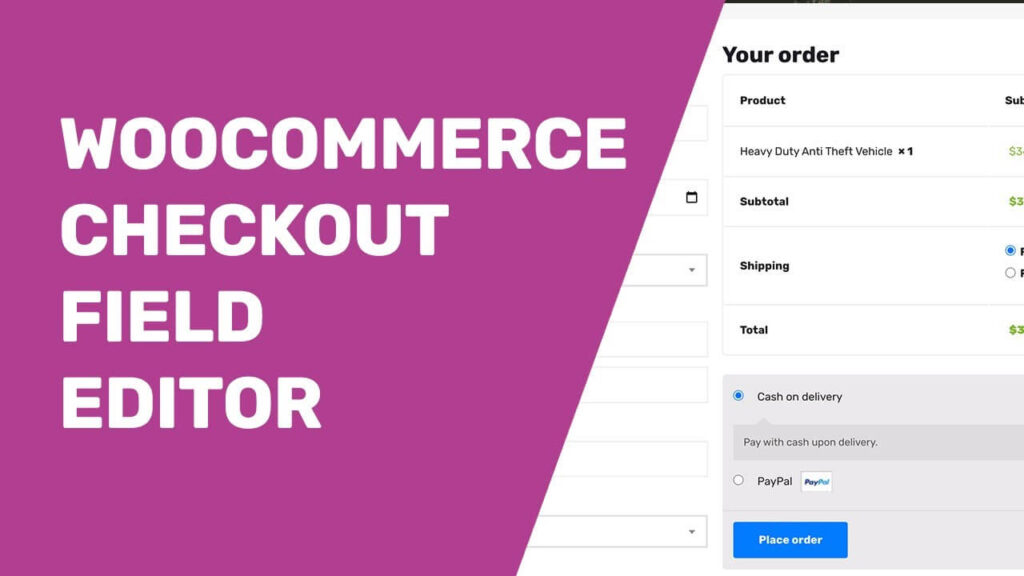
Checkout Field Editor by WooCommerce is a powerful and versatile plugin designed to enhance the checkout process in WooCommerce. This plugin allows online store owners and administrators to customize and manage the fields and information collected during the checkout process. By adding, editing, or removing fields on the checkout page, you can easily gather specific customer information.
- In addition to collecting additional customer information, you can create custom fields to collect special instructions, gift messages, or any other information relevant to your business.
- Eliminate fields that are unnecessary for your business, simplifying the checkout process and reducing customer friction.
- Conditions can be applied to fields, which will allow you to show or hide certain fields depending on the customer’s selections. By adding this feature, you can streamline checkout and make the user experience better.
- Easily rearrange the order of fields on the checkout page to create a more user-friendly and intuitive experience.
6. Checkout Manager for WooCommerce by QuadLayers
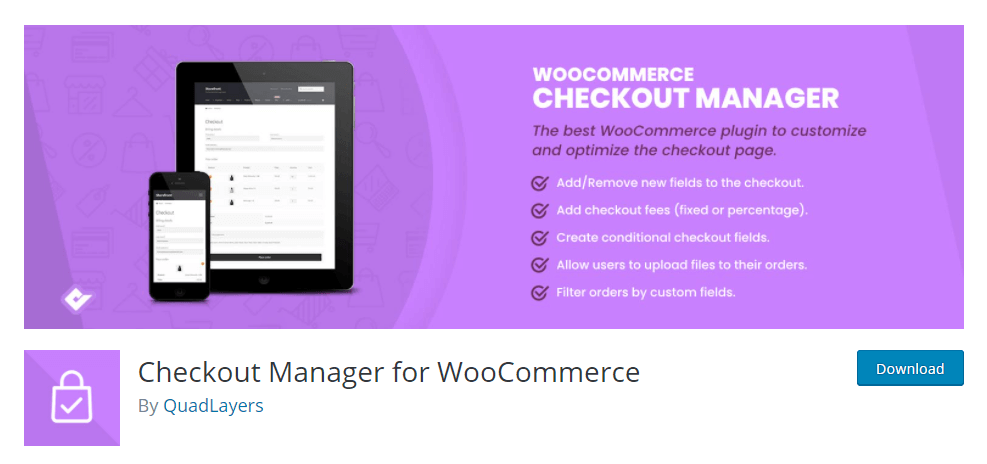
Our last choice is Checkout Manager for WooCommerce by QuadLayers. Users can easily customize and optimize the checkout process using this plugin’s intuitive interface. In addition to improving the overall user experience, its level of customization can reduce cart abandonment and streamline the checkout process.
- It offers validation options for fields to ensure correct data entry, reducing errors during the checkout process.
- For more advanced users, the plugin allows custom CSS to be applied to fields and sections for further design and layout customization.
- The plugin supports the creation of multi-step checkouts, breaking the process into smaller, more manageable sections for users, and potentially reducing cart abandonment.
- Provides support for multiple languages and enables easy translation of checkout fields to cater to diverse customer bases.
7. Checkout Field Manager Module by ShopLentor
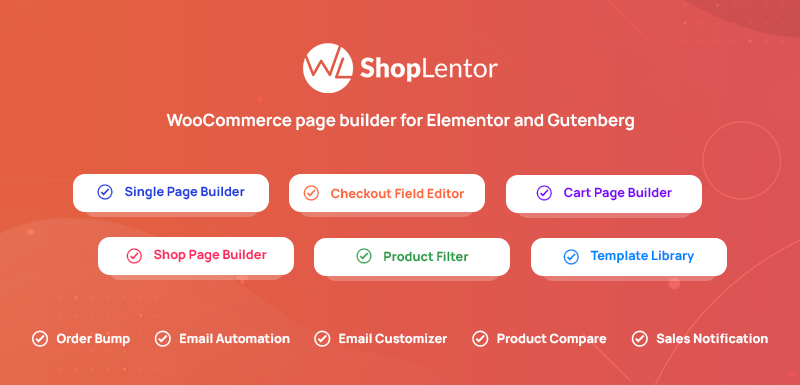
ShopLentor’s Checkout Field Manager for WooCommerce streamlines and personalizes the checkout process in your store. Its user-friendly design allows for quick and efficient setup. You can add or remove fields and simplify the layout, optimizing the checkout flow to help more customers complete their purchases. Whether rearranging fields for better flow or adding custom fields for specific information, Shoplentor makes everything easy. Customize the checkout form to meet your store’s needs for a smooth checkout process. A smoother checkout pairs well with a clear delivery offer, such as free shipping for specific products.
- Simplify the checkout process by removing non-essential fields for a faster, more user-friendly experience.
- Gain control over your checkout to easily manage and adjust different checkout fields.
- Add custom fields to capture the exact information your business needs from customers.
- Modify existing fields to align with your brand and data requirements.
- Optimize the checkout flow to minimize cart abandonment.
Final Words
You need to know what you need before choosing the best Checkout Field Editor for WooCommerce. It is possible to choose from a wide range of options, each with its own advantages. Some let you easily move things around, others are great for making special rules, and some give you lots of ways to change how things look. The right one for you is the one that helps your store work better and makes it easier for people to buy things from you. It is all about finding the balance between making your store look great and making it simple for everyone to use.