How to Know the Real Profit on Every WooCommerce Order in Under a Minute?

Quick Answer: WooCommerce Profit per Order
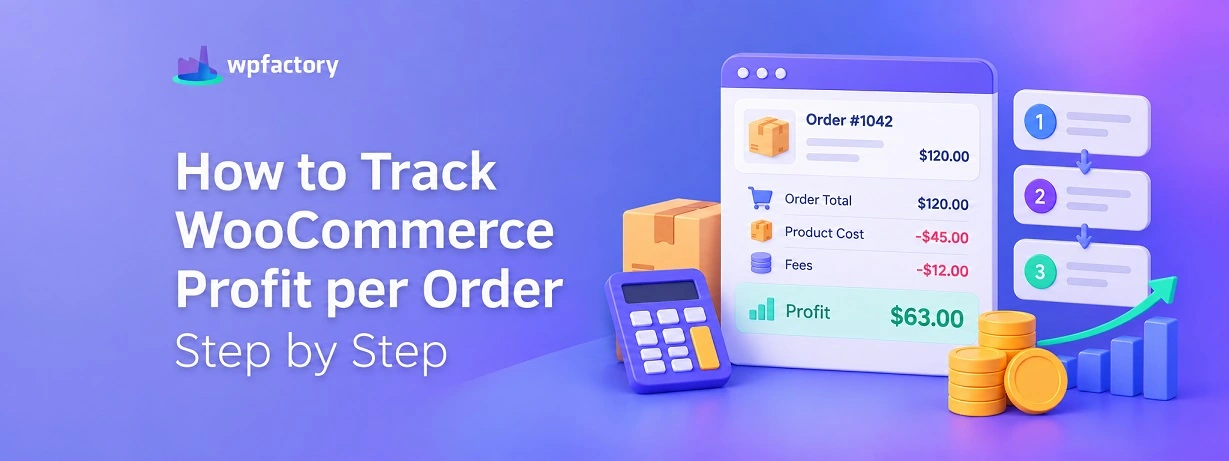
Your WooCommerce profit per order is the sale price of an order minus what that order truly cost you to fulfil. That means the product cost plus the two costs most stores forget to count.. the shipping you absorb and the fee your payment gateway skims off the top.
WooCommerce shows you the sale, so the number on your dashboard looks like profit, but it is really revenue wearing a profit costume. The order that looks like your best seller can quietly be the one losing you money, and you will not see it until those two hidden costs are on the table.
- Revenue is not the profit: The sale price WooCommerce shows is the start of the sum, not the answer.
- Two costs hide in plain sight: Absorbed shipping and payment gateway fees come out of every order and rarely get counted.
- The real earner can surprise you: Once both costs are in, the profit ranking of your products often flips.
Run two of your own products through the comparison tool below and watch which one truly keeps more. The result is usually not the one you expect.
Picture two orders that landed this morning. Both sold for fifty dollars. On the WooCommerce dashboard they look like twins.
One of them paid your rent this month. The other one cost you money to fulfil. And nothing on your screen tells you which is which.
This is the quiet problem sitting inside almost every WooCommerce store. The platform is brilliant at recording what you sold. It is completely blind to what the sale cost you, so the profit you think you are making is a guess dressed up as a fact.
The good news is that the gap is small and fixable. There are exactly two costs that turn a clear profit number into a foggy one, and once you account for them, the real profit on every order stops being a mystery.
Let us find the money that is hiding.
Why the Number on Your Dashboard Is Not Your Profit?
When an order comes in for fifty dollars, WooCommerce files that fifty dollars as the headline figure. It is accurate as a sale. It is useless as a measure of your WooCommerce profit per order.
Profit is what survives after the costs of the sale are subtracted. For a single order, three things come out of that fifty dollars before you keep a cent.
The first is obvious and the one most people remember: the product cost. What you paid your supplier, or what the materials and making cost you.
The second is the shipping you cover. Every order where you waived delivery, and every parcel where the customer paid less than the real postage, takes a bite out of the sale.
The third is the one almost nobody enters into the math: the payment fee. Your gateway takes a percentage of every single order, plus a small fixed charge per transaction, and that cut never appears on your sales report.
Miss any of the three and your profit figure is wrong. Miss the last two, which is the common case, and your figure is wrong in the most dangerous direction: it looks healthier than reality.
Following the Money Through a Single Order
The fastest way to see the problem is to walk one order all the way down. Take that fifty dollar sale and strip it line by line.
| Line | Amount | What You Have Left |
|---|---|---|
| Sale price (revenue) | $50.00 | $50.00 |
| Product cost | − $22.00 | $28.00 |
| Shipping you absorbed | − $7.00 | $21.00 |
| Payment fee (2.9% + $0.30) | − $1.75 | $19.25 |
The order rang up as fifty dollars. You kept $19.25. That is a real margin of about 38 percent, and the sales report would have let you believe it was far more.
Now change one number. Say the shipping was heavier and cost you $14 instead of $7, and the product cost was $30 instead of $22.
The same fifty dollar order now leaves you $4.25. Sell forty of those thinking they are winners, and you have worked a whole day to make pocket change.
The sale price did not warn you. Only the full order profit did.
The Two Costs That Quietly Eat Your Order Profit
Product cost is the part everyone tracks. The leak is almost always the other two, so they deserve a closer look.
Shipping You Absorb
Waived delivery is a marketing choice that lands on your margin, not the customer’s. When you offer it, the postage still gets paid, and it gets paid by you. Even when the customer pays a flat shipping fee, heavy or oversized items often cost more to send than you charged.
Across a month of orders, absorbed shipping is one of the largest silent costs a store carries. Counted per order, it is the difference between a margin you can live on and one you cannot.
Payment Gateway Fees
Every card payment pays a toll. Stripe takes around 2.9 percent plus thirty cents. PayPal sits near 3.49 percent plus a fixed fee. The exact numbers vary by gateway and country, but the shape is always the same: a percentage of the sale, plus a small flat charge per order.
On a single order it feels trivial. On a thousand orders it is a line item big enough to change which products are worth selling. Because it never shows on the WooCommerce sales screen, it is the cost most likely to be forgotten entirely.
Put those two beside the product cost and you have the full picture of what an order really took from you. Leave them out and every profit number you look at is inflated.
See True Profit on Every Order, Automatically
Entering costs by hand works for one order. For a live store, the Cost of Goods for WooCommerce plugin records your product costs, payment gateway fees, and per-shipping-class costs, then shows the profit on every order the moment it lands. It can even put that profit figure right inside the new-order email, so you catch a loss-making order before you pack it. Trusted by 15,000+ stores.
Find Out Which Product Is Secretly Losing You Money
Here is the test that makes the whole idea click. Take two of your products that sell for a similar price and put them side by side. Enter what each one really costs to fulfil, and let the order profit decide which is the real earner.
Most store owners guess based on the sale price or the number of units sold. The tool below ignores both and shows you what truly stays in your pocket as WooCommerce profit per order.
Product A
Product B
If the winner surprised you, that is the whole point. Sale price and unit sales are loud signals that drown out the quiet one that matters, which is what each order truly leaves behind.
How to Set This Up in WooCommerce for Real?
The tool proves the idea on two products. Your store has hundreds of orders a month, and you are not going to run each one by hand. This is the job a cost of goods plugin exists to do.
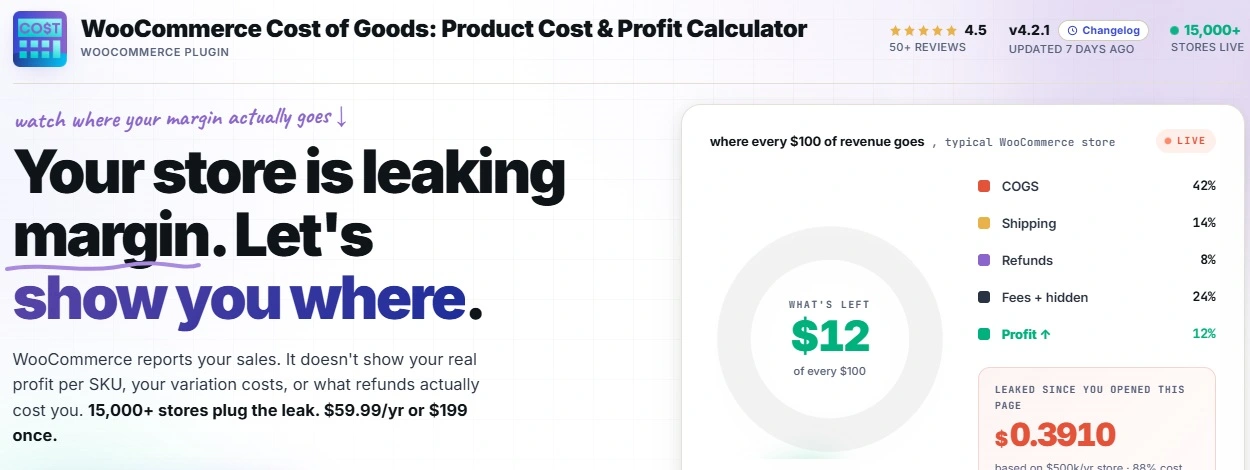
The setup is short. Here is the path from a blind dashboard to a profit figure on every order.
Step 1: Put a Cost on Every Product
Open a product, scroll to the Cost field, and enter what it costs you. For a product with variations, you set a cost for each one, since a small and a large rarely cost the same. For a big catalog, costs can be imported from a supplier spreadsheet rather than typed one by one.
Step 2: Add Your Payment Gateway Fees
Enter each gateway’s fee once, the percentage and the fixed charge per transaction. From then on the plugin deducts that cut from every order automatically, so the payment toll stops being invisible.
Step 3: Add Your Shipping Costs
Set the real cost per shipping class, so heavy, fragile, or oversized parcels carry their true postage. Now the shipping you absorb is counted against the orders that caused it.
Step 4: Read the Profit on Every Order
With all three costs in, your WooCommerce profit per order shows on each order, broken down line by line.
You can switch on a setting that prints the profit figure inside the new-order email, so the margin greets you before you have packed the box.
What Store Owners Usually Get Wrong?
The same handful of mistakes turn up again and again. Each one makes the profit number look better than it is.
- Treating the sale price as the profit
The most common one. The dashboard shows revenue, the brain reads profit, and the two costs of the sale never enter the sum.
- Forgetting the payment fee because it is small
A few percent per order feels like a rounding error until you add it up across a month. On thin-margin products it is often the line that decides win or lose.
- Giving every variation one cost
A single cost pasted across all sizes of a product misreports the margin on all but one of them. The expensive variation looks as profitable as the cheap one, which it is not.
- Letting old costs go stale
Supplier prices creep up. A cost entered last year and never touched means today’s profit report is built on last year’s reality.
Which Stores Feel This Most?
Every store benefits from an honest order profit, but some feel the gap sharper than others.
Dropshipping Stores
Margins are already thin, so a forgotten payment fee or a shipping cost is enough to flip an order from win to loss. For these stores, order profit is not a nice-to-have, it is the whole game.
Stores That Waive Delivery Charges
If you advertise delivery at no charge to the buyer, the postage is a cost you carry on every order.
Watching order profit tells you whether that offer is pulling in enough extra sales to pay for itself, or quietly bleeding the margin.
Makers Selling Variations
When sizes or versions cost different amounts to make, a blended cost hides which variation truly earns. WooCommerce profit per order, built on per-variation cost, shows the truth size by size.
Related Resources
- the complete cost of goods and profit tracking guide ties every part of this topic together in one place
- a step-by-step walkthrough of configuring the plugin takes you through the settings screen by screen
- the formula behind cost of goods sold explains the math your reports are built on
- how margin is calculated for an online store covers gross, net, and operating margin with worked examples
- a comparison of the leading profit tracking plugins shows how the options stack up against each other
Stop Guessing What Each Order Really Earns
The Cost of Goods for WooCommerce plugin records product costs, payment gateway fees, and per-shipping-class shipping, then shows the true profit on every order and rolls it up into reports by product, category, and date range. It turns the sales dashboard you already read into a profit dashboard you can act on, and it is already working inside 15,000+ stores.
Frequently Asked Questions
What is profit per order in WooCommerce?
Profit per order is the sale price of an order minus everything that order cost you to fulfil: the product cost, the shipping you absorbed, and the payment gateway fee.
WooCommerce records the sale price on its own but has no field for those costs, so it cannot show order profit until you add that data with a plugin.
Does WooCommerce show profit per order by default?
No. WooCommerce reports revenue and orders, but it does not know what your products cost, what you paid to ship them, or what your gateway charged.
Without that information it can only show the sale price, not the profit. Adding a cost of goods plugin fills in the missing numbers and calculates order profit for you.
Why is my real profit per order lower than I expect?
Almost always because of the two costs that never appear on the sales screen: the shipping you absorb and the payment gateway fee. Each one is small on a single order, so they are easy to overlook, but together they can take a noticeable slice out of every sale.
Counting them is the difference between a profit figure you can trust and one that flatters you.
How do I include payment and shipping fees in WooCommerce order profit?
You enter each payment gateway’s fee once, as a percentage plus any fixed charge, and you set a cost for each shipping class.
The Cost of Goods for WooCommerce plugin then deducts both from every order automatically, so the profit it reports is the real net of the sale rather than revenue minus product cost alone.
Can two products with the same price have different profit per order?
Yes, and this is the trap that catches most store owners. Two products can sell for an identical price yet carry very different product costs and shipping costs, which means their order profit can be worlds apart.
One can be your best earner while the other quietly loses money, and only a profit-per-order view reveals the difference.
Is there a plugin to track profit per order in WooCommerce?
Yes. Cost of Goods for WooCommerce is available on WordPress.org and adds cost tracking plus order profit to your store. You record product costs and fees, and it shows the profit on each order along with reports by product, category, and date range.