4 WooCommerce Discount Types You Can Set Up Today (With Examples)

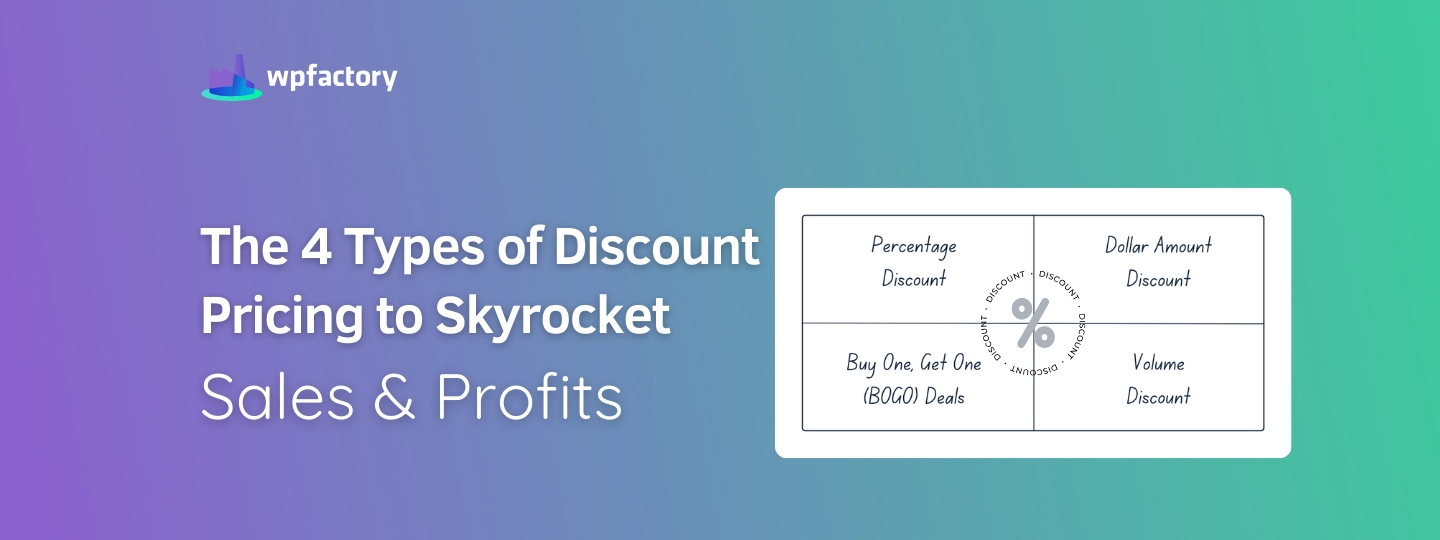
Quick answer: The four most useful WooCommerce discount types are percentage discounts, buy one get one (BOGO) deals, tiered or volume discounts, and cart-based discounts that apply above a spend threshold. Coupons cover the basics, while store-wide sales and tiered pricing need a plugin. The comparison below shows which to use when.
Running discounts in WooCommerce sounds simple.. until you try to apply them the right way.
Not every discount type works the same, and choosing the wrong one can either hurt your margins or fail to move your sales at all.
In this article, you’ll learn the most effective WooCommerce discount types you can actually use in your store, along with real examples and how to set each one up.
Whether you want to increase average order value, clear inventory, or boost conversions, these discount strategies give you practical ways to do it.
This article focuses on how to apply these discount types in WooCommerce, so you can start using them in your store right away.
Quick Answer: WooCommerce Discount Types
The most effective WooCommerce discount types are percentage discounts, BOGO (buy one get one), cart-based discounts, and tiered pricing. Each type serves a different goal, such as increasing order value, clearing inventory, or boosting conversions.
- Percentage discounts → Best for simple promotions
- BOGO offers → Increase items per order
- Cart-based discounts → Raise average order value
- Tiered pricing → Encourage bulk purchases
Keep reading to see how each discount works and how to set it up in WooCommerce.
These are the core WooCommerce discount types you can set up depending on your store goals.
WooCommerce Discount Types You Can Actually Use in Your Store
Not all discount strategies work the same way in WooCommerce. Some can be set up in minutes using built-in features, while others require more advanced pricing rules or plugins.
Below are the most effective WooCommerce discount types you can apply in your store, along with how to implement each one.
Quick Comparison of WooCommerce Discount Types
If you’re not sure which discount type fits your store, this quick comparison will help you decide.
| Discount Type | How It Works | Best For | WooCommerce Setup Complexity |
|---|---|---|---|
| Percentage Discount | Applies a percentage off the product or cart total | Storewide promotions, seasonal sales | Easy (built-in coupons) |
| BOGO (Buy One Get One) | Customers get an extra item free or discounted | Clearing inventory, increasing item count per order | Medium (requires plugin) |
| Cart-Based Discount | Discount applied when cart reaches a certain value | Increasing average order value | Easy (built-in coupons) |
| Tiered / Volume Discount | Discount increases based on quantity purchased | Bulk purchases, wholesale-style offers | Medium-Advanced (plugin required) |
Which Discount Type Should You Use in WooCommerce?
Not every discount type fits every store. The right choice depends on what you want to improve: conversions, average order value, inventory movement, or bulk sales.
Here’s a simple way to decide:
- Use percentage discounts if you want a simple promotion that shoppers understand instantly, especially for seasonal sales or storewide campaigns.
- Use BOGO offers if your goal is to increase the number of items per order or move specific products faster. Free delivery works the same way, and you can offer free shipping for specific products rather than store wide.
- Use cart-based discounts if you want customers to spend more before they qualify for a reward.
- Use tiered or volume discounts if you want to encourage larger purchases or create wholesale-style pricing incentives.
For many WooCommerce stores, the best approach is not choosing just one forever.. it’s using the right discount type for the right goal.
For example, you might use percentage discounts during seasonal promotions, cart-based discounts to increase order value, and volume discounts for products customers often buy in larger quantities.
Once you know which discount strategy fits your goal, the next step is setting it up in WooCommerce in a way that’s easy to manage and clear for customers. Continue reading to learn how to implement this.
1. Percentage Discount
In a study conducted by aampe-over 28,000 eCommerce SMS messages and push notifications from retailers such as Macy’s, Walmart, Amazon, and others, found that over 81% of these messages contained a discount, and the most popular discount percentage was 50%!
Jonah Berger, a marketing professor and author of the book “Contagious: Why Things Catch On,” discussed the science behind why certain ideas, products, or content become viral and widely shared.
He theorized that percentage discounts create a sense of exclusivity. For example, “Get 20% off!” implies that the customer is part of an elite group receiving this offer. Unlike “Get x $ off, they may not generate as much buzz because they lack the social currency aspect.
During seasonal promotions such as Black Friday, you can use Discount Products Prices in WooCommerce Plugin to schedule discounts with active date settings and implement custom discount strategies to products by creating discounts as a percentage off the regular price.
How to Set Up a Percentage Discount in WooCommerce
To create a percentage-based discount in WooCommerce, you can use built-in coupon settings or a pricing plugin for more flexibility.
- Go to Marketing → Coupons
- Click Add Coupon
- Select Percentage discount
- Enter the discount value (e.g., 10%)
- Set usage limits or conditions if needed
- Publish the coupon
If you want to apply percentage discounts automatically (without coupons), consider using a dynamic pricing plugin for WooCommerce.
2. Buy One, Get One (BOGO) Deals
BOGO is a powerful discounting strategy that encourages customers to increase their purchases and boosts sales revenue.
Essentially, BOGO offers customers a discounted price on one product when they purchase another product of equal or higher value. This strategy can be likened to a bundle discount, where customers receive a discount for buying multiple items together.
Research indicates that BOGO deals can be more effective than percentage discounts, as they tend to attract more attention, particularly when the discount level is substantial.
Retailers can capitalize on this by developing promotional strategies that capture consumer attention and drive sales. With tools like the Dynamic Pricing & Bulk Quantity Discounts Plugin, businesses can easily set up rules for bundle deals on specific products. For example, they can offer a discounted price if customers purchase two units of the same product.
How to Set Up a BOGO Discount in WooCommerce?
If you want to run this type of offer in your store, the easiest approach is to use a plugin that supports quantity-based pricing rules, such as Dynamic Pricing & Bulk Quantity Discounts for WooCommerce.
Since BOGO setups can vary from one store to another, we’ve covered the full process in a dedicated guide, including how to create classic buy-one-get-one-free offers, discounted second-item deals, and more advanced variations.
See our full WooCommerce BOGO setup guide to follow the exact steps and choose the setup that fits your offer best.
This kind of discount works especially well when you want to move more products per order, promote specific items, or make multi-item purchases feel like a better deal.
Successful Businesses Used the BOGO Strategy
- Burger King has run successful BOGO promotions, offering free Whopper with the first purchase via Click & Collect method. These deals attract attention and encourage customers to make additional purchases, ultimately driving sales.
- TOMS is a well-known footwear brand that pioneered the “One for One” giving program. For every pair of shoes purchased, TOMS donates a pair of shoes to someone in need. Their BOGO model has resonated with consumers who appreciate the social impact of their purchases.
Best Practices for Implementing Discounts
- Clear Communication: Ensure that the BOGO offer, or any other discount is clearly communicated to customers. Using Dynamic Pricing & Bulk Quantity Discounts Plugin, you can display real-time messages showcasing the exact discounts they’re unlocking with their bundle purchases.
- Create Urgency: Time limited offers can drive sales. Use plugins like Discount Products Prices in WooCommerce Pluginto set active dates for discounts.
- Segment Your Customers: Use customer data to create targeted discounts that appeal to specific groups.
- Combine Discounts Strategically: Offer combinations of percentage and dollar discounts or bundle deals to maximize appeal.
- Monitor and Adjust: Regularly review the performance of your discount strategies and adjust them as needed to improve effectiveness.
3. Tiered / Volume Discount
Also known as bulk discount, this strategy rewards customers for purchasing larger quantities of a product, a tactic long utilized by wholesalers. WooCommerce retailers can also leverage this approach to drive sales.
BOGO deals can be seen as a subset of volume discounts, given their similarity.
Implementing volume discounts is made easy with tools like Dynamic Pricing & Bulk Quantity Discounts Plugin. This plugin allows you to offer discounts in various forms, providing flexibility to cater to different user roles with specific wholesale pricing options.
By bundling products from different categories using the plugin, businesses can adopt dynamic strategies to attract customers. These tools enable the implementation of personalized discount strategies to enhance sales and customer retention.
How to Set Up Tiered Pricing (Volume Discounts) in WooCommerce?
To create volume-based discounts, you’ll need a plugin that supports quantity-based pricing rules.
- Install a bulk pricing or dynamic pricing plugin (As indicated above)
- Create a new rule based on quantity
- Define tiers (e.g., buy 3 → 10% off, buy 5 → 20% off)
- Apply the rule to selected products
- Save and activate
Volume discounts are effective for encouraging bulk purchases and increasing total revenue per customer.
4. Cart-Based Discount
How to Set Up a Cart-Based Discount in WooCommerce?
Cart-based discounts are easy to configure using WooCommerce coupons.
- Go to Marketing → Coupons
- Click Add Coupon
- Select Fixed cart discount
- Set a minimum spend (e.g., $50)
- Define the discount amount
- Publish the coupon
This approach works well for increasing average order value by encouraging customers to spend more.
Conclusion
In the dynamic landscape of eCommerce, discounts are like secret weapons for WooCommerce stores aiming to stand out.
Whether it’s offering percentage discounts or volume deals, these strategies help attract customers, clear out stock, and stay ahead of the competition.
In simple terms, discounts not only boost short-term sales but also set the stage for long-term success in the ever-changing online market.
Frequently Asked Questions About WooCommerce Discount Types
What are the most effective discount types in WooCommerce?
The most effective WooCommerce discount types include percentage discounts, BOGO (buy one get one), cart-based discounts, and tiered pricing. Each one is designed to achieve a different goal, such as increasing conversions, raising order value, or encouraging bulk purchases.
Which discount type is best for increasing average order value?
Cart-based discounts are one of the most effective ways to increase average order value. By setting a minimum spend requirement, customers are encouraged to add more items to their cart to unlock the discount.
Can I create BOGO offers in WooCommerce?
WooCommerce does not support BOGO discounts by default, but you can create them using a dynamic pricing plugin. This allows you to set rules like buy one get one free or discounted variations of the same offer.
Do I need a plugin to create WooCommerce discounts?
Basic discounts like percentage or fixed cart discounts can be created using WooCommerce coupons. However, advanced discount types such as BOGO or tiered pricing usually require a plugin for more control and flexibility.
How do I choose the right discount strategy for my store?
The right discount depends on your goal. Use percentage discounts for simple promotions, cart-based discounts to increase order value, BOGO offers to boost item quantity, and tiered pricing for bulk purchases.
Do discounts affect profit margins?
Yes, discounts directly impact your profit margins. It’s important to choose a discount type that aligns with your pricing strategy and business goals to avoid reducing profitability unnecessarily.
Can I apply discounts automatically without coupons?
Yes, with the right plugin, you can apply discounts automatically based on conditions like cart value, quantity, or selected products, without requiring customers to enter a coupon code.