WooCommerce Minimum Order Amount by User Role (Wholesale)

Quick Answer: WooCommerce Minimum Order Amount by User Role
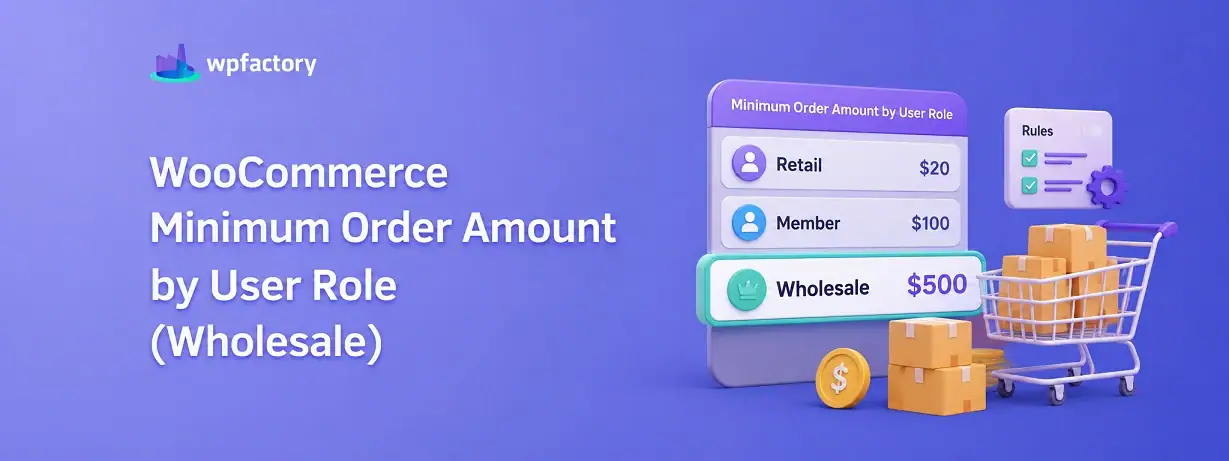
A WooCommerce minimum order amount by user role sets a different cart spend floor for each type of customer, so your wholesale accounts must reach, say, $500 while retail shoppers buy with no minimum at all. You can test any role against any cart total with the free checker further down, but the key point is this: WooCommerce cannot do this on its own, and a single store-wide minimum is what quietly pushes your retail buyers away.
- Retail role → no minimum, or a low one, so casual shoppers check out freely.
- Wholesale role → a high minimum that matches the discounted pricing they receive.
Setting one flat minimum for everyone is the mistake that costs you both sides, and the fix is a per-role rule that takes a couple of minutes. Here is how it works, with a worked example and a tool to see it in action.
You gave your wholesale customers a proper discount. That was the right call.
Then one of them used their wholesale login to place a $28 order, claimed the bulk price on it, and left you fulfilling a tiny order at a margin meant for a pallet.
The instinct is to slap a minimum on the store to stop it. But the moment you set a $500 floor for everyone, your regular retail shoppers hit the same wall and abandon their carts. You have fixed one leak by opening a bigger one.
The real answer is a WooCommerce minimum order amount that changes depending on who is shopping. Wholesale sees the floor. Retail does not. Both groups get the experience you actually intended.
What “By User Role” Actually Means
Every customer in WordPress carries a role. It is a label that says what kind of account they are.
Out of the box you have roles like “customer” for ordinary shoppers and “administrator” for you. Wholesale stores usually add a “wholesale” role, and some add more, such as “distributor” or “retailer,” often through a B2B or membership plugin.
Setting a minimum order amount by user role means attaching a different spend floor to each of those labels, the rule reads the shopper’s role at checkout and applies the number you assigned to it.
So the same cart worth $120 can be perfectly fine for a retail customer and blocked for a wholesale one, purely because their accounts carry different roles, the cart did not change, the rule that judges it did.
Why One Flat Minimum Fails
A single store-wide minimum treats every customer as identical. They are not.
Retail shoppers browse, grab one or two things, and check out on impulse. Put a $500 wall in front of them and most simply leave, you have traded a stream of small profitable orders for nothing.
Wholesale buyers are the opposite, they receive discounted pricing, so a small wholesale order can actually lose you money once picking, packing, and shipping are counted. They are the group that genuinely needs a floor.
One number cannot serve both, set it high and you kill retail, set it low and wholesale slips through on tiny orders at bulk prices. A WooCommerce minimum order amount split by role is the only setting that keeps each group where it should be.
How to Set a Minimum Order Amount by User Role in WooCommerce
WooCommerce has no native control for this, so it runs through the Order Min/Max Amount plugin. The good news is that role-based limits sit in the free version, so this costs nothing to try.
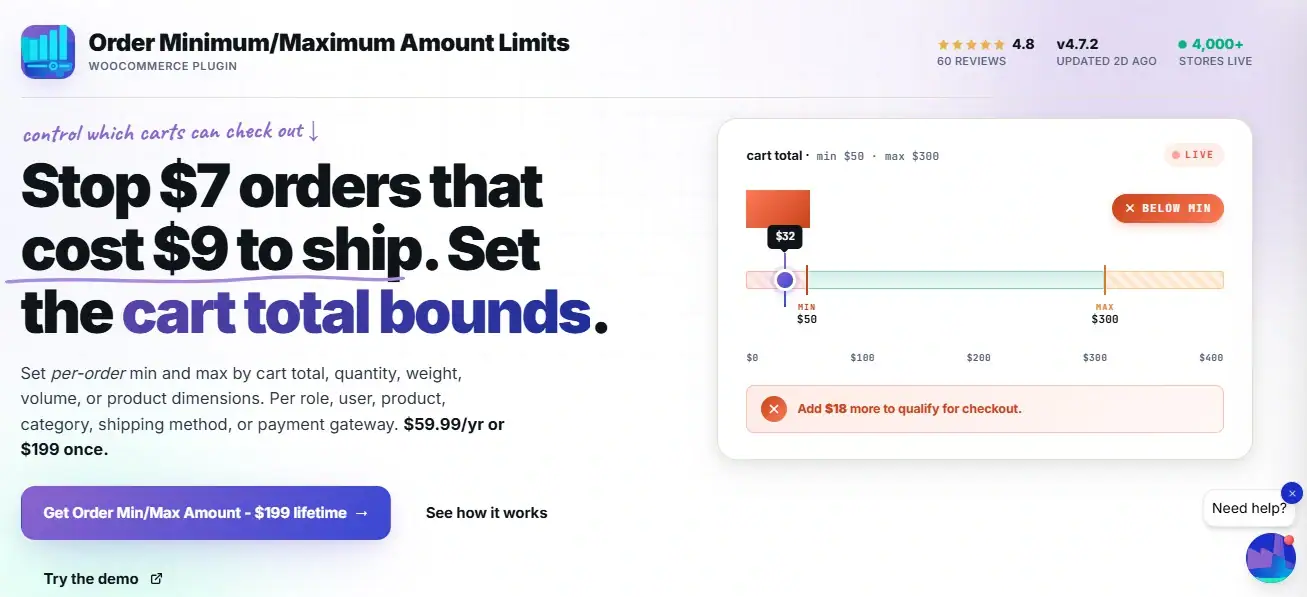
Install and activate Order Minimum/Maximum Amount Limits, then go to WooCommerce → Settings → Order Min/Max Amount.
- Open the User Roles sub-tab and enable the section.
- Choose the “get user roles” method, which tells the plugin how to read each shopper’s role, then enter a minimum for each role you want to control.
- Set your wholesale role to its floor, say $500, and leave retail at 0 so casual shoppers face no limit. Save, and the rule is live.
Two values are worth remembering here, a minimum of 0 means the role is ignored and the next level applies, a value of -1 removes any minimum for that role entirely, which is handy when you want one group explicitly exempt.
You can also set the priority, since lower priority numbers are applied first when more than one rule could match.
This role-based control is one branch of the wider WooCommerce quantity rules system, so you can layer it alongside other order limits if you need to.
A Worked Example: Retail, Wholesale, and Distributor
Numbers make the split easy to see. Imagine a store with three roles and three different floors.
Retail has no minimum, wholesale must reach $500, distributor must reach $1,000. Watch how the same set of carts is judged differently depending on who owns them.
| Cart total | Retail (no min) | Wholesale ($500) | Distributor ($1,000) |
|---|---|---|---|
| $80 | Allowed | Blocked | Blocked |
| $600 | Allowed | Allowed | Blocked |
| $1,200 | Allowed | Allowed | Allowed |
Look at the $600 row, the same cart sails through for wholesale and is stopped for a distributor, entirely because of the role attached to the account.
That is the whole feature in one line. A WooCommerce minimum order amount that reads the customer’s role lets you run three pricing tiers without three separate stores.
Give every customer role its own spend floor.
Set a different WooCommerce minimum order amount for retail, wholesale, distributor, or any custom role with Order Minimum/Maximum Amount Limits. Used by 4,000+ stores, and role-based limits are in the free version, so protecting your wholesale margins costs nothing to start.
Try It: Role Minimum Checker
Pick a role, enter a cart total, and the checker below tells you whether the order would be allowed or how much more the customer needs. It mirrors the exact logic your store applies once the rule is set, which is far easier to trust than a description.
Amount by Role vs Quantity by Role
One distinction trips people up, so it is worth settling here.
A minimum order amount by role works on the cart’s value in money. A minimum quantity by role works on the number of units. They sound similar and solve different problems.
If your wholesale rule is “must spend at least $500,” that is an amount rule, and it lives in Order Min/Max Amount. If your rule is “must buy at least 50 units,” that is a quantity rule. Our guide on minimum order quantity versus minimum order amount breaks the two apart if you are unsure which you need.
Many wholesale stores end up using both, a spend floor and a unit floor, each set per role.
Common Scenarios by Store Type
Role-based minimums show up anywhere a store serves more than one kind of buyer.
- Wholesale and B2B: a high floor for wholesale accounts, none for retail, protecting discounted pricing.
- Food suppliers: restaurants on a “restaurant” role must hit a delivery-worthy minimum, walk-in customers do not.
- Membership stores: premium members get a lower floor as a perk, standard accounts a higher one.
- Trade suppliers: registered trade accounts face a minimum that keeps orders at trade scale.
- Mixed retail and wholesale: one store, two audiences, two very different spend floors.
How the Rule Decides Which Minimum Applies
When a store has several roles and several rules, something has to decide which one wins, that job belongs to priority.
Priority is a number you set against each rule, lower numbers are applied first, so a rule with priority 1 is checked before a rule with priority 10. This matters when a single customer could match more than one rule at once.
Say a customer holds both a “wholesale” role and a “member” role. Without priority, the outcome would be ambiguous, with it.. you decide plainly that wholesale is checked first, and the wholesale floor is the one that applies.
The two special values work alongside priority, a minimum of 0 tells the rule to step aside and let the next level decide, a minimum of -1 removes the floor for that role outright, no matter what other rules exist.
Together these give you fine control. You are not just setting numbers, you are setting the order in which those numbers are tested, which is what keeps a multi-role store predictable.
Pairing Role Minimums With a Login Requirement
There is a gap worth closing when you rely on roles. A role only exists once a customer is logged in.
A guest browsing your store has no wholesale role yet, even if they own a wholesale account, because they have not signed in.
If your wholesale pricing shows before login, a guest could see bulk prices without ever meeting the bulk minimum.
The plugin includes a login requirement option for exactly this.
Switch it on, and customers must sign in before they can see or satisfy the order requirements, which ties the minimum firmly to the correct role.
For a wholesale store, this pairing is close to essential.
The role sets the floor, and the login requirement makes sure the floor is read from a real, identified account rather than an anonymous guest session.
Set the two together and your WooCommerce minimum order amount by role becomes genuinely reliable, instead of something a logged-out visitor can slip around.
Related Resources
Keep shaping your order rules with these guides:
- WooCommerce Quantity Rules: The Complete Guide
- How to Limit Order Minimum and Maximum Amounts in WooCommerce
- WooCommerce Minimum Order Amount for Better Profit Margins
- Minimum Order Quantity vs Minimum Order Amount: Which to Use When
- Restricting Order Min/Max Amounts Per Anything in WooCommerce
Protect your wholesale margins with a role-based minimum order amount
Set a WooCommerce minimum order amount for each role with Order Minimum/Maximum Amount Limits. Wholesale gets a floor, retail stays free, and small bulk-price orders stop draining your margin.
It ships with a 14-day money-back guarantee, so you can set your role limits, watch the wrong orders stop, and decide with nothing at risk.
Frequently Asked Questions
Can WooCommerce set a different minimum order amount for each user role?
Not on its own. Core WooCommerce has no role-based order rules. With Order Min/Max Amount you can assign a separate WooCommerce minimum order amount to each role, so wholesale faces a floor that retail never sees.
Is minimum order amount by user role a free feature?
Yes. Role-based minimum and maximum limits are included in the free version of Order Min/Max Amount. You only need the Pro version for more advanced conditions like limits by payment method or shipping method.
How do I exempt one role from the minimum entirely?
Set that role’s minimum to -1. A value of -1 removes any minimum for the role, while 0 tells the plugin to ignore that level and fall through to the next applicable rule.
What happens if a customer has more than one role?
The plugin uses priority to decide which rule applies, and lower priority numbers are applied first. You set the priority in the same User Roles section, so you control which role wins when several could match.
Can I show a custom message when an order is below the role minimum?
Yes. The plugin lets you customise the message shoppers see when their cart falls short, so you can explain the wholesale minimum in your own words at the cart and checkout.
Does this work with custom roles from a wholesale or membership plugin?
Yes. The rule reads whatever roles exist on your site, including custom ones added by B2B, wholesale, or membership plugins, so you can set a floor for those roles just like the built-in ones.