To recalculate WooCommerce Analytics for converted orders in Payment Gateway Currency for WooCommerce, go to WPFactory > Payment Gateway Currency > Convert Currency > Admin, tick Orders and Revenue in the WooCommerce Analytics group, and save. The Orders and Revenue reports then use each order’s stored conversion rate to show values in your shop currency.
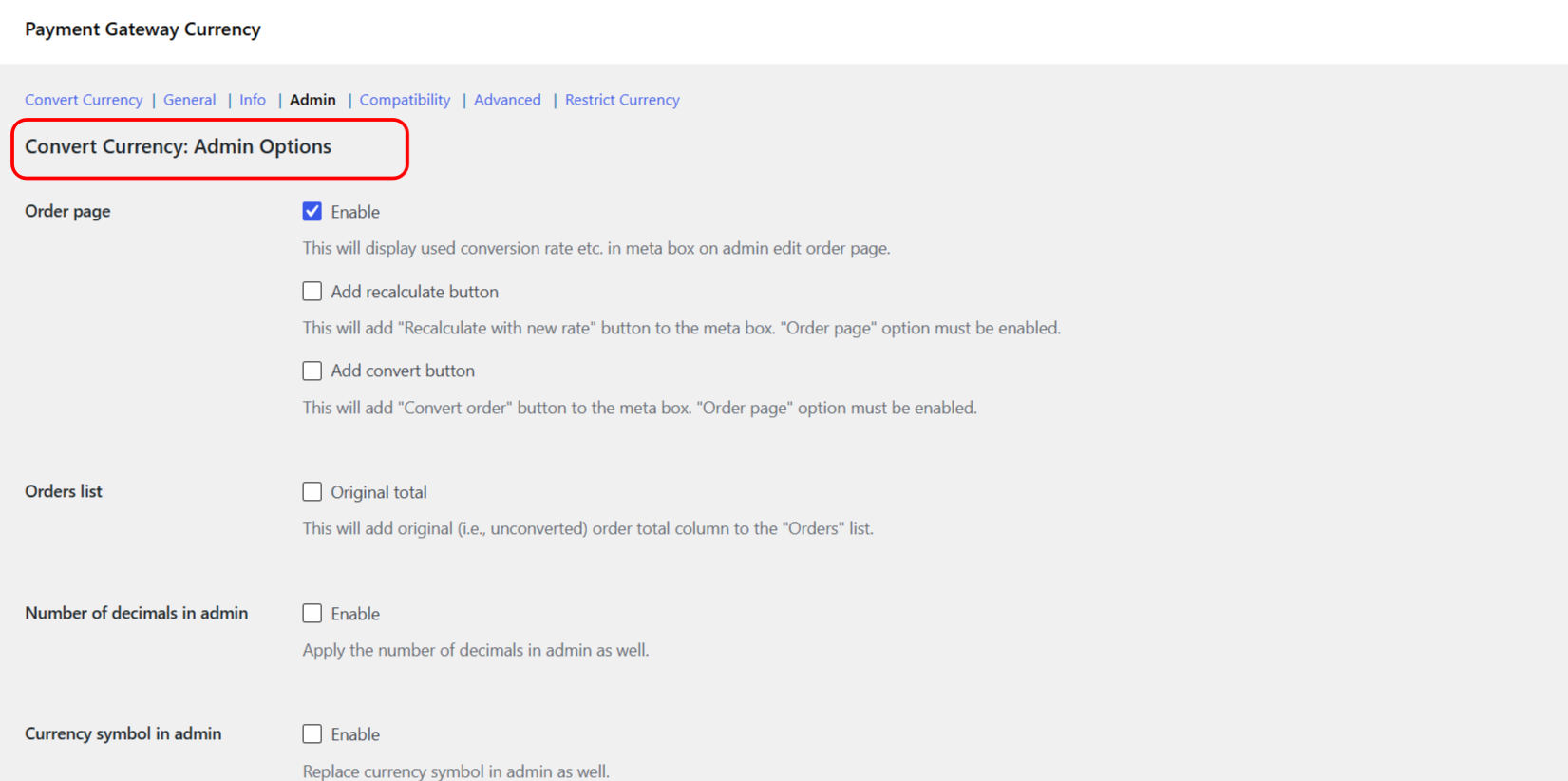
Where the setting lives #
Go to WPFactory > Payment Gateway Currency (also reachable at WooCommerce > Settings > Payment Gateway Currency), open the Convert Currency sub-tab, then the Admin section. The WooCommerce Analytics group is at the bottom.
Turn it on #
- In the WooCommerce Analytics group, tick Orders and Revenue: Recalculate values from the orders and revenue tabs based on the conversion rate (
alg_wc_pgbc_convert_currency_analytics_orders_and_revenue). - Click Save changes.
- Open Analytics in the WooCommerce menu and check the Orders and Revenue reports.
If the numbers do not refresh #
WooCommerce Analytics caches its report data. If the figures do not update after you save, clear the analytics cache at WooCommerce > Status > Tools, then reload the report.
Get more from Payment Gateway Currency #
Recalculated analytics keep your reporting honest once you are converting currencies at checkout. Extend that to every payment method by unlocking all gateways in Payment Gateway Currency for WooCommerce Pro. See what Pro unlocks.