The plugin-wide settings for Additional Custom Emails & Recipients for WooCommerce sit under two tabs: General and Scheduled. This article covers both. Find them at WPFactory > Custom Emails (also reachable at WooCommerce > Settings > Custom Emails).
General tab #
The General tab controls how many custom emails you have and how the plugin behaves globally. It is documented in full in Custom Emails settings: General and Advanced options. In short:
- Number of custom emails is fixed at 1 in the free version. Increasing it is the one thing the Pro version unlocks, and it is what turns the plugin from a single custom email into an unlimited set.
- Admin title names each email across the admin.
- Advanced Options hold Enabled triggers groups, Custom triggers, Base dir, Scheduler, Replace line breaks, Debug, and Delete plugin data. All of these are free.
Scheduler #
Any custom email with a Delay is not sent immediately; it is queued. The Scheduler option under General > Advanced Options decides how:
| Choice | When to use it |
|---|---|
| WP Cron (default) | The built-in WordPress scheduler. Fine for most stores. It runs on site traffic, so very quiet stores can see slight delays. |
| Action Scheduler | The queue system WooCommerce ships with. More reliable timing on busy stores. Both choices are free. |
Scheduled tab #
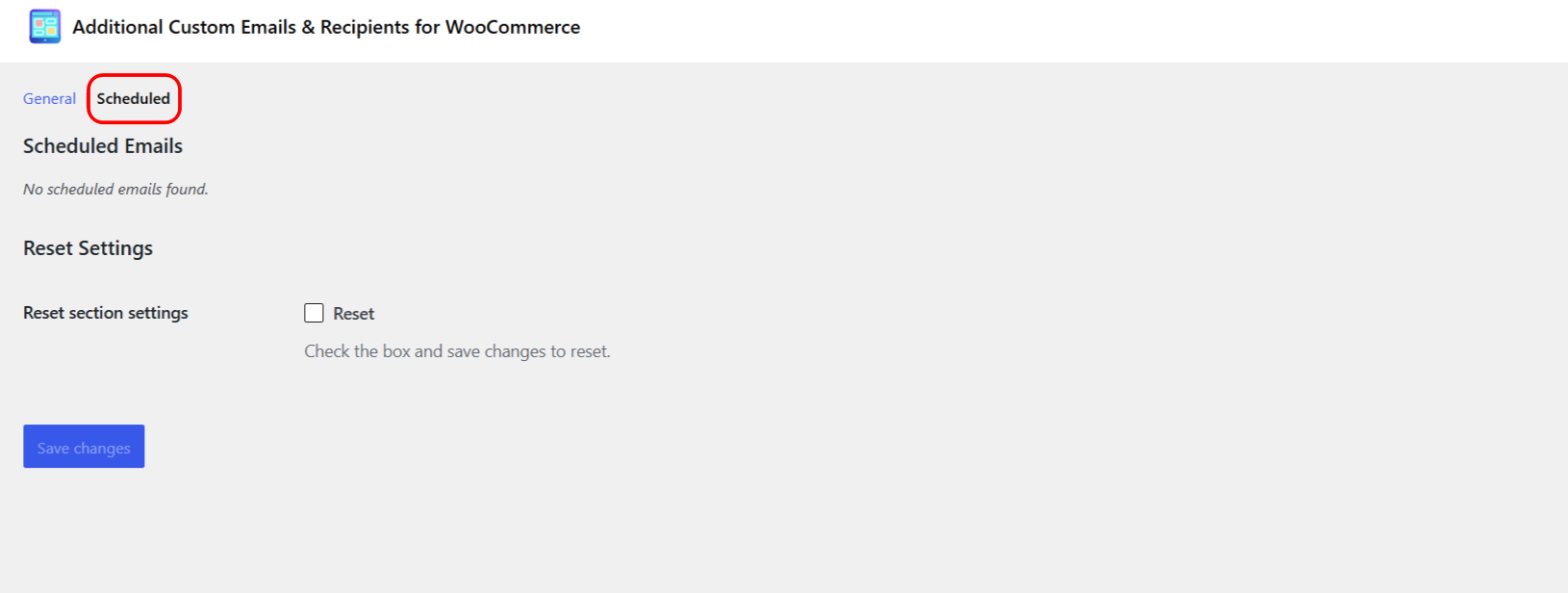
The Scheduled tab lists every delayed email that is queued but not yet sent, with the email name, the send time, and the object ID (for example the order ID).
- Each row has a trash icon to cancel that pending send.
- Use Refresh list to re-check the queue.
- If nothing is delayed, the tab reads “No scheduled emails found.”
If a scheduled email should no longer go out (for example the order was cancelled after the delay was set), pair the email with a Require order status or Exclude order status condition so it self-cancels when the order moves on.
Ready to add more emails? #
Sending more than one custom email is a Pro feature of Custom Emails. Upgrading unlocks unlimited custom emails plus copy-settings between them. Get Custom Emails Pro.