Table of Contents
To find your best-selling WooCommerce products at a glance, open the Top 5 Products report in WooCommerce Advanced Reporting and Statistics. It ranks your five highest-selling products of all time, so you can see what drives your store and plan promotions around it.
Open the report #
- Go to WPFactory > Reporting & Statistics.
- Click the Top 5 Products tab.
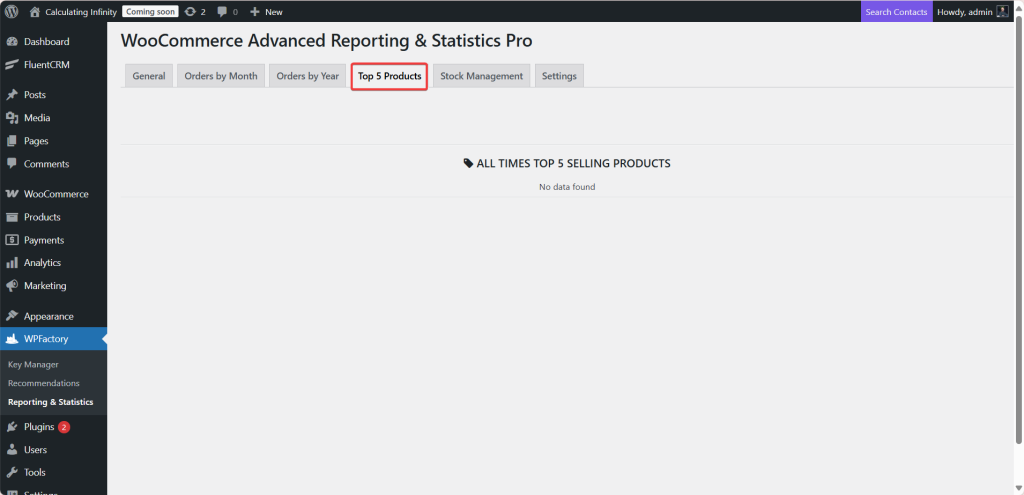
What it shows #
The table is titled All Times Top 5 Selling Products and has three columns:
| Column | Meaning |
|---|---|
| Category | The product’s category or categories. |
| Product | The product name. |
| Sales | How many times the product has sold. |
Good to know #
- This report is all-time. Unlike the General tab, it is not affected by the date filter.
- Ranking is by number of times a product appears in orders, drawn from WooCommerce’s product sales data.
- For a dated, filterable product breakdown (with net and gross sales and SKU), use the Products tab on the General report instead.
Use cases #
- Plan promotions around proven best sellers.
- Prioritize stock for the products that move most often.
- Spot category strength by seeing which categories your top products belong to.
Troubleshooting #
- “No data found”: there are no recorded product sales yet, or WooCommerce’s product sales lookup has not been populated. Place or sync some orders and revisit.
Get the full picture #
WooCommerce Advanced Reporting and Statistics turns your store data into clear, exportable reports, sales forecasts and stock alerts. See everything it can do.