To generate EANs for all products with EAN for WooCommerce, go to WPFactory > EAN (also reachable at WooCommerce > Settings > EAN) and open the Tools section. Set the Generate options such as Type and Country prefix, tick Generate EAN for all products, and click Save changes. Existing EANs are not overwritten. This is free.
Before you start #
- These tools run on your whole catalog and cannot be undone. Back up your database first.
- The Generate tool will not overwrite an EAN a product already has. Use the Delete tool first if you want to regenerate.
Where to find it #
Go to WPFactory > EAN (also reachable at WooCommerce > Settings > EAN) and open the Tools section.
Generate options #
| Option | Option ID | What it does |
|---|---|---|
| Type | alg_wc_ean_tool_product_generate[type] |
EAN-8, UPC-A, or EAN-13 (default EAN-13) |
| Country prefix (from / to) | alg_wc_ean_tool_product_generate[prefix] |
GS1 prefix; set a range to randomize between the two values |
| Country prefix length | alg_wc_ean_tool_product_generate[prefix_length] |
EAN-8 only; other types always use 3 |
| Seed prefix | alg_wc_ean_tool_product_generate[seed_prefix] |
Optional manufacturer code |
| Seed | alg_wc_ean_tool_product_generate[seed_method] |
Product ID or Counter (the unique part of each code) |
| Product attribute | alg_wc_ean_tool_product_generate |
Optionally copy the generated EAN into an attribute too |
To generate ISBN-13, set Type to EAN-13 and the country prefix to 978 or 979. For JAN, set Type to EAN-13 and the prefix to a value in the 450 to 459 or 490 to 499 range.
Run the tool #
- Set the options above.
- Tick Generate EAN for all products.
- Click Save changes. The plugin assigns an EAN to every product that does not already have one.
Variable products #
The Variable products option decides how variable products are handled by every tool: All (variable and variations), Variations only, or Variable only.
Related tools #
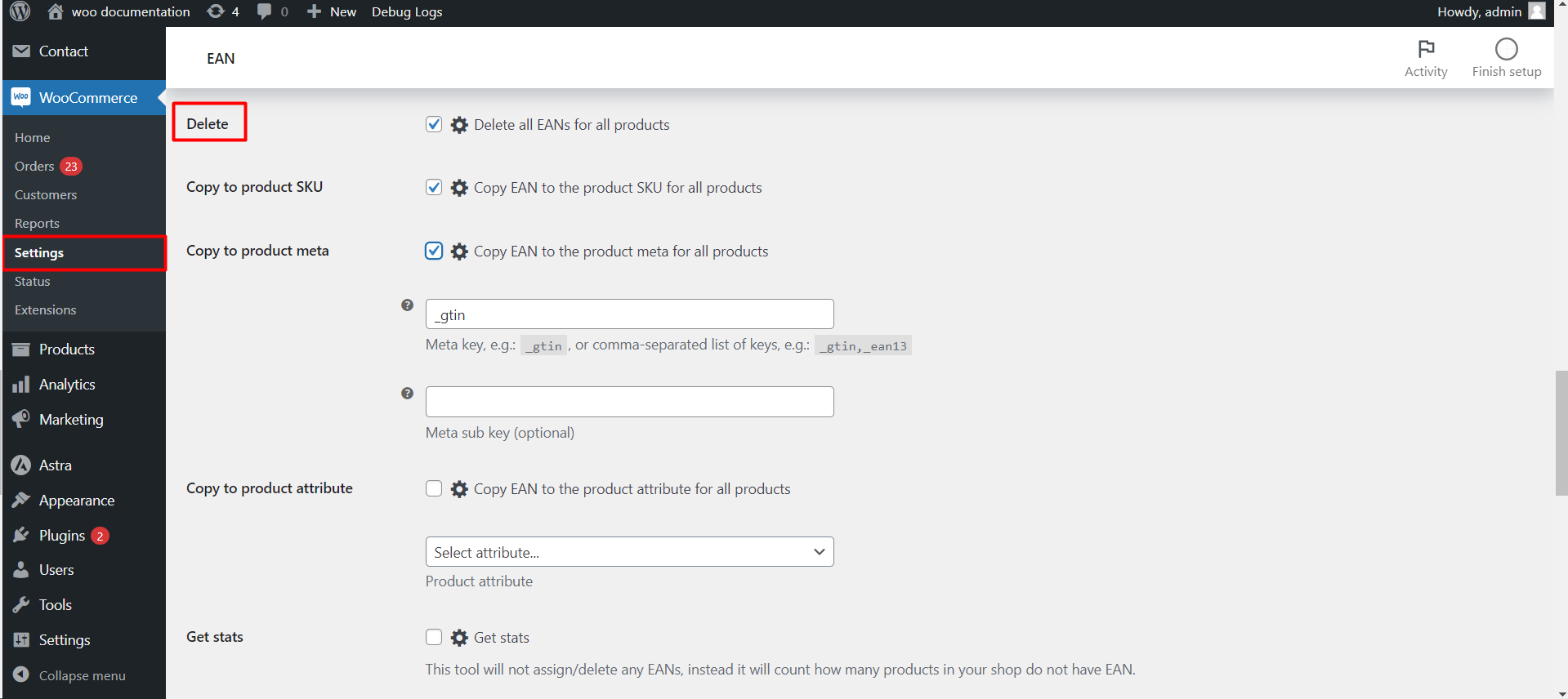
- Copy from SKU, ID, meta, or attribute.
- Assign from the list: see Assign EAN numbers from a list.
- Get stats: count how many products still lack an EAN.
Get more from EAN for WooCommerce #
The Generate tool, including automatic and periodic actions, is free. EAN for WooCommerce Pro turns the generated codes into scannable 1D and 2D barcode images and prints them as PDF labels. See what Pro unlocks.