Building WordPress
Guides for running a WordPress site: slugs and URLs, media files, themes, custom code and site management.
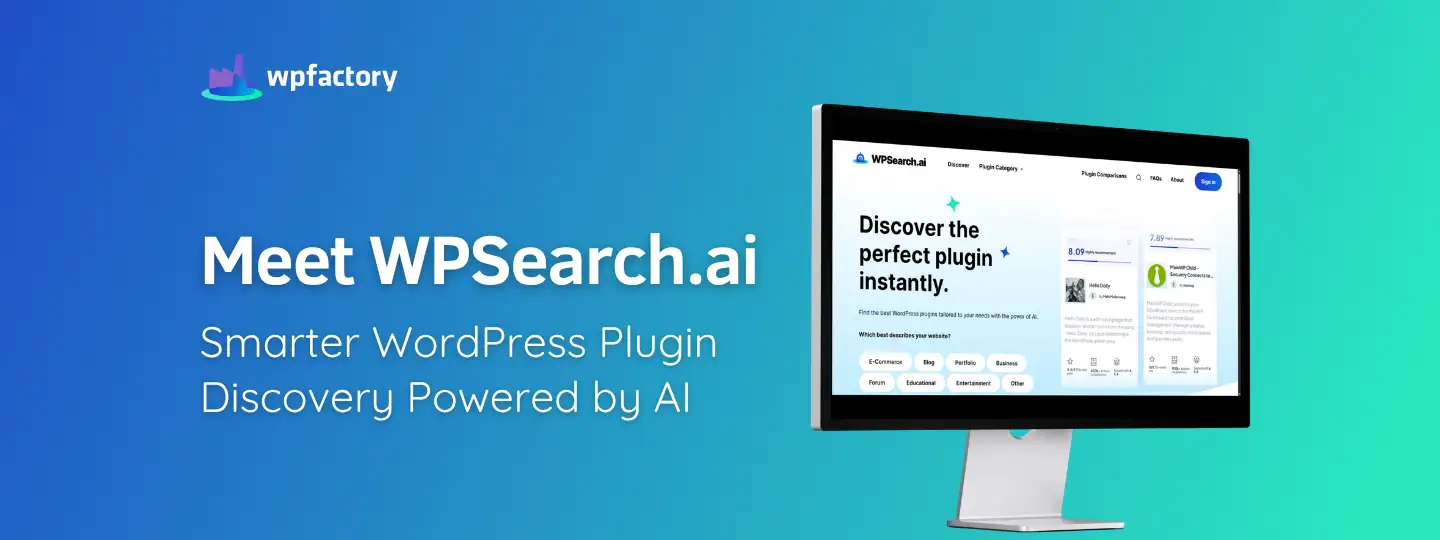
Meet WPSearch.ai: Smarter WordPress Plugin Discovery Powered by AI
Running a WooCommerce store means you are constantly searching for another WordPress plugin, to improve the speed and performance of your website, tighten security,…

How to Change Slug in WordPress (Posts, Pages, Products & Categories + WooCommerce)
Quick answer: A slug is the part of a URL that names a single post, page, product or category, such as change-slug-in-wordpress in this…


How to Remove Old Slugs in WordPress (Clean Up Permalink Redirects)
Quick answer: When you change a post’s URL, WordPress stores the old slug in the _wp_old_slug field so visitors are redirected to the new…

WordPress URL Slug & How it Affects SEO
Quick answer: A WordPress URL slug is the last part of a page’s address that identifies it, such as wordpress-url-slug in this page’s URL.…
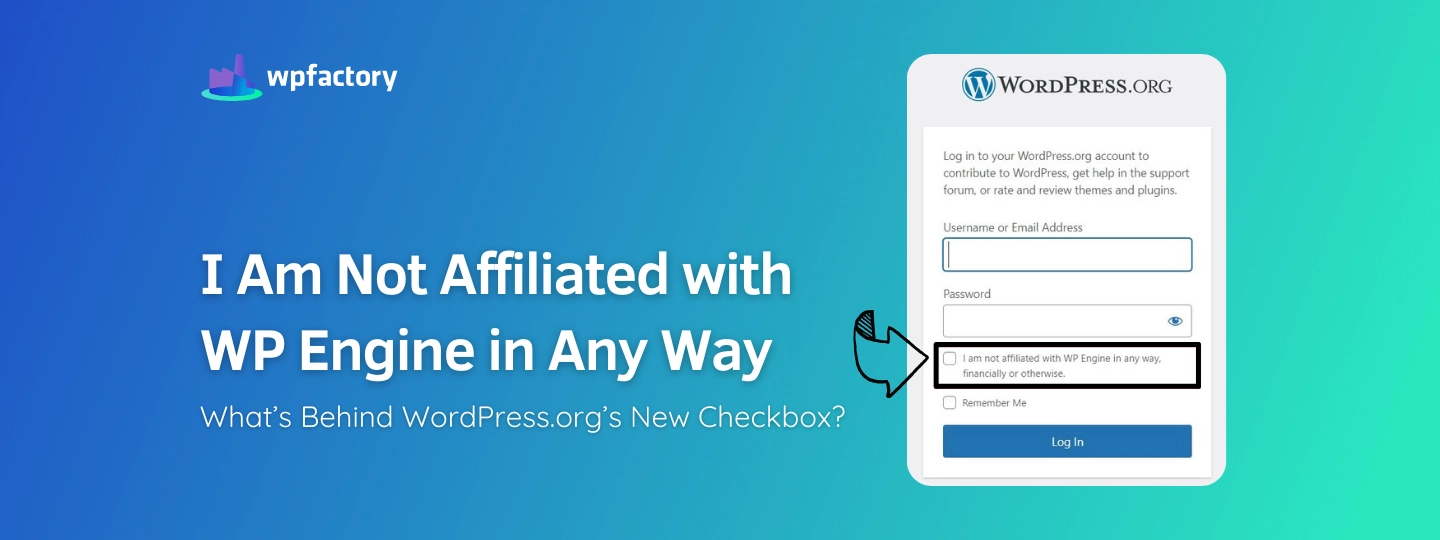
I Am Not Affiliated with WP Engine in Any Way: What’s Behind WordPress.org’s New Checkbox?
Update (December 2024): The affiliation checkbox has been removed from the WordPress.org login page, and the login process has returned to its previous standard…
How to Download Plugin Files WordPress without FTP or cPanel
Quick answer: WordPress has no built-in download button for installed plugins. Instead of zipping the folder over FTP or cPanel, install Download Plugins and…

How to Install a WordPress Plugin (3 Ways: Dashboard, ZIP Upload & FTP)
Quick answer: Go to Plugins → Add New, search for the plugin, click Install Now and then Activate. For a premium plugin, click Upload…

How & Why You Should Use WebP Images in WordPress
Quick answer: WebP is an image format that is usually much smaller than JPEG or PNG at similar quality, so pages load faster. WordPress…

How to Add a Table in WordPress (Block Editor, Plugins & Responsive Options)
Quick answer: In the block editor, click + and add the Table block, choose the number of columns and rows, then type your content…

5 Best WordPress Table of Contents Plugins in 2026 (Free, Auto-Generated)
Quick answer: The easiest way to add a table of contents in WordPress is a free TOC plugin that builds it automatically from your…

4 Best Plugins to Create WordPress Registration (Signup) Forms
Quick answer: WordPress’s default registration page can’t be customized, so the easiest way to build your own signup form is a form plugin with…
Comprehensive Guide to the New WordPress Gutenberg Editor
Quick answer: Gutenberg is WordPress’s block editor, the default since WordPress 5.0 in December 2018. Every piece of content, from paragraphs and images to…
The plugins behind most of what we write about.
A lot of the posts here reference WPFactory plugins because that's what we build with. All Access gets you every plugin we make, on as many sites as you run. Pay once. Own it.
- Every WPFactory plugin, current and future
- Unlimited sites, no per-site caps
- Lifetime updates, no renewals
- 30-day refund, no questions asked