WooCommerce Guides
Step-by-step WooCommerce tutorials: store settings, products, pricing, checkout, shipping, tax and orders, with the plugins and code that make each change.

Media File Renamer for WordPress: Auto-Rename by Post Title, Date or Custom Rules
Quick answer: WordPress keeps whatever filename you upload. A media file renamer plugin such as Rename Media Files on Upload renames files automatically using…

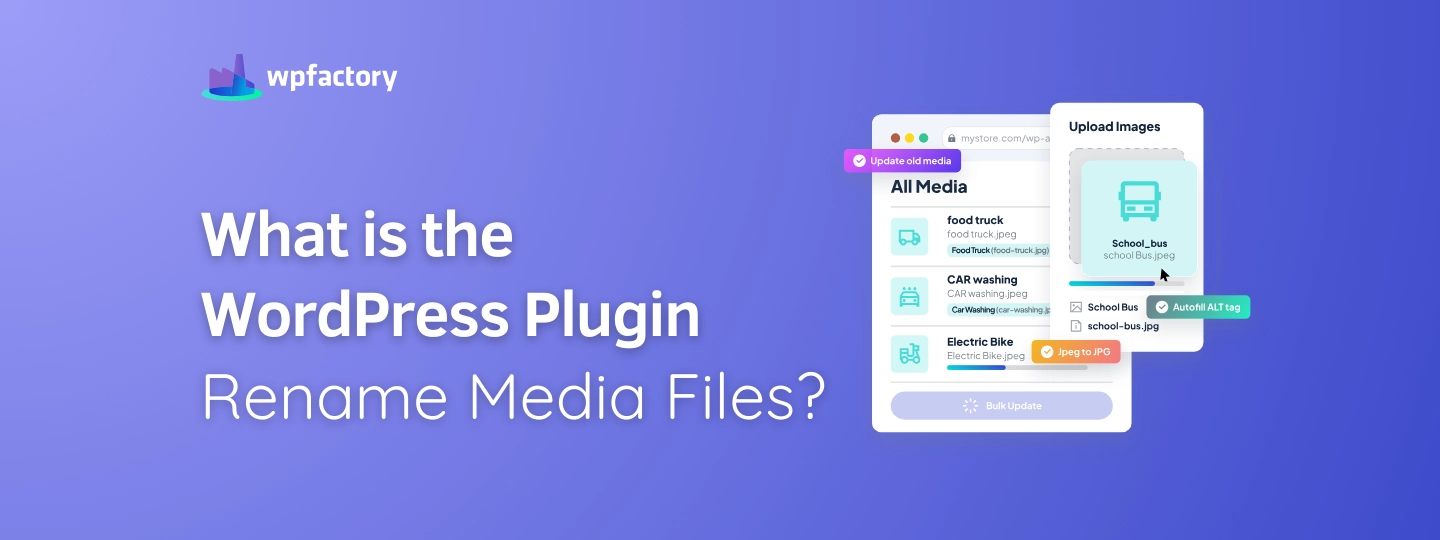
What is the WordPress Plugin Rename Media Files?
Quick answer: WordPress keeps the original filename of every upload. A rename media files plugin such as Rename Media Files on Upload renames files…

Adding EAN Codes to WooCommerce Products (Field, Validation & Display)
Quick answer: Recent WooCommerce versions include a basic GTIN/EAN field in the product’s Inventory tab, but no validation, barcode images or bulk tools. EAN…
WooCommerce Barcode Generator: Add EAN, UPC & QR Codes to Products
Quick answer: WooCommerce can store a GTIN, UPC, EAN or ISBN number but can’t generate barcode images. A barcode generator plugin creates the barcode…
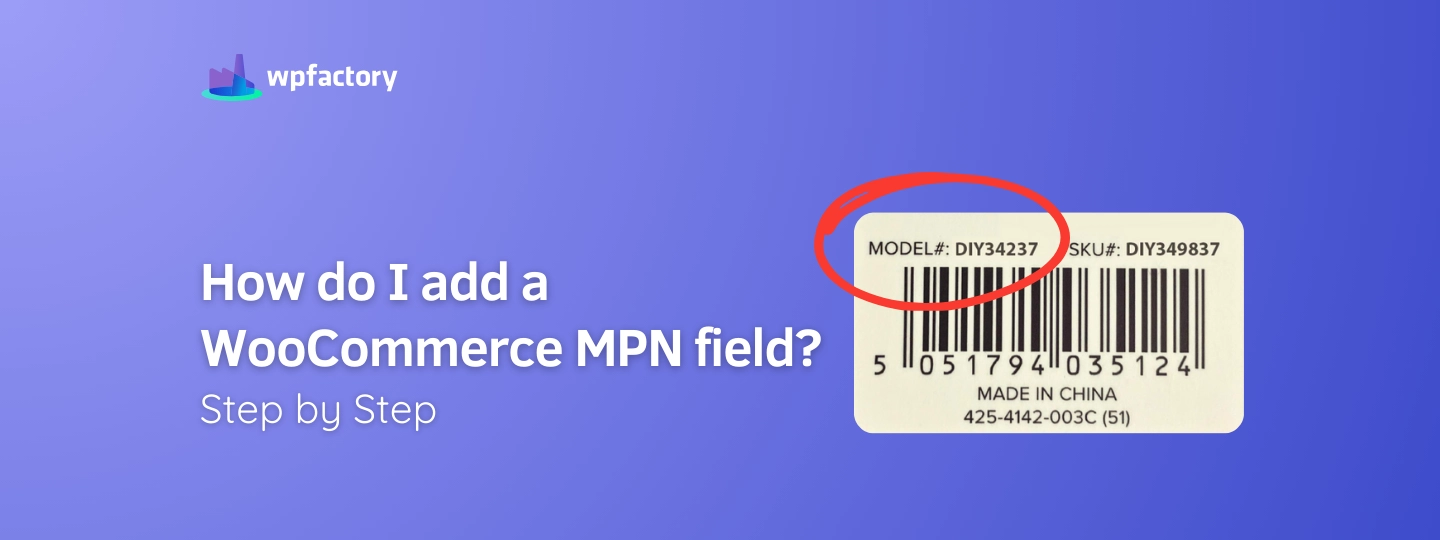
How to Add an MPN Field in WooCommerce: Step-by-Step Guide
Quick answer: An MPN (manufacturer part number) is the code a manufacturer gives a product to identify it. Google Shopping and marketplaces use it,…
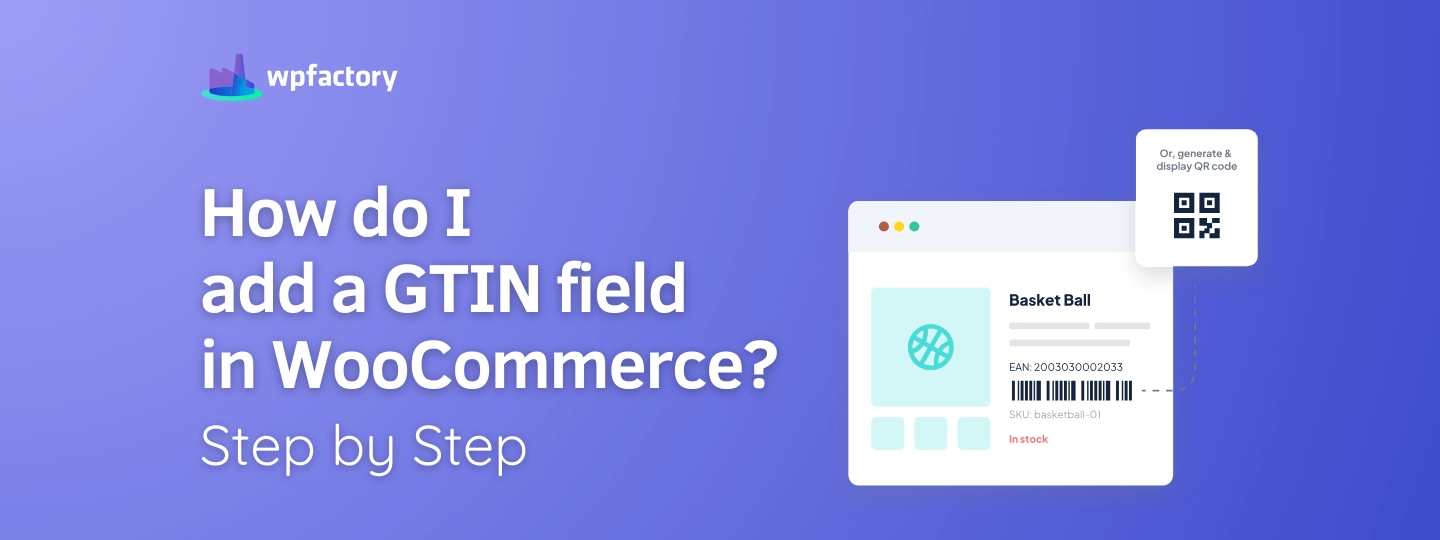
How to Add a GTIN Field in WooCommerce: Step-by-Step Guide
Quick answer: Recent WooCommerce versions include a GTIN, UPC, EAN or ISBN field in the product’s Inventory tab. For more control, an EAN barcode…
How to Accept Donations in WooCommerce (One-Time, Recurring & Custom Amounts)
Quick answer: Create a simple product (for example “Donation”), mark it virtual, and let donors enter their own amount with a name your price…


What is GTIN WooCommerce? A Must-Have for Stores
Quick answer: A GTIN (Global Trade Item Number) is the unique number behind a product’s barcode. EAN, UPC and ISBN are all types of…

WooCommerce Custom Price Based on User Input
Quick answer: To let customers enter their own price, use Name Your Price: Make Your Own Offer. It adds a price field or offer…
WooCommerce Pay What You Want: How to Let Customers Set Their Price
Quick answer: Pay what you want (PWYW) lets customers choose how much to pay, usually with a minimum you set and a suggested amount.…
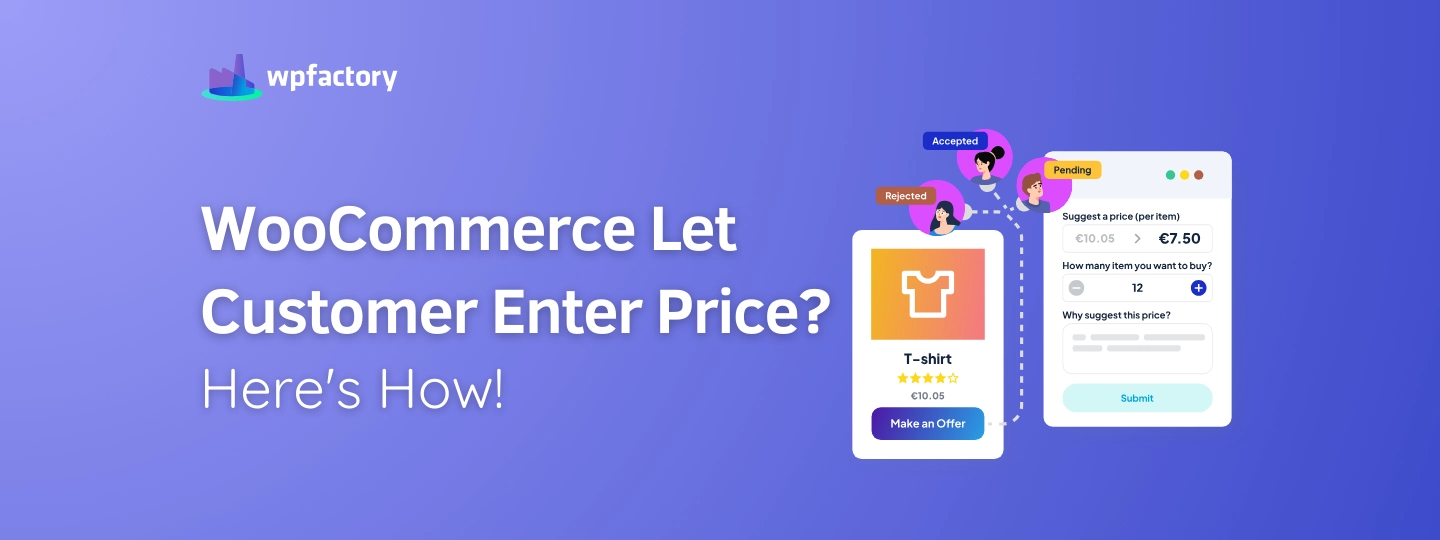
WooCommerce Let Customer Enter Price? Here’s How!
Quick answer: WooCommerce doesn’t let customers type their own price, so you need a name your price plugin. Name Your Price: Make Your Own…

How to Set a Minimum Order Quantity in WooCommerce
Quick answer: WooCommerce has no built-in minimum quantity setting, so you need a plugin. With Order Min/Max Amount, enable quantity as the amount type,…
The plugins behind most of what we write about.
A lot of the posts here reference WPFactory plugins because that's what we build with. All Access gets you every plugin we make, on as many sites as you run. Pay once. Own it.
- Every WPFactory plugin, current and future
- Unlimited sites, no per-site caps
- Lifetime updates, no renewals
- 30-day refund, no questions asked