WooCommerce Guides
Step-by-step WooCommerce tutorials: store settings, products, pricing, checkout, shipping, tax and orders, with the plugins and code that make each change.
The Complete Guide to WooCommerce Shortcodes
Quick answer: WooCommerce shortcodes are short codes in square brackets that display store elements anywhere, such as for product grids, for a category, and…

eCommerce Checkout Trends 2026: BNPL, Digital Wallets & One-Click Checkout
Quick answer: Shoppers now expect a fast, mobile-friendly checkout with their preferred way to pay, such as digital wallets, buy now pay later or…

Checklist: ChatGPT Instant Checkout WooCommerce
Quick answer: To sell through ChatGPT Instant Checkout, you apply through OpenAI’s merchant interest form and prepare a product feed with complete, accurate data:…

How to Export WooCommerce Products to Excel: A Complete Guide
Quick answer: Go to Products → All Products and click Export to download a CSV file of your products, which opens directly in Excel.…
Export WooCommerce Customers Data to CSV or XML in Seconds
Quick answer: For a quick list, go to WooCommerce → Customers and click Download to get a CSV. For more fields, date ranges or…
How Do I Enable Woocommerce Multi Currency?
Quick answer: WooCommerce sells in one currency by default. To offer more, either turn on multi-currency in WooPayments and add the currencies you want…
How Do I Add Woocommerce Currency Switcher?
Quick answer: WooCommerce sells in one currency by default. Install Payment Gateway Currency for WooCommerce, enable currency conversion, choose a currency for each payment…
How to Change WooCommerce Order Status (Manual, Bulk & Automatic Methods)
Quick answer: Open WooCommerce → Orders, click the order, choose the new status from the Status dropdown and click Update. To change many orders…
WooCommerce Order Status List + How to Get Order Status (PHP)
Quick answer: WooCommerce has eight default order statuses: Pending payment, Processing, On hold, Completed, Cancelled, Refunded, Failed and Draft (used by the block checkout).…
WooCommerce Order Statuses: Complete Guide + How to Add Custom Statuses
Quick answer: WooCommerce moves each order through default statuses: Pending payment, Processing, On hold, Completed, Cancelled, Refunded and Failed. The payment gateway sets most…
Change Price in WooCommerce Fast and Safe
Quick answer: To change a price, go to Products, edit the product, and update the Regular price (and Sale price, if any) in the…
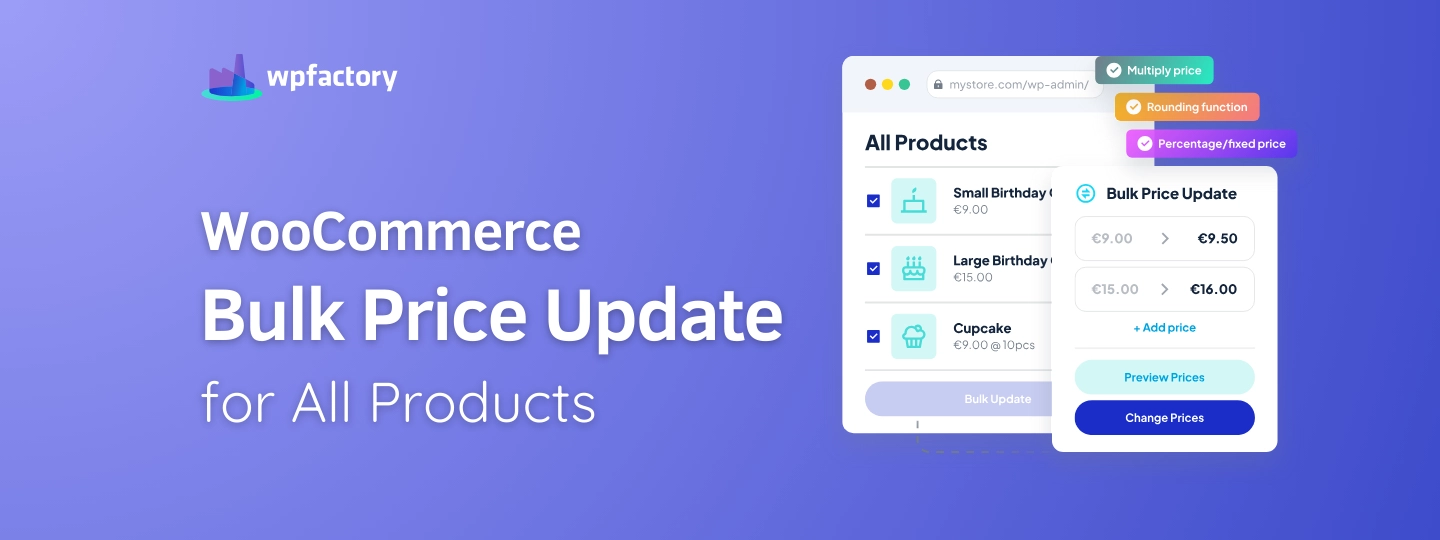
WooCommerce Bulk Price Update for All Products
Quick answer: In Products, select the products, choose Edit from Bulk actions, then under Price pick “Change to”, “Increase existing price by” or “Decrease…
The plugins behind most of what we write about.
A lot of the posts here reference WPFactory plugins because that's what we build with. All Access gets you every plugin we make, on as many sites as you run. Pay once. Own it.
- Every WPFactory plugin, current and future
- Unlimited sites, no per-site caps
- Lifetime updates, no renewals
- 30-day refund, no questions asked