WooCommerce Guides
Step-by-step WooCommerce tutorials: store settings, products, pricing, checkout, shipping, tax and orders, with the plugins and code that make each change.
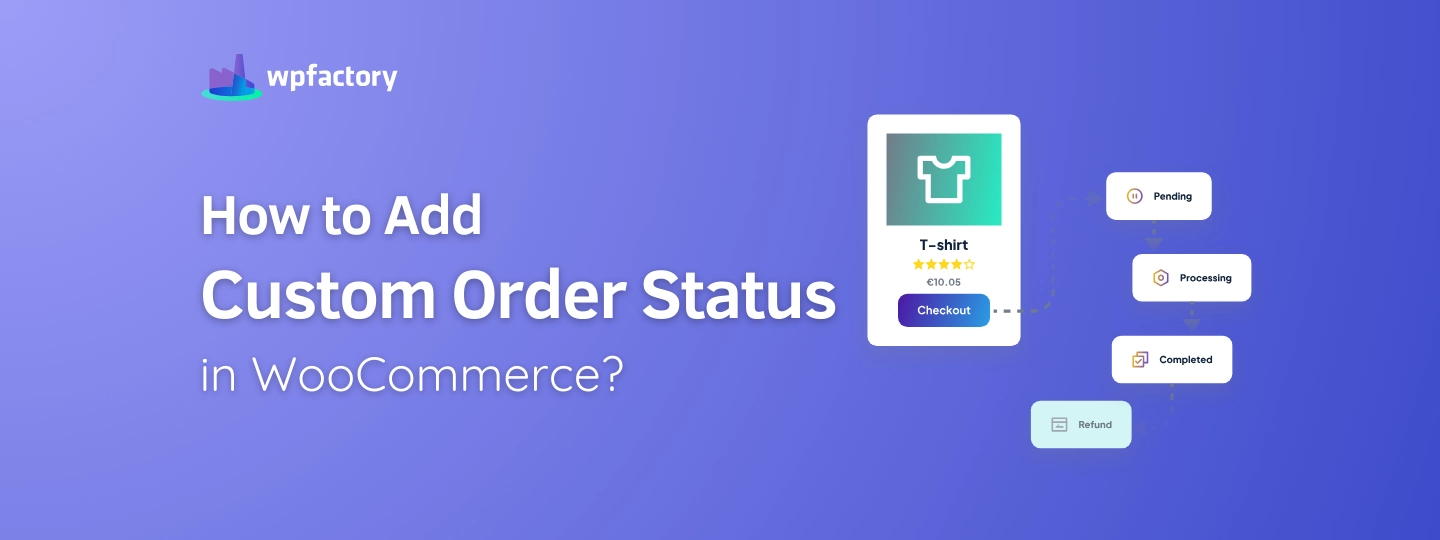
Add Custom Order Status WooCommerce (PHP, Plugin & Automation Guide)
Quick answer: To add a custom order status with code, register it with register_post_status() and add it to the list with the wc_order_statuses filter,…

WooCommerce Export Orders: CSV, Excel & Google Sheets Guide
Quick answer: WooCommerce has no built-in button for exporting orders (its CSV exporter covers products only), so you need an order export plugin. With…

20+ Big Brands Actually Using WooCommerce (Real Store Examples 2026)
Quick answer: Well-known brands running their online stores on WooCommerce include Mint Mobile, Caribou Coffee, Tonal, Razor, JM Bullion, Godin Guitars and Offerman Woodshop.…

How to Restrict Payment Methods in WooCommerce (By Country, Role, Cart Total & More)
Quick answer: WooCommerce only lets you turn payment gateways on or off for everyone. To show or hide a gateway by country, user role,…
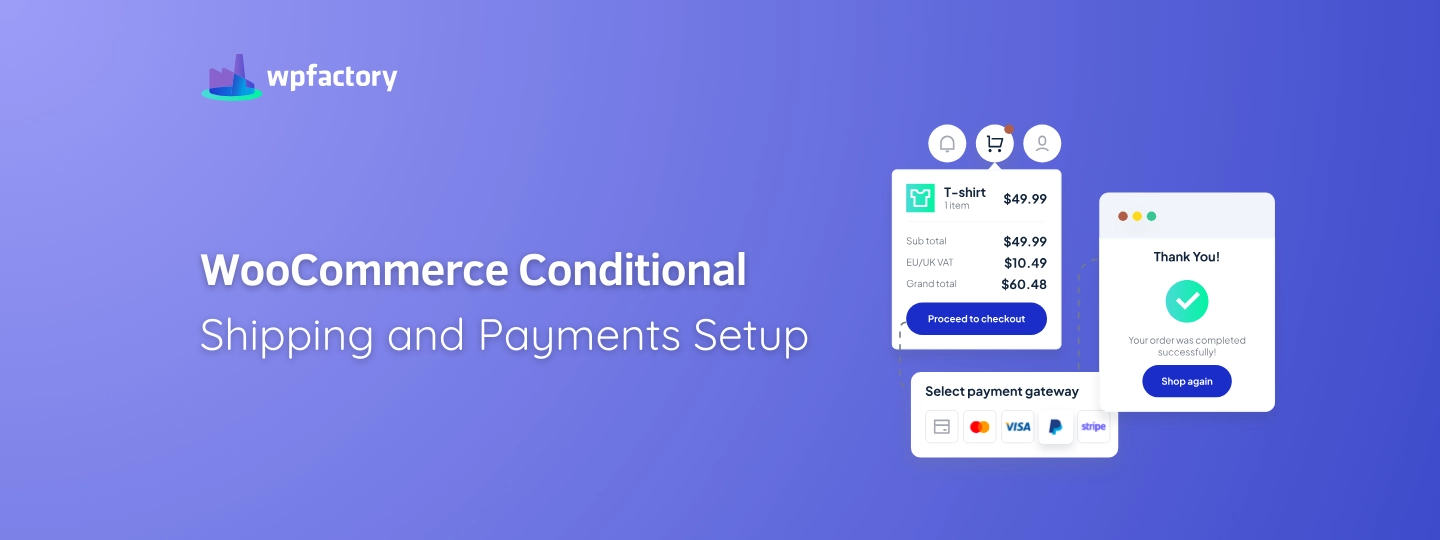
WooCommerce Conditional Shipping and Payments: Hide Methods Based on Cart, Product & Location
Quick answer: WooCommerce only offers basic controls here, such as shipping zones and a few gateway options, so rule-based hiding needs a plugin. With…

How to Display WooCommerce MSRP: A Step-by-Step Guide
Quick answer: WooCommerce has no MSRP field, so you need a plugin. With MSRP for WooCommerce, enable the plugin, choose where the MSRP appears…

How to Copy a WordPress Theme to Another Site (3 Methods, No FTP Needed)
Quick answer: Download the theme as a ZIP file from the site that has it, then install it on the new site under Appearance…

How to Download a WordPress Theme as a ZIP File (with/without FTP)
Quick answer: WordPress has no built-in button to download an installed theme. Either compress the theme’s folder in wp-content/themes using FTP or your host’s…

How to Export a WordPress Plugin (Download as ZIP, FTP or Dashboard)
Quick answer: WordPress has no button to download an installed plugin. To export one, compress its folder in wp-content/plugins using FTP or your host’s…

How to Backup WordPress Theme Without FTP/cPanel?
Quick answer: The easiest way to back up a WordPress theme without FTP is a plugin that adds a Download link to Appearance →…

Rename Image Files in WordPress: 5 Mistakes to Avoid
Quick answer: Give every image a short, descriptive filename with words separated by hyphens (for example red-running-shoes.jpg) before you upload it, and keep the…

Rename Media Files: Best Practices to Bulk Edit All Media in WordPress
Quick answer: WordPress can’t rename media files on its own, and changing a filename by hand breaks every link to it. To bulk rename…
The plugins behind most of what we write about.
A lot of the posts here reference WPFactory plugins because that's what we build with. All Access gets you every plugin we make, on as many sites as you run. Pay once. Own it.
- Every WPFactory plugin, current and future
- Unlimited sites, no per-site caps
- Lifetime updates, no renewals
- 30-day refund, no questions asked