Table of Contents
The Timepicker field type in Custom Checkout Fields for WooCommerce lets customers choose a time at checkout, for example a preferred delivery or pickup time. This guide covers the Timepicker options and how they interact with the shared Input options.
Before you start #
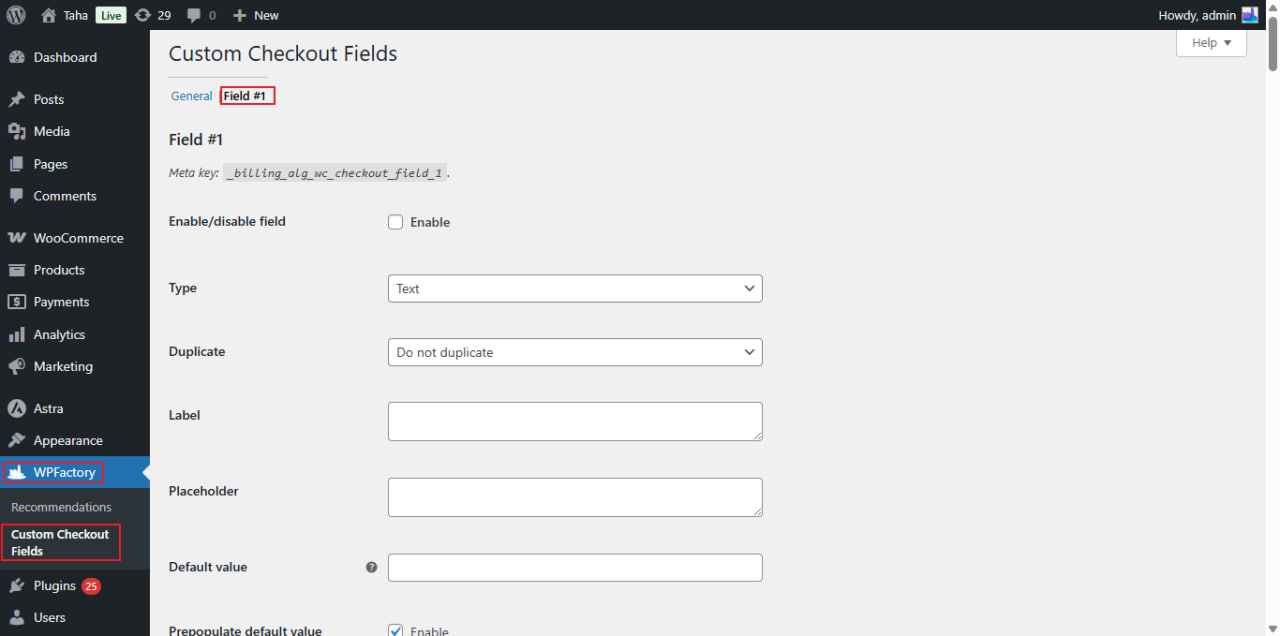
- Go to WPFactory > Custom Checkout Fields (also reachable at WooCommerce > Settings > Custom Checkout Fields).
- Open a field tab and set Type to Timepicker. The Timepicker Type Options group then applies.
Timepicker Type Options #
| Label | Option ID | Default |
|---|---|---|
| Time format | alg_wc_ccf_type_timepicker_format_1 |
hh:mm p |
| Interval (minutes) | alg_wc_ccf_type_timepicker_interval_1 |
15 |
| Min time | alg_wc_ccf_type_timepicker_mintime_1 |
Empty |
| Max time | alg_wc_ccf_type_timepicker_maxtime_1 |
Empty |
Notes #
- Time format uses the timepicker library’s tokens:
hh:mm pgives a 12-hour clock with AM/PM, whileHH:mmgives 24-hour. This is different from the time format used by the datepicker’s Timepicker addon. - Interval sets the step between selectable times. With 15, customers can pick 9:00, 9:15, 9:30, and so on.
- Min time and Max time use
HH:MM, for example09:00and17:00, to limit the selectable window.
Input options and this field #
The shared Input Options group (Max length, Min value, Max value, Step) is aimed at Number and Range fields and does not apply to a timepicker. Two Input options are still useful here:
- Autofocus (
alg_wc_ccf_autofocus_1, default No): focus the field automatically when the page loads. - Autocomplete (
alg_wc_ccf_autocomplete_1): a text field whose value becomes the input’s HTMLautocompleteattribute. Enteroffto switch browser autocomplete off; leave it blank otherwise. It is not an on/off checkbox.
Get more fields #
You can add one timepicker in the free version. Custom Checkout Fields for WooCommerce Pro lets you add up to 100 fields, so you can pair a date and a time field on the same checkout. Get Custom Checkout Fields Pro.