5 Best WooCommerce Checkout Plugins for Faster Conversions in 2026

Quick answer: The right checkout plugin depends on what slows your checkout down: one-page or multi-step layouts, extra or unnecessary fields, missing upsells, or no express payment buttons. The five plugins below cover those needs, with a comparison table and tips on choosing the one that fits your store.
Did you know that 18% of shoppers abandon their purchase due to long and complicated checkouts? And according to Baymard Institute, the average cart abandonment rate has exceeded 70%.
On the other hand, Baymard Institute says that improving checkout design can increase conversions by up 35% for some stores.
This means one clear thing: running a WooCommerce store doesn’t just depend on attracting visitors and creating attractive promotions; it also requires providing a simple checkout process, all available payment methods, and a mobile-compatible user experience.
In this article, we will explore the best WooCommerce checkout plugins in 2026 to help you choose the best solution for you by comparing conversion features, advantages, ease of setup, compatibility, and strategies available in each plugin. If you are still building out your stack, our guide to essential WooCommerce plugins is a good place to start.
What are WooCommerce Checkout Plugins?
WooCommerce checkout plugins are extensions designed to modify, enhance, or customize the default WooCommerce checkout experience or replace it entirely as you want.
WooCommerce offers you a checkout, but it is generic, meaning it is not customized to fit your store, the products you offer, and your target audience; rather, it is designed for every store regardless of its type, sector, and size.
The WooCommerce checkout plugins allow you to:
- Simplifying the checkout layout.
- Creating a one-page checkout experience.
- Adding or removing checkout fields.
- Supporting express payment methods.
- Enabling upsells and order bumps.
- Improving mobile usability.
- Tracking checkout analytics.
Why WooCommerce Checkout Optimization Matters for Conversions?
Imagine you are shopping in an online store, you have gathered all the items you want and reached the checkout, it asks you for a lot of information to fill out, unnecessary details, deal with a slow and complicated flow, and struggle with overlapping fields on mobile. And on top of that, your preferred payment method isn’t even available.
That’s why improving the WooCommerce checkout experience is not optional but one of the most important steps in your store, because at that point, either everything stops and you won’t earn a single cent from it, or it will generate a lot of revenue for you.
1. Reduces Cart Abandonment
The more complicated and the more unnecessary steps and fields in your checkout page, the higher the cart abandonment rate will be. That’s why optimizing the checkout page is essential for increasing the conversion rate.
2. Better Mobile Experience
Today, more than 60% of customers shop via mobile. Improving the checkout experience helps you reduce any problems that might appear on these small screens, thereby improving purchase completion rates.
3. Improved Customer Satisfaction
The easier the checkout experience, with fewer steps, the more it encourages customers to complete the purchase and also motivates them to repeat purchasing from the same place, which creates long-term customer loyalty.
4. Better Core Web Vitals Performance
The poor checkout process not only affects your site and revenue, but also impacts the key web performance indicators. The slower and heavier your website’s checkout page is, the more it will harm your search ranking and increase bounce rates at the same time.
5. Increase Post-Purchase Revenue
When customizing checkout pages, you can add order bumps and post-purchase upsells, which directly increase the average order value (AOV) by 10-30%.
Types of WooCommerce Checkout Plugins
Not all checkout plugins solve the same problem, so understanding the main categories is essential for choosing the best solution for your store.
1. Checkout Page Builder & Optimizer
This type of plugin category focuses on redesigning or replacing the default checkout, allowing you to fully customize the checkout experience as you want and in a way that aligns with your store’s identity.
2. Checkout Field Editor
This category allows you to customize the fields that appear exactly in the payment form, reorder them, and add custom fields such as tax number or specific notes.
3. Upsell Plugins
This type of plugin relies on displaying one-time offers, upsell products, order bumps, and others, aiming to increase AOV without extra ad spend.
4. Payment & Gateway Enhancers
These types of plugins allow you to display the payment methods you want on the checkout page, which reduces the required steps and makes it easier for customers to complete the purchase.
5. Checkout Analytics & Heatmaps
These plugins allow you to analyze the checkout page to determine where customers drop off during the checkout process, which fields confuse, and how each layout affects conversions.
Best WooCommerce Checkout Plugins
1. WooCommerce Additional Checkout Fields Customizer
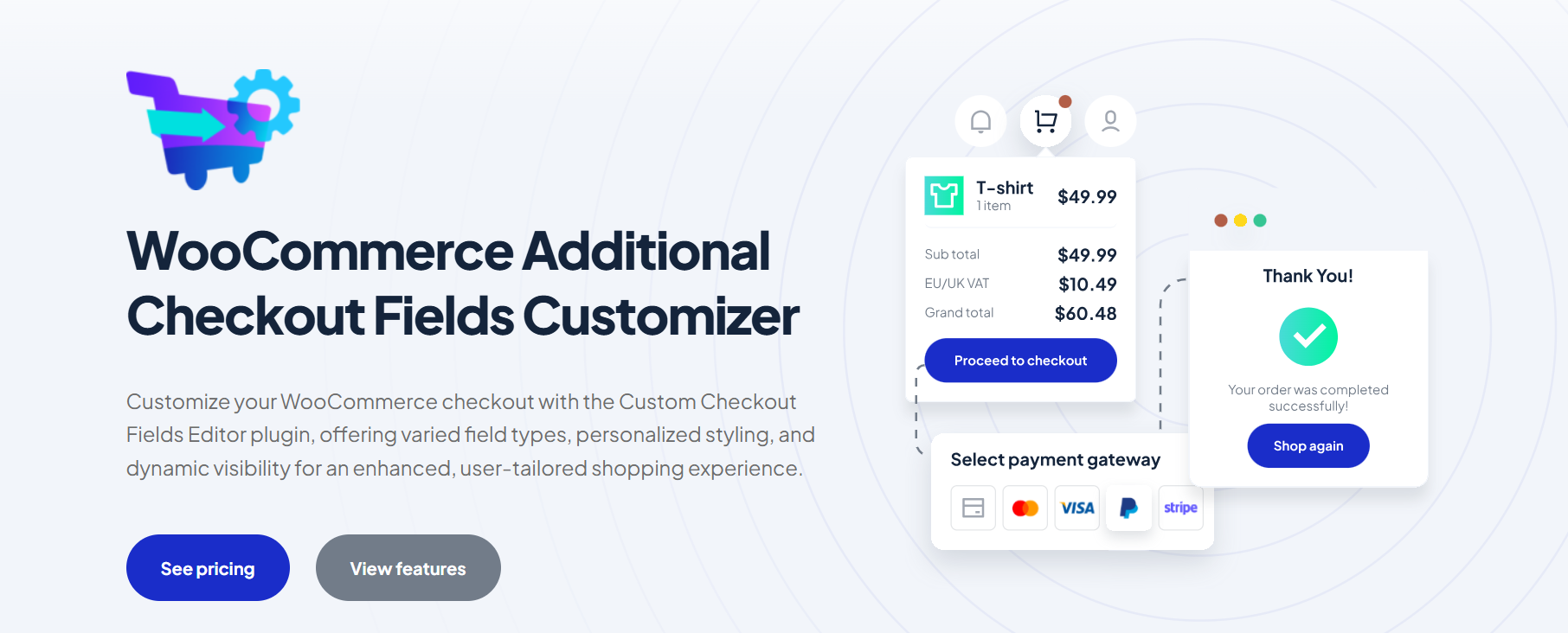
This plugin gives you full control over the checkout page fields, meaning you can add, remove, or customize any field you want instead of just being limited to the default fields like name and address. email and phone number.
So, if you want to know some additional information about the clients to promote to them in a personalized way, you can add custom additional fields, which you can show or hide whenever you want based on certain conditions.
This feature, called Dynamic Checkout Field Visibility, is one of the strongest features because it allows you to show or hide any field you want based on certain conditions, such as:
- User role (customer / wholesale customer).
- Cart value.
- Products in the cart.
- Shipping method.
- Payment method.
The main purpose of this plugin is to add, customize, and manage checkout page fields in WooCommerce with support for conditional logic and additional fees, allowing you to collect the data you need.
Key Features
- Checkout Field Variety & Enhanced Flexibility
- Checkout Field Customization – Personalized User Experience
- Field Styling Flexibility With Aesthetic Integration
- Dynamic Checkout Field Visibility
- Conditional & Intelligent Checkout Logic
- Automated Checkout Fee Processing
Main Use Case
Field customization, compliance & modular checkout control.
Pricing
2. Fluid Checkout for WooCommerce – Lite
The Fluid Checkout plugin focuses on redesigning and improving the entire shopping experience, from the moment the customer adds the product to the cart until the completion of the payment process. It allows you to restructure and redesign the entire checkout process to be compatible with your store.
Key Features
- Multi-step or Single-step.
- Optimized for mobile.
- Easily add trust symbols to the checkout page.
- Shipping before billing.
- Hide optional fields.
- Instant field validation.
- Integrated the coupon code field at checkout.
- Shipping phone field.
- Skip completed steps.
Main Use Case
Full checkout UX redesign.
Pricing
3. FunnelKit – Funnel Builder for WooCommerce Checkout
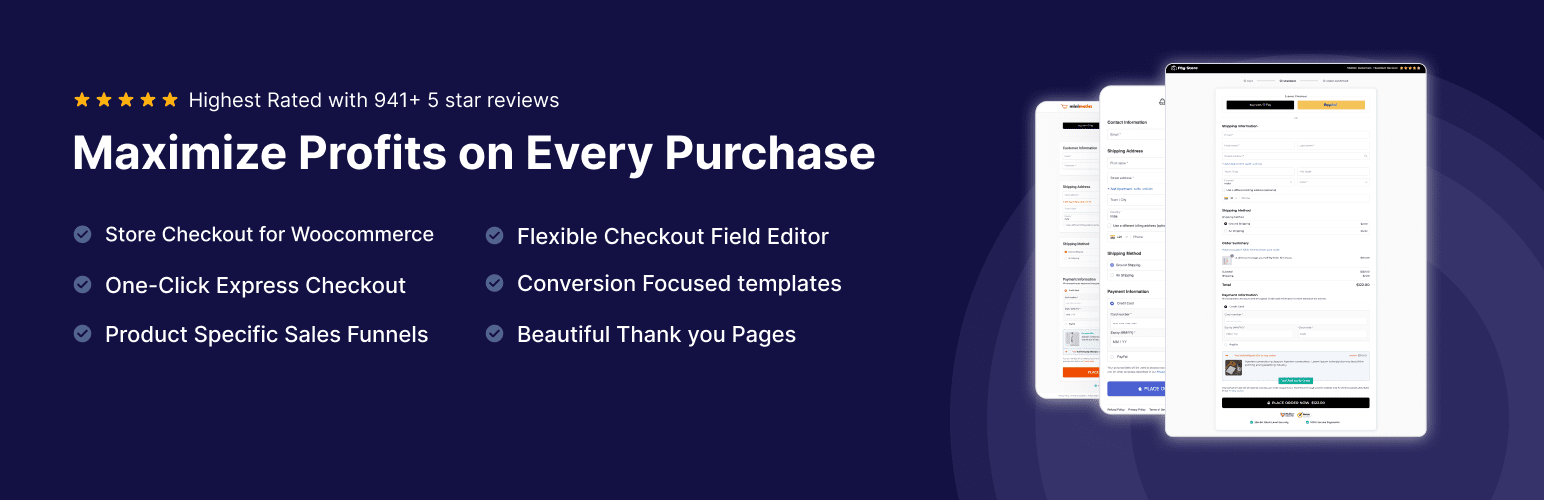
This plugin is different from any other checkout plugin, as it focuses on increasing conversions for stores by converting WooCommerce from a regular store into a sales funnel system. If you are assembling a wider toolkit, our guide to the best WooCommerce plugin bundle compares the options.
For example, instead of just having a product page, cart, and checkout page, it becomes: Landing page → Opt in → Checkout → Upsell → Thank you page.
So, the main goal of this plugin is to increase conversions and reduce cart abandonment.
Key Features
- Unlimited Funnels.
- Ready to Use Templates.
- In-line forms & Pop-Ups.
- One-step, two-step & three-step WooCommerce checkouts.
- Flexible Checkout Fields Editor.
- Checkout Discounting.
- Offering Product Choice.
- WooCommerce Checkout Page Optimization.
- Live Cart Capturing.
- Cart Abandonment Tracking.
- Rule-based Order Bumps.
Main Use Case
Upsell funnels & checkout templates.
Pricing
4. CartFlows Cart Abandonment Recovery
Some customers put products in the cart and then leave.
WooCommerce does not give you the ability to know the reason for leaving or to automatically follow up with the customer, so this plugin saves the customer’s data during checkout, records the abandoned cart, and then sends automatic messages (Email, SMS, WhatsApp) after the cart has been left for a period that you specify. This helps you turn customers into actual buyers and recover sales.
Key Features
- Recover Lost Revenue Automatically.
- Fully Customizable to Your Store.
- Track Revenue Inside WordPress.
- Seamless Automation with Ottokit.
Main Use Case
Recovering abandoned carts and lost sales.
Pricing
5. WooCommerce Popups: Cart, Add to Cart, Checkout Notices to Popups

This plugin helps you display WooCommerce messages and alerts in an attractive way through popups, immediately capturing the customer’s attention.
This plugin allows you full customization in terms of design, colors, icons, display duration, and the option for automatic closing, so that it matches your store’s identity and improves the user experience.
And this plugin doesn’t change the checkout page but works on enhancing the shopping experience by reducing distractions, improving the clarity of procedures, and supporting the purchase decision by providing clearer and more impactful notifications.
Indirectly, it can help increase conversion rates because it makes the customer’s interaction with the store more attentive and smooth, instead of traditional, unclear messages.
Key Features
- Customizable Add to Cart & Checkout Popups.
- Hide or Show WooCommerce Notifications.
- AJAX Add to Cart Notice.
- FontAwesome Integration for Stylish Popups.
- Prevent unwanted page scrolling.
- One-Time notices with cookies.
- Enhanced message customization.
- Auto-close popup after X seconds.
- Enable sound notifications.
Main Use Case
Enhancing WooCommerce user experience.
Pricing
Comparison Table
| Plugin | Main Use Case | Key Features | Best For | Pricing |
|---|---|---|---|---|
| WooCommerce Additional Checkout Fields Customizer (WPFactory) | Field customization, compliance & modular checkout control | Checkout field variety, conditional logic, dynamic visibility, field styling, checkout fees | Stores that need custom data collection, B2B, and advanced checkout rules | Free + Premium (~$49.99/year) |
| Fluid Checkout for WooCommerce (Lite) | Full checkout UX redesign | Multi-step checkout, mobile optimization, trust symbols, instant validation, hide optional fields, optimized flow | Stores that want a faster, cleaner, mobile-friendly checkout experience | Free + Premium (~€99/year) |
| FunnelKit Funnel Builder for WooCommerce | Upsell funnels & checkout templates | Sales funnels, order bumps, one-click upsells, checkout templates, landing pages, A/B testing, cart tracking | Stores focused on increasing AOV and building sales funnels | Free + Premium (~$99/year) |
| Cart Abandonment Recovery (CartFlows) | Recovering abandoned carts and lost sales | Email/SMS/WhatsApp recovery, abandoned cart tracking, revenue dashboard, automated follow-ups, coupons | Stores are losing sales at checkout and need recovery automation | Free + Premium (~$99/year) |
| WooCommerce Popup Notices Plugin | Enhancing WooCommerce user experience | Custom popup notifications, AJAX add to cart notices, design customization, auto-close popups, icons, behavior control | Stores want better UX and more engaging system notifications | Free + Premium (~$49.99/year) |
How to Choose the Right WooCommerce Checkout Plugin
With the increasing number of plugins and their variety, it becomes difficult to choose the best plugin for your store. Therefore, here are some steps to help you choose the best plugin for your store.
Step 1 – Identify your Primary Checkout Problem
The first thing before choosing the plugin is that you need to determine where you’re losing sales in checkout.
1. Start With Visible Symptoms
The first thing is to identify the visible symptoms, such as:
- Decline in sales?
- High cart abandonment?
- Low average order?
- Obvious mobile issues?
2. Use Analytics Tools Only if Needed
If you want a deeper and more precise analysis, you can use analysis tools such as:
- Heatmaps: Hotjar – Clarity
- Google Analytics
These tools help you identify the exact friction points at which field the customer stops, at which point they leave the checkout page, and so on.
Step 2 – Match your Problem with the Right Solution
Now, after identifying the current problem, it should be matched with the optimal solution.
→If your problem is checkout friction (users leave before paying)
This means that the existing design may be complex or unclear, so you need to redesign the checkout page in a simpler, smoother, and clearer way.
Recommendations:
- Fluid checkout.
- Multi-step / optimized checkout layouts.
- Mobile first checkout improvements.
→If your problem is low order value (AOV)
In this case, your clients are buying but spending too little, so you must increase the AOV.
Recommendations:
- FunnelKit.
- CartFlows
- WooCommerce Sales Bump: Upsell, Cross-sell & Related Products Popup
→If your problem is specific, checkout fields causing the drop-off
In this case, the clients stop at a certain field for some reason, so the most appropriate solution now is to use a plugin to customize, add conditional logic, display, or hide any field you want.
Recommendations:
→If your problem is mobile conversion drop
Currently, most customers shop from their mobile phones, but website and checkout pages appear on mobile in a way that is not completely organized or clear. Therefore, custom plugins must be used to improve the mobile checkout page.
Recommendations:
- Mobile optimized checkout (like Fluid checkout)
- Express payment methods (Apple Pay / Google Pay)
Step 3 – Compatibility
Ensure any plugin you select is compatible with your WooCommerce version, payment gateway plugins, and your theme. It is worth running the same check against your delivery setup, which we cover in our guide to WooCommerce shipping plugins.
Frequently Asked Questions (FAQs)
Q: What are the best WooCommerce checkout plugins for conversions?
Fluid Checkout is one of the best options for improving checkout UX and reducing friction, while FunnelKit helps increase conversions through sales funnels, order bumps, and upsells. The best choice depends on your store’s goals.
Q: Which WooCommerce checkout plugin is best for mobile stores?
Fluid Checkout is a strong choice for mobile-first stores thanks to its optimized layouts, simplified checkout flow, and mobile-friendly design.
Q: What is the best WooCommerce checkout plugin for B2B stores?
WooCommerce Additional Checkout Fields Customizer is ideal for B2B stores because it allows you to create custom checkout fields, apply conditional logic, and collect business-specific information.
Q: Can I use multiple WooCommerce checkout plugins together?
Yes. Many stores combine a checkout field editor, an abandoned cart recovery tool, and an upsell plugin. However, avoid installing multiple plugins that completely replace the checkout layout.
Q: Are WooCommerce checkout plugins GDPR compliant?
Most checkout plugins support GDPR compliance features, but compliance depends on how you configure and use them. Always review consent collection, data storage, and privacy requirements for your region.
Q: How do checkout analytics tools improve conversions?
Checkout analytics tools help identify where customers abandon the checkout process, allowing you to remove friction points and make data-driven improvements that increase conversion rates.
Final Thoughts
The checkout page is not just the last step in the customer’s journey, but it is the stage where the purchase decision is finalized. When it is designed correctly and smoothly, it not only helps complete orders but also contributes to building trust and encourages customers to return for future purchases.
For this reason, improving the checkout page is not a secondary option, but a fundamental step for any store seeking to increase sales and achieve growth.
As we mentioned in this article, WooCommerce Checkout plugins vary depending on the problem you are trying to solve. If you want to completely redesign the checkout experience, Fluid Checkout is one of the best options. On the other hand, if you need to customize fields and add advanced conditions and rules to control them, WooCommerce Additional Checkout Fields Customizer provides the flexibility you need.
And if your main challenge is recovering lost sales due to cart abandonment, Cart Abandonment Recovery offers an effective solution to follow up with customers and bring them back. On the other hand, if your goal is to increase the average order value, FunnelKit and WooCommerce popups are the best tools to boost conversions.
In the end, there is no single plugin suitable for all stores. The best plugin is the one that addresses your problem. Therefore, always make sure to identify your needs first, then ensure that the plugin is compatible with your store.