The WPFactory blog.
WooCommerce guides, real store case studies, code snippets, and how-tos from the team.

How to Calculate Profit Margin for eCommerce Stores: Gross, Net & Operating (Formulas + Examples)
Quick answer: Gross profit margin = (revenue − cost of goods sold) ÷ revenue × 100. Operating margin also subtracts operating expenses, and net…


How to Customize Quantity Input Field in WooCommerce?
Quick answer: WooCommerce’s default quantity box only accepts free typing with basic limits. To customize it, use a quantity manager plugin to set minimum,…

Customizing WooCommerce Email Templates (Logo, Colors, Layout & Custom Text)
Quick answer: Go to WooCommerce → Settings → Emails to add a header image, change the base, background and text colors, and edit the…
How to Start a Profitable Online Clothing Business from Home in 2026
Quick answer: To start an online clothing business, choose a model (your own designs, print on demand, wholesale resale or dropshipping), register the business…

How to Apply Bulk Discounts Offers to All Products in WooCommerce
Quick answer: WooCommerce can only set sale prices product by product, or give a discount through a coupon the customer has to enter. To…
Adding WooCommerce to Existing WordPress (Install, Configure & Launch Your Store)
Quick answer: In your WordPress dashboard go to Plugins → Add New, search for WooCommerce, click Install Now and Activate, then follow the setup…

Best 20+ Essential WooCommerce Plugins (Free & Paid) in 2026
Quick answer: Most WooCommerce stores need plugins for a few core jobs: payments, invoices, product options and tabs, shipping rates, abandoned cart recovery, analytics…


Restrict WooCommerce Cart to Only 1 Product per Order (No Code Needed)
Quick answer: To allow only one unit of a product per order, edit the product and tick Sold individually in the Inventory tab. It’s…
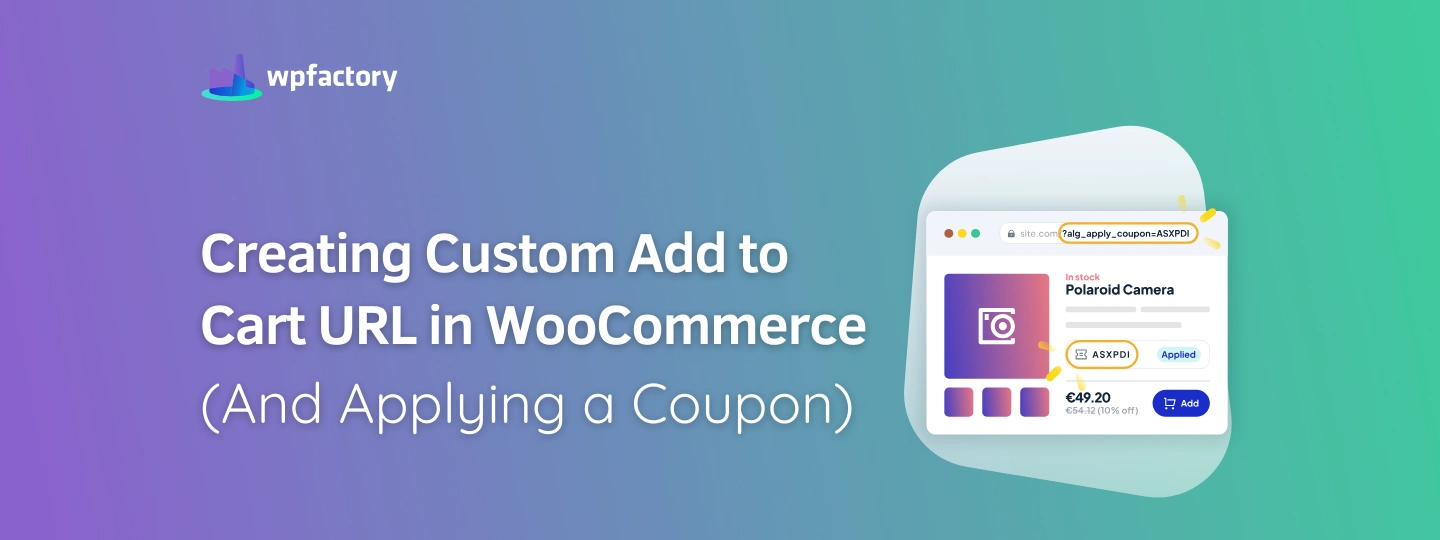
Creating Custom Add to Cart URL in WooCommerce (And Applying a Coupon)
Quick answer: WooCommerce supports add-to-cart links such as yoursite.com/?add-to-cart=123, but it can’t apply a coupon through a link. With URL Coupons for WooCommerce you…
How to Edit & Customize WooCommerce Product Page Layout
Quick answer: You can customize the product page with your theme or page builder, or with focused plugins: custom product tabs, custom Add to…

How to Offer Conditional Discounts for WooCommerce
Quick answer: A conditional discount applies only when rules are met, for example 15% off one category, a discount for logged-in customers, or a…

How to Easily Force Minimum Order Quantity in WooCommerce
Quick answer: WooCommerce can’t require a minimum quantity by default. The simple way is a quantity plugin: set the minimum per product, per category…
The plugins behind most of what we write about.
A lot of the posts here reference WPFactory plugins because that's what we build with. All Access gets you every plugin we make, on as many sites as you run. Pay once. Own it.
- Every WPFactory plugin, current and future
- Unlimited sites, no per-site caps
- Lifetime updates, no renewals
- 30-day refund, no questions asked