6 Best WooCommerce Sales Optimization Plugins for Higher Conversions

Quick answer: The plugins that raise sales most reliably target a specific leak: quantity discounts for larger orders, cart and checkout popups, wishlists for undecided shoppers, abandoned cart recovery, related-product upsells and email marketing. The list below covers one strong option for each.
Managing a successful WooCommerce store is not as easy as many people think.
It goes far beyond simply displaying products and setting prices. Store owners also need to manage inventory smartly, improve conversions, increase AVO, reduce cart abandonment as much as possible, enhance the user experience to keep visitors from leaving the site, and handle many other complex tasks.
Managing all of these processes professionally can be difficult to do manually, which is why businesses need tools that help simplify operations and automate certain tasks. This is where WooCommerce sales optimization plugin comes in. These plugins help automate workflows, handle repetitive tasks efficiently, and ultimately increase sales. Delivery is one of the areas most worth automating, and our guide to WooCommerce shipping plugins explains how.
In this article, we will explore the best WooCommerce sales optimization plugins, their key features, and how to choose the right solution for your store.
What are WooCommerce Sales Optimization Plugins
WooCommerce provides store owners with only the essential tools needed to run their stores. However, these built-in features do not include the advanced sales optimization capabilities that WooCommerce businesses need to grow revenue, reduce cart abandonment, and convert visitors into loyal customers.
That’s why store owners often rely on WooCommerce sales optimization plugins to unlock more powerful features and improve overall store performance.
WooCommerce sales optimization plugins are tools designed to help store owners improve eCommerce performance and increase sales through automation, personalization, pricing strategies, upselling, cross-selling, customer engagement, and checkout optimization.
Why Sales Optimization Matters in WooCommerce
According to the latest studies and statistics from Baymard Institute, the average eCommerce cart abandonment rate is approximately 70%. This means that 7 out of every 10 shoppers leave products in their carts completing the purchase, resulting in businesses losing hundreds or even thousands of dollars in potential revenue.
On the other hand, studies also show that acquiring a new customer can cost 5 to 25 times more than retaining an existing one. This is why implementing strategies and tools for upselling, cross-selling, loyalty programs, and post-purchase follow ups is no longer optional, but essential for modern eCommerce stores looking to grow sustainably and maximize customer lifetime value.
Key benefits of sales optimization:
- Increase average order value.
- Improve conversions rate.
- Encourage repeat purchase.
- Create better shopping experience.
- Automate revenue growth.
Key Features to Look for in a Sales Optimization Plugin
Not every plugin delivers the same value, and not every plugin is suitable for your store, meets its specific needs, or integrates smoothly with it from a technical perspective. That’s why there are several important factors and features you should take inconsideration before choosing the right plugin for your store.
It’s also important to clearly identify your store’s needs and determine exactly what you want to improve to increase sales. This will help you choose the most effective and suitable plugin for your WooCommerce store.
-
Checkout Optimization
Streamlined checkout flows that reduced friction and drop-off.
-
Upselling and Cross-Sell
Upselling aims to encourage customers to purchase a higher-end or more expensive version of the current product, while cross-selling focuses on recommending related or complementary products alongside the item the customer is already viewing or purchasing.
-
Dynamic Pricing Rules
Dynamic Pricing Rules are a strategy that allows WooCommerce stores to automatically adjust prices or offer discounts based on specific conditions.
In other words, pricing changes depending on factors such as:
- Product quantity.
- Customer type.
- Products added to the cart.
- Order value.
- Seasonal promotions.
- Special offers.
This helps increase average order value, encourage customers to buy more, and create more personalized shopping experiences.
-
Product Bundles
The idea behind product bundles is to group products that complement each other for a specific purpose. This strategy helps customers purchase everything they need in one package, while increasing conversions and boosting the overall order value.
-
Cart Abandonment Recovery
This feature helps WooCommerce store owners recover customers who added products to their carts but left the store without completing the purchase.
This strategy works by sending automated reminders, follow-up messages, or special offers to encourage customers to come back and complete their orders.
-
Exit Intent Popup
An exit intent popup is a message or offer that appears when the website detects that a customer is about to leave the page or close the store without completing a specific action.
These popups appear at the right time and place to capture the visitor’s attention before they leave. The messages often include instant discounts, reminders about products left in the cart, limited stock alerts, or special offers designed to encourage customers to stay and complete their purchase.
-
Wishlist Feature
Some customers may be interested in a specific product but need more time before making a purchase decision, whether to think about it, compare options, or for other reasons. That’s why they need a place to save products they like, which is exactly what the Wishlist feature provides.
-
Email Marketing Integrations
One of the most effective strategies for increasing sales and conversions is email marketing. It allows store owners to promote products, send reminder emails, share generous offers and discounts, and create personalized marketing campaigns tailored to specific customers and their interests.
Each of these features is often available through a separate plugin, since not every store requires the same functionality. That’s why you should focus on finding the plugin that provides you with the specific feature or capability your store needs most.
Best WooCommerce Plugins to Increase Sales and Optimization
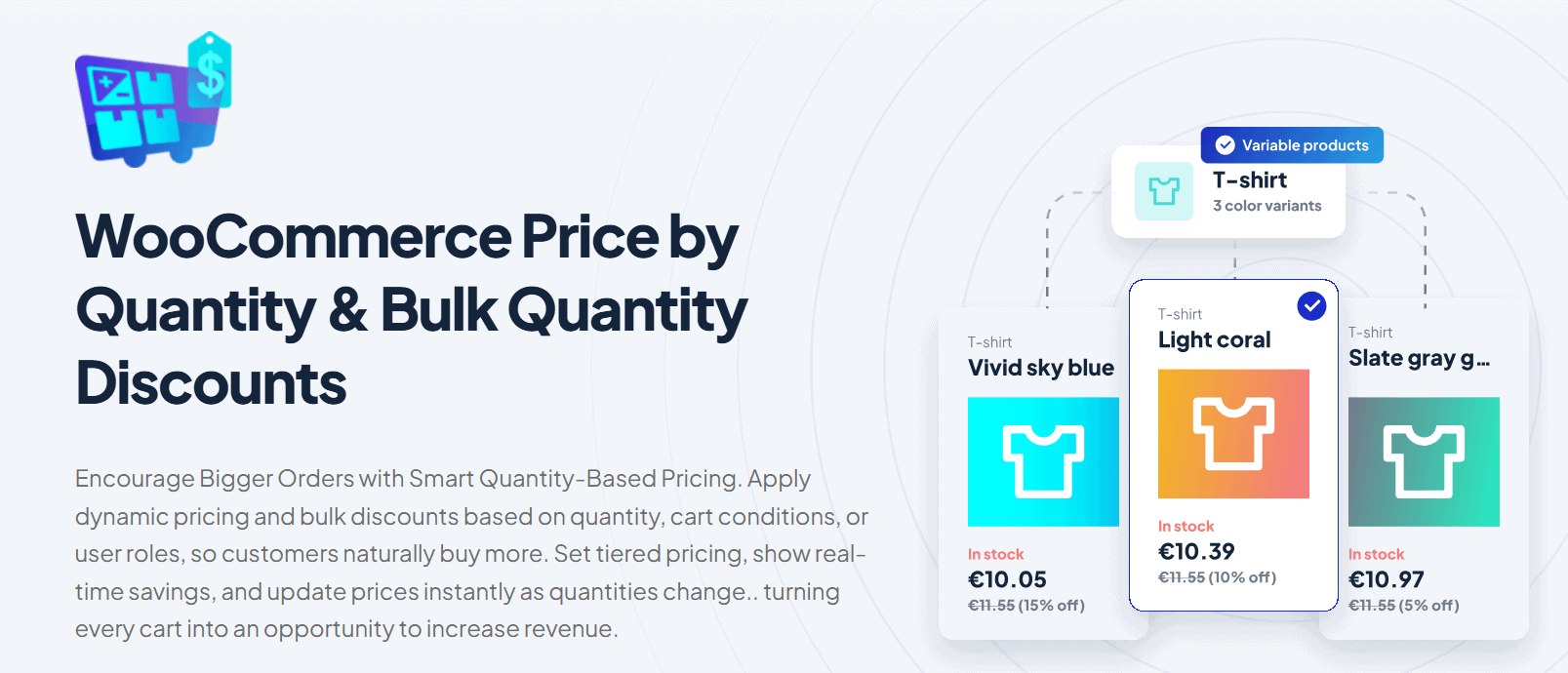
This plugin allows WooCommerce store owners to automatically adjust prices based on specific conditions. Instead of having a fixed price for all customers and quantities, pricing changes dynamically according to factors such as:
- Product quantity.
- Customer type.
- Items in the cart.
- Order value.
- Seasons or promotional campaigns.
- Product categories.
- User roles (wholesale, members).
One of the key advantages of this plugin is the flexibility it provides in displaying prices and promotional offers according to your store’s sales strategy. You can apply discounts and pricing rules as fixed amounts, percentage-based discounts, or even custom prices tailored to specific conditions and customer groups.
Whether you want to clear out old inventory, launch a new product with special discounts, target B2B customers with bulk discounts, or create other advanced pricing strategies, this plugin gives you the flexibility to handle all of these scenarios in one place.
What is the benefit of this plugin or feature?
- Increasing the average order value (AOV).
- Encouraging customers to buy more items at lower effective prices.
- Improving conversion rates.
- Creating smart, flexible pricing strategies without the need for manual price adjustment.
Key Features
- Dynamic Pricing Structures for Enhanced Sales
- Strategic Wholesale Offers with Conditions
- Real-time Discount Visualization
- Real-time Price Updates for Better Shopping Choices
- Advanced Pricing Dynamics
- Show total price by quantity in real time
- Smart Conditional Discounts
- Hollistic reporting overview
Pricing
2. WooCommerce Popups: Cart, Add to Cart, Checkout Notices to Popups
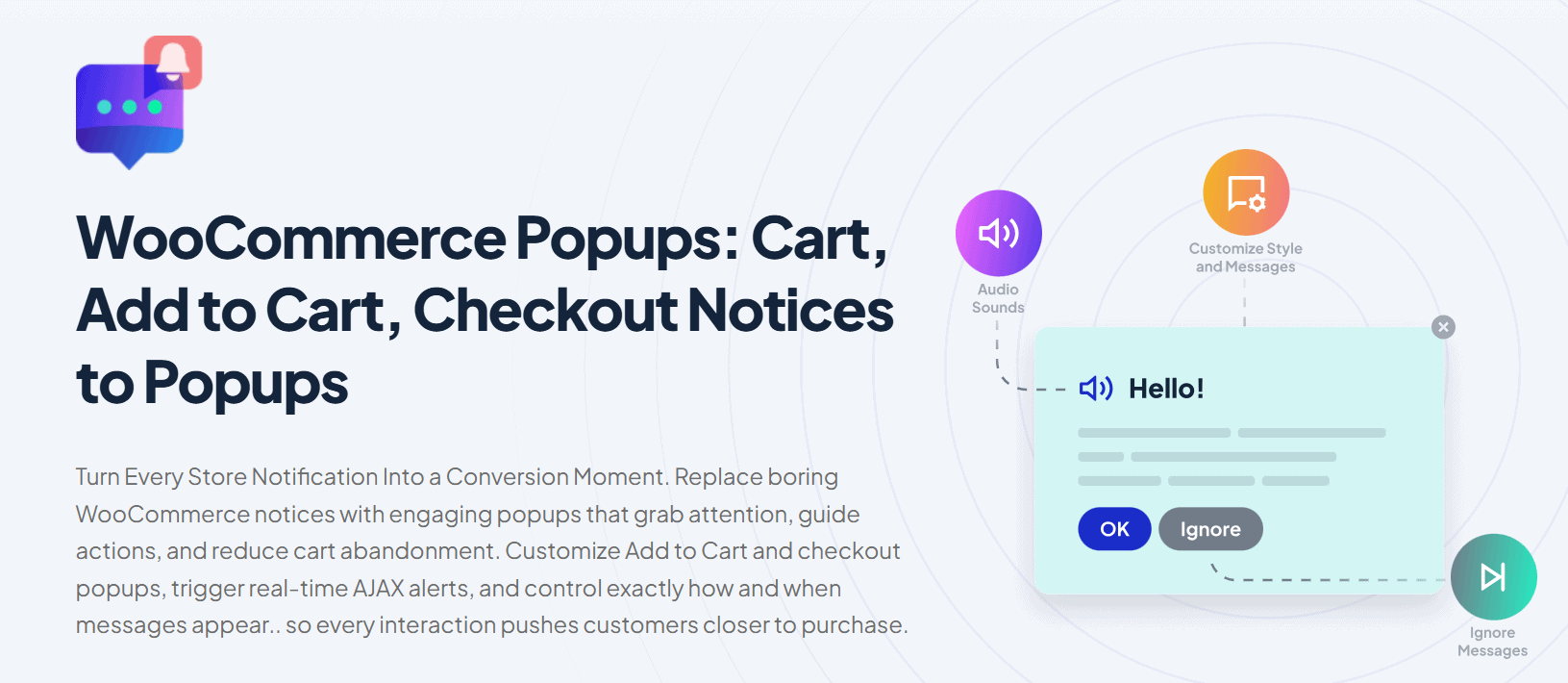
If you want higher conversion rates, then you should consider using WooCommerce Popups: Cart, Add to Cart, Checkout Notices to Popups by WPFactory.
This plugin allows you to replace boring default notices with more interactive and engaging popup messages that capture customers’ attention.
With this plugin, you can fully customize and design the popups you want, including where and when exactly they appear. You can create personalized add-to-cart and checkout popups, trigger real-time AJAX alerts, and deliver more dynamic shopping experiences.
One of the plugin’s biggest advantages is its flexibility. You can customize the popup’s position, timing, colors, design, icons, call to actions buttons to perfectly match your store’s branding and style. As a result, the plugin helps improve conversion rates, reduce cart abandonment, and enhance the overall user experience.
Key Features
- Customizable Add to Cart & Checkout Popups
- Hide or Show WooCommerce Notifications
- AJAX Add to Cart Notice
- FontAwesome Integration for Stylish Popups
- One-Time notices with cookies
- Enhanced message customization
- Auto-close popup after X seconds
- Enable sound notifications
Pricing
3. AffiliatePress
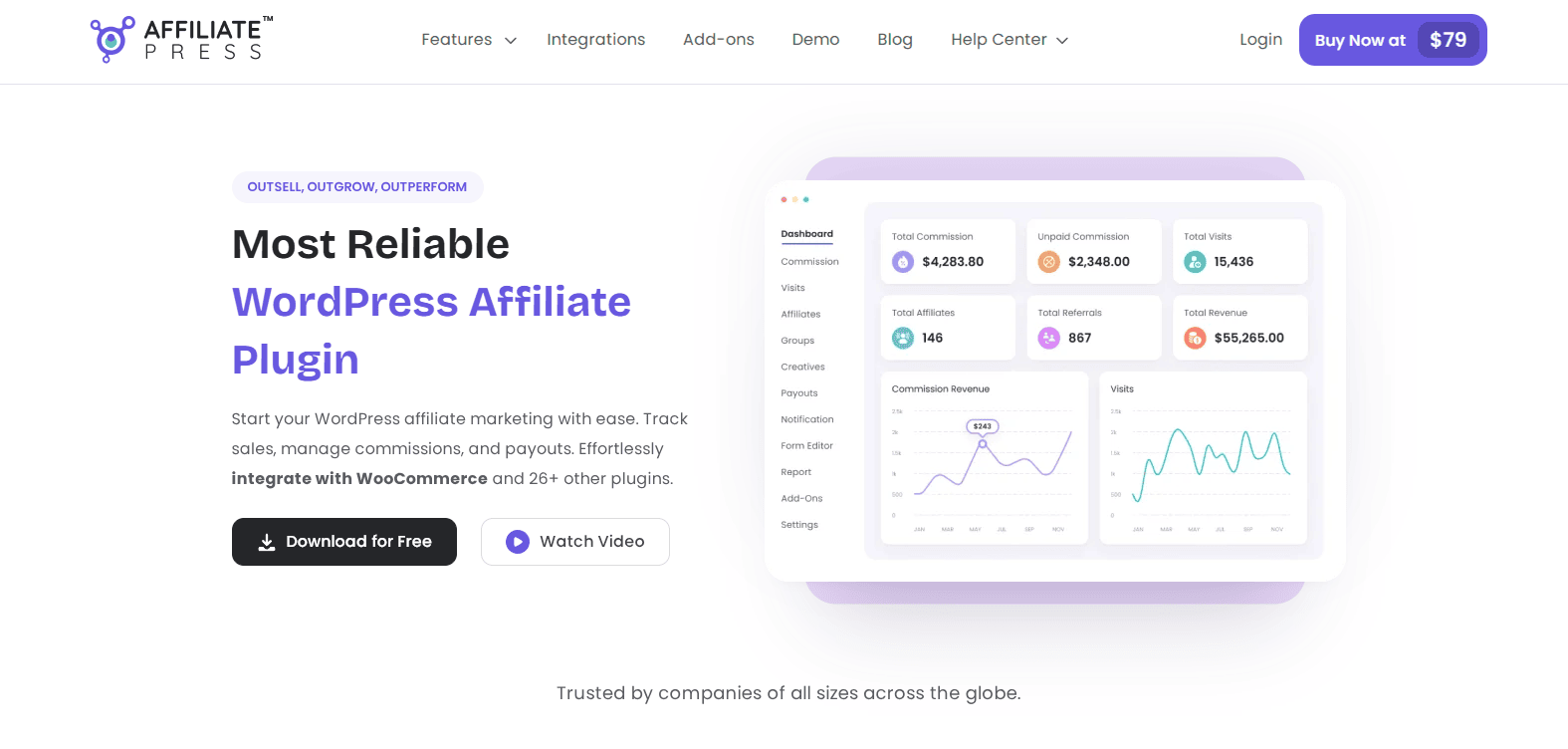
For optimizing sales, you first need people to promote, and relying on paid ads is never an option in the long-run. That’s where affiliate marketing steps in. All you need is an in-house affiliate program that onboards affiliates, tracks the sales they drove, and automates payout.
When it comes to creating your in-house affiliate program with zero coding, AffiliatePress is considered one of the best affiliate plugins for WooCommerce and WordPress. Integrating deeply with WooCommerce and 25+ other WordPress plugins, you can track affiliate sales in real time, manage multiple commission structures, and automate payouts via PayPal or Stripe.
Best of all, it gives each of your affiliates their own dedicated affiliate panel to track their earnings and access their unlimited creatives. Plus, its centralized analytical dashboard gives you real-time data alongside detailed reports. Overall, if you want to increase your WooCommerce sales, Affiliate marketing with AffiliatePress is the best way.
Key Features
- 25+ integrations
- Deep WooCommerce integration with full control over shipping and tax amounts
- Real-time commission tracking
- Powerful affiliate panel
- Advanced fraud detection
- Flexible commission structures
- Affiliate leaderboard
- Unlimited creatives, landing page, QR code and coupon codes
Pricing
There are both free and premium versions available. The premium version starts from $79/year, including one year of updates and support, along with a 14-day money-back guarantee.
4. YITH WooCommerce Wishlist
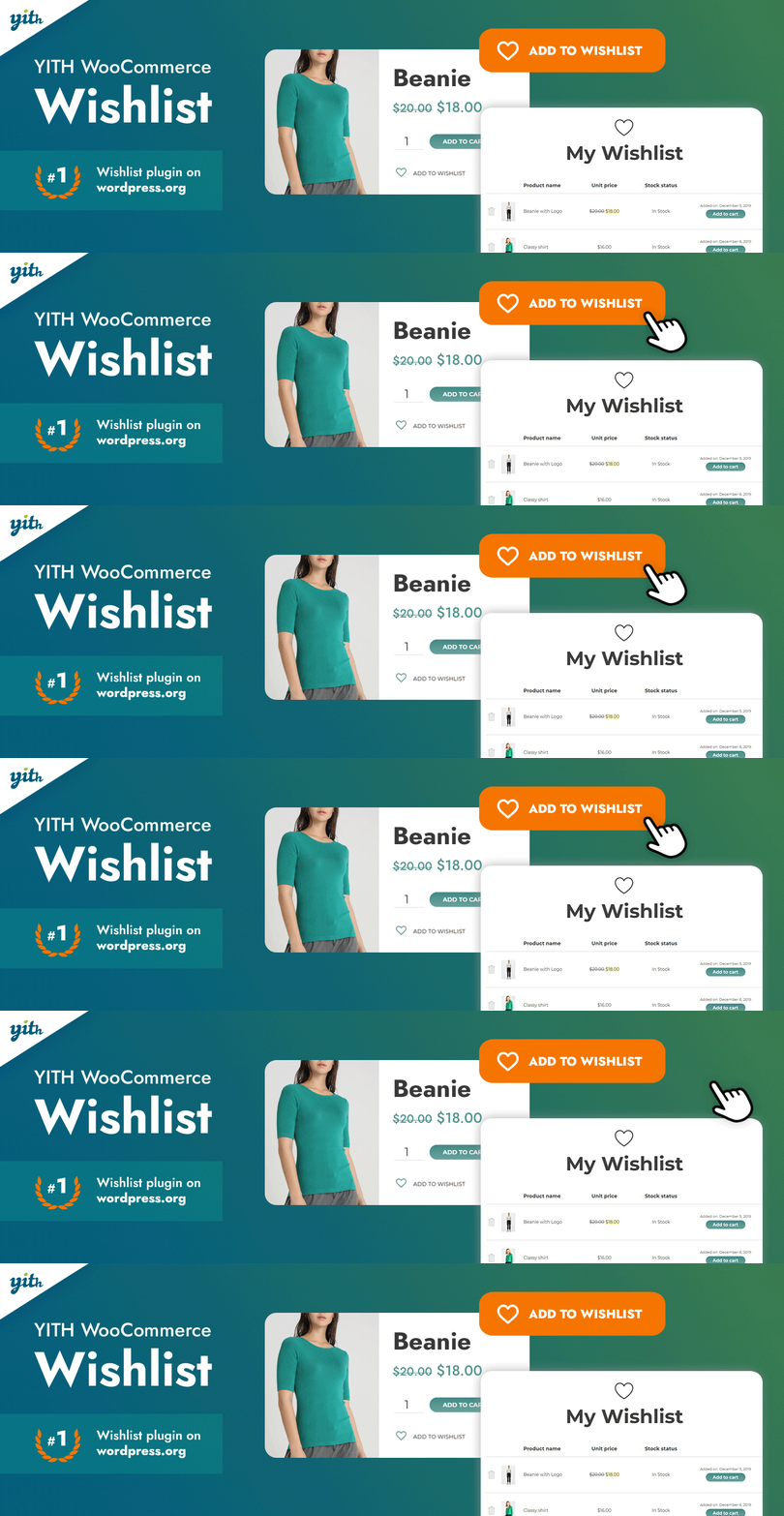
YITH WooCommerce Wishlist It is a plugin that allows customers to save their products until they are ready to back and purchase them later. This feature makes it easy for customers to access the products they are interested in at any time with just once click.
Without a Wishlist feature, customers would need to search for the same products every time they revisit the store to compare or review them again.
Additionally, customers can share their Wishlists with others, making it easier to get opinions, compare options, and simplify the purchasing decision process.
Key Features
- Select a page for your wishlist
- Select where to show the shortcode ‘Add to wishlist’
- Show the ‘Remove from wishlist’ button when the product is in the Wishlist
- Show the ‘Add to wishlist’ button also on the Shop page
- Customise columns that will be displayed in the wishlist table
- Product variation support (if the user selects a specific color or size and then adds it to the wishlist, this details will be saved)
Pricing
There are both free and premium versions available. The premium version costs € 99,99/ year includes one year of updates and support, along with a 30-day money back guarantee.
5. Cart Abandonment Recovery by CartFlows
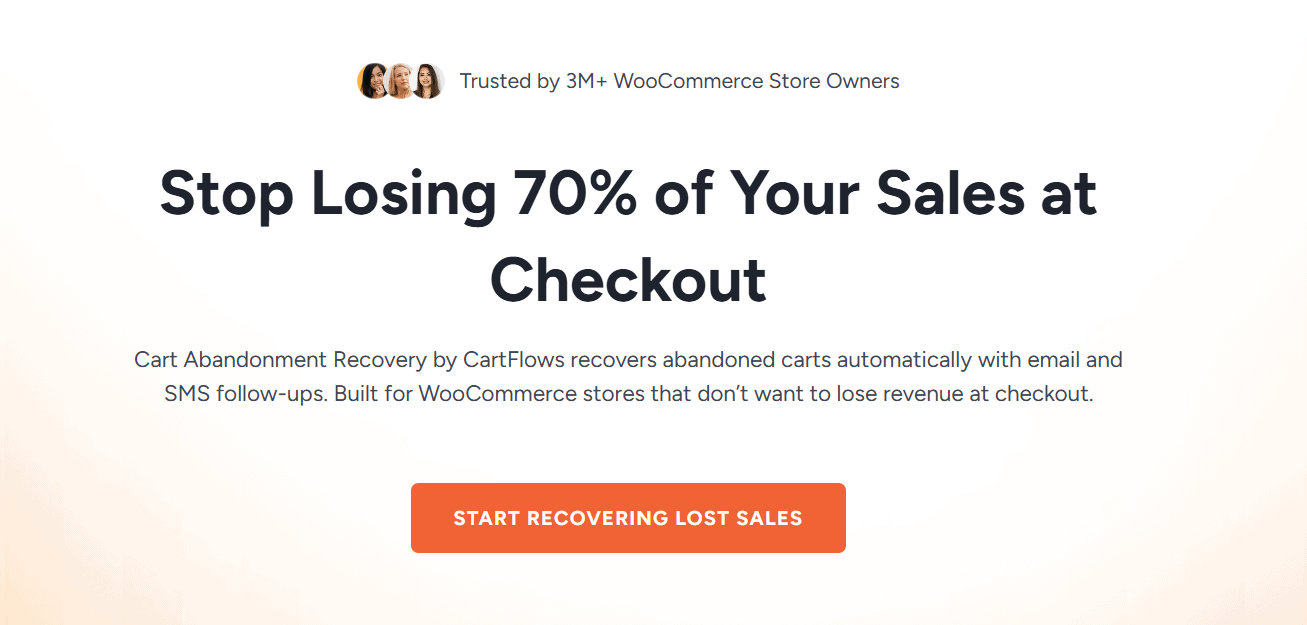
One of the most important goals for any WooCommerce store is retaining customers and avoiding lost sales. But what about customers who abandon their carts before completing a purchase? This is where Cart Abandonment Recovery by CartFlows, comes in, to help store owners automatically recover potential customers and sales.
This plugin works by reconnecting with customers after they add products to their carts but leave the store without completing the checkout process. It automatically sends personalized follow up emails to remind customers about the products they left behind or offer special discounts and incentives to encourage them to return and complete their purchase.
Key Features
- Automated Recovery Emails
- 1-Click Cart Recovery Links
- Unique Coupon Codes
- Abandoned Cart Capture
- Reports & Insights
- GDPR-Ready
- Better Analytics Dashboard with Modern UI
Pricing
The premium version costs $99 / year includes one year of updates and support, along with a 14-day money back guarantee.
6. Related Products – Create Upsells, Cross-sells, and Product Recommendations for WooCommerce
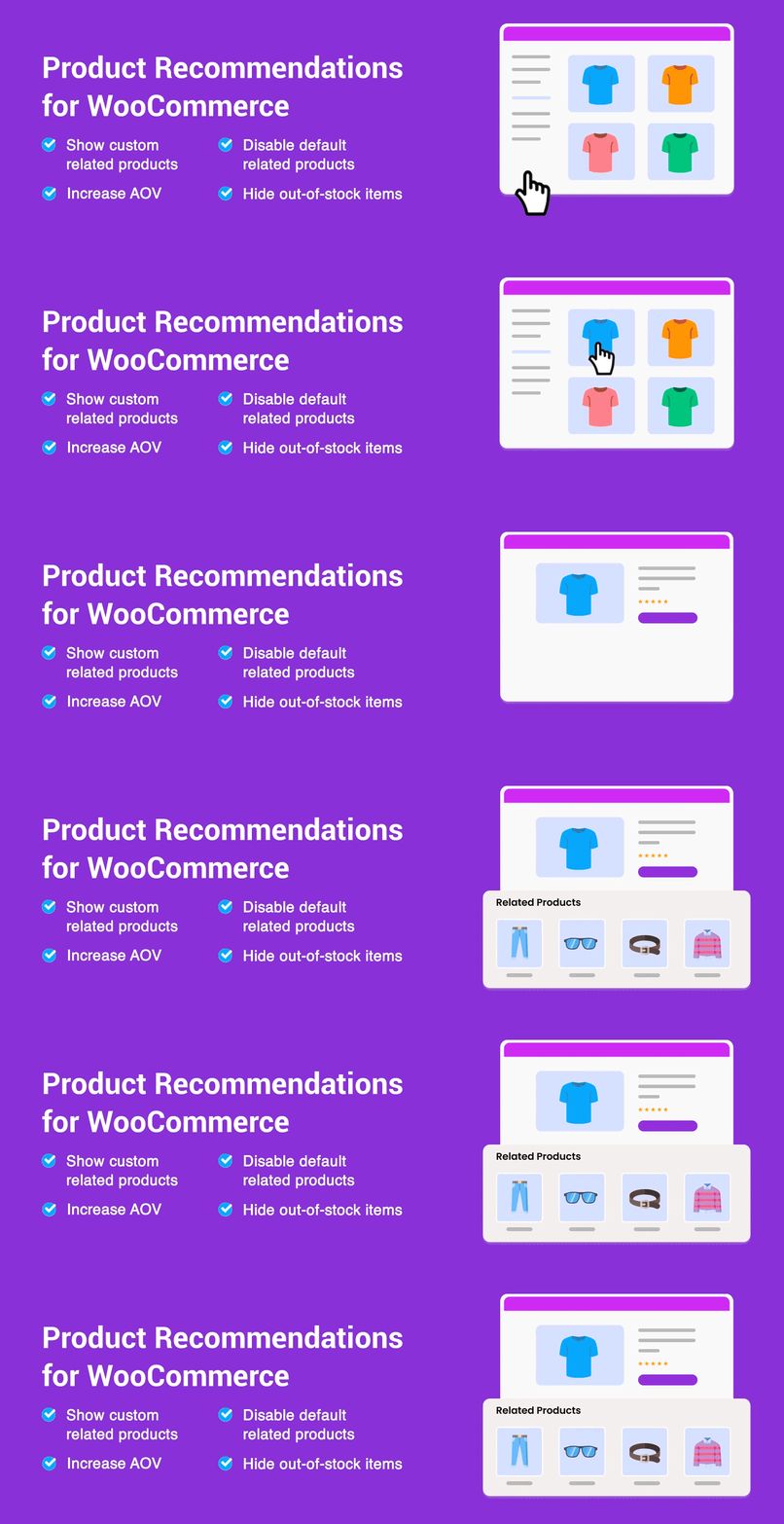
Related Products – Create Upsells, Cross-sells, and Product Recommendations for WooCommerce by WebToffee helps you display related products to customers, which is considered one of the most effective sales strategies for increasing revenue.
With this plugin, you can recommend complementary products alongside the customer’s purchase, known as cross-selling, or suggest higher-value alternatives, which is known as upselling.
These strategies not only help increase average order value, but also build more trust with customers, as they feel the store is offering personalized and relevant recommendations tailored to their interests and shopping behavior.
Key Features
- Disable default WooCommerce related products functionality
- Choose custom related products
- Option to set up WooCommerce related products for the entire store (by category, tags)
- Set up related products for individual products (by category, attributes, tags, or products)
- Exclude selected categories from showing as related products
- Exclude out-of-stock products from showing as related products
- Displays related products in the slider
Pricing
The premium version costs $89 / year and includes one year of updates and support, along with a 30-day money-back guarantee.
7. FluentCRM — WordPress Email Marketing CRM Plugin

Every WooCommerce store needs a reliable way to stay connected with customers, whether to share the latest news, promote special offers, notify them about low stock products, or keep them engaged with the brand. This is exactly what FluentCRM provides.
FluentCRM is considered one of the best Email Marketing and CRM solutions for WordPress and WooCommerce stores. It helps you manage customer relationships through a complete CRM system, market your products using advanced email marketing features, and build automated funnels with ease.
Whether you want to run marketing campaigns, send newsletters, automate follow-ups, or create personalized customer journeys, FluentCRM provides a powerful yet user-friendly solution that simplifies the entire process.
Key Features
- All-in-One Email Marketing Solution
- Customer Relationship Management (CRM)
- Contact Segmentation and Reporting
- Email Marketing Campaigns
- Email Newsletter Solution
- Marketing Funnel Builder
- Integrated Opt-in Forms
Pricing
There are both free and premium versions available. The premium version costs $ 103/ year includes one year of updates and support, along with a 30-day money-back guarantee.
Comparison Table
| Plugin | Main Purpose | Best For | Key Features | Pricing |
|---|---|---|---|---|
| WooCommerce Price by Quantity & Bulk Quantity Discounts | Dynamic pricing & bulk discounts | Stores that want to increase AOV and create flexible pricing strategies | Quantity-based pricing, wholesale offers, real-time price updates, conditional discounts, advanced pricing rules, reporting dashboard | Free + Premium ($49.99/year) |
| WooCommerce Popups: Cart, Add to Cart, Checkout Notices to Popups | Improve conversions with interactive popups | Stores looking to reduce cart abandonment and improve UX | Add to cart popups, checkout notices, AJAX alerts, popup customization, auto-close popups, sound notifications | Free + Premium ($49.99/year) |
| AffiliatePress | Affiliate marketing & sales growth | Stores looking to increase sales through affiliate partnerships and build an in-house affiliate program | 25+ integrations, deep WooCommerce integration, real-time commission tracking, affiliate dashboard, flexible commission structures, fraud detection, affiliate leaderboard, unlimited creatives, landing pages, QR codes, and coupon codes | Free + Premium (starts at $79/year) |
| YITH WooCommerce Wishlist | Wishlist & customer retention | Stores with longer buying decision cycles | Save favorite products, share wishlists, variation support, customizable wishlist tables, add/remove wishlist buttons | Free + Premium (€99.99/year) |
| Cart Abandonment Recovery by CartFlows | Recover abandoned carts & lost sales | Stores struggling with cart abandonment | Automated follow-up emails, recovery links, coupon codes, abandoned cart tracking, analytics dashboard | Premium ($99/year) |
| Related Products – Create Upsells, Cross-sells, and Product Recommendations for WooCommerce | Upselling & cross-selling recommendations | Stores wanting to increase average order value | Custom related products, upsells, cross-sells, category filtering, sliders, stock exclusions | Premium ($89/year) |
| FluentCRM — WordPress Email Marketing CRM Plugin | Email marketing & customer relationship management | Stores focused on retention and automation | CRM system, email campaigns, automation funnels, segmentation, newsletters, reporting | Free + Premium ($103/year) |
How to Choose the Right Plugin Stack
Some store owners believe that increasing sales requires installing dozens of plugins, one for emails, another for checkout optimization, another for upselling, and many more.
However, success is not about the number of plugins you use, but about understanding what your store actually needs to improve sales. That’s why you should follow the steps below to help you choose the right plugin for growing your WooCommerce store revenue.
Step 1 – Identify your Primary Revenue Leak
The first step is identifying where the problem actually is and understanding what is causing revenue leakage in your store. Is the issue related to the checkout process? Analyze and review your checkout experience carefully. Is it easy to use? Does it support all payment methods your customers might expect?
Or is the problem coming from your product pages and overall UX?
Another possibility is that your pricing strategy may not be optimized. In this case, WooCommerce Cost of Goods: Product Cost & Profit Calculator can help you calculate your real costs and actual profits more accurately, allowing you to build a smarter pricing strategy that generates sustainable and realistic profit margins.
Step 2 – Define your Budget
The second step is defining your budget, as this will directly affect the type of plugin you choose, whether it’s a free plugin or a premium plugin with more advanced features and customization options.
Step 3 – Verify Compatibility
Some plugins may offer impressive features, but they may not be fully compatible with your store’s setup. Before installing any plugin, you should carefully check whether is integrates properly with your theme, store builder, and other plugins currently running on your WooCommerce store.
Common Mistakes
Installing a plugin alone will not magically solve every problem; there are many other important factors you need to pay attention to in order to truly improve sales and optimize your WooCommerce store.
1. Installing Too Many Plugins at Once
Problems are not solved by installing more plugins. For example, when you install five plugins at the same time, it becomes difficult to know which plugin actually solved your problem and which one is not delivering results.
That’s why it’s always better to test one plugin at a time, evaluate its performance, and then decide whether you truly need additional tools.
2. Page Speed
One of the most important factors that directly affects conversion rates is website speed. Customers dislike slow loading times and waiting for pages to load, and in most cases, they will leave the store before completing their purchase.
That’s why whenever you install a new plugin, you should always check its impact on your store’s performance and loading speed.
3. Neglecting Mobile Users
More than 60% of customers shop through their mobile devices, which means you must ensure that all popups, landing pages, upsell flows, and checkout funnels work smoothly on mobile.
4. Skipping Analytics
Without periodic analysis and review of everything, the new plugins and modifications, your store will never succeed, because if you won’t track your store performance, why won’t know what works and what doesn’t. Therefore, regularly review your store performance and create monthly report to identity what needs to improvement or replacement.