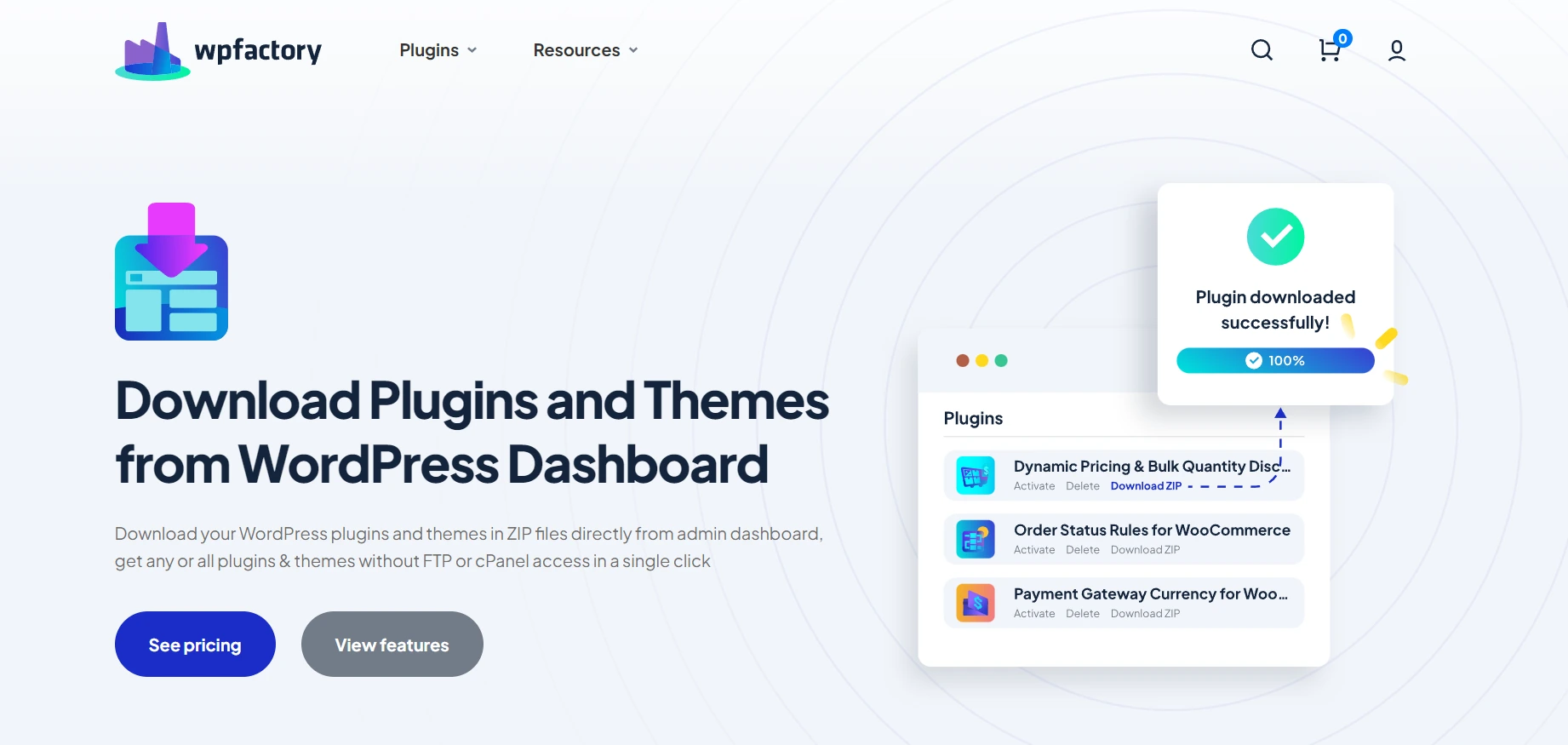
Download Plugins and Themes in ZIP from Dashboard adds a Download ZIP link to every installed plugin and theme, plus Download all tools, so you can save copies without FTP or cPanel. Its settings are at WPFactory > Download plugins and Themes. It is a WordPress plugin and does not need WooCommerce.
What it does #
Download Plugins and Themes packs any installed plugin or theme into a ZIP file and sends it to your browser. That is useful for backups, for moving a customized plugin to another site, or for keeping a copy before an update. Pro adds scheduled downloads to a server folder, bulk download of selected plugins, automatic ZIP clean-up and a customizable download link.
Install and activate #
- Free: go to Plugins > Add New, search for Download Plugins and Themes in ZIP from Dashboard, then install and activate it.
- Pro: download Download Plugins and Themes in ZIP from Dashboard Pro from your WPFactory account, upload the ZIP at Plugins > Add New > Upload Plugin and activate it.
For more detail, see how to install Download Plugins and Themes from Dashboard.
First setup #
The plugin works as soon as it is active. These steps confirm it and set the ZIP format you want.
- Go to Plugins > Installed Plugins. Each plugin now has a Download ZIP link. Click one to download that plugin.
- Go to Appearance > Themes to find the same link for themes.
- Open WPFactory > Download plugins and Themes. Under Directory, Add plugin directory and Add theme directory are Yes by default, so the ZIP contains the main folder and can be uploaded to another site as is.
- Under Version, set Append plugin version or Append theme version to Yes (both No by default) if you want the version number in the file name. Version separator character defaults to a dot and takes one character, so version 2.3 of a plugin in the folder
my-pluginis saved asmy-plugin.2.3.zip. - Click Save settings.
Main features #
Single plugin or theme download (Free) #
The Download ZIP link works for regular plugins, and for Must-Use and Drop-in plugins when you switch to those filters on the Plugins screen. See how to download a single plugin or theme as a ZIP.
Download all (Free) #
The Tools section has a Download all button for plugins and one for themes. Must-Use and Drop-in plugins are not included in the plugins archive. See how to use the Download all tools.
ZIP library and temporary directory (Free) #
In Advanced Settings, ZIP library defaults to ZipArchive when your server has it, otherwise PclZip. Temporary directory can stay blank to use the system default. See advanced settings.
Bulk download selected plugins (Pro) #
Tick several plugins on the Plugins screen and choose Download ZIP from the bulk actions menu. See how to bulk download selected plugins.
Periodical downloads (Pro) #
Periodical plugins downloads and Periodical themes downloads save archives to a server folder on a schedule, from once a minute to every 4 weeks. See how to schedule automatic plugin and theme downloads.
Auto delete ZIP files (Pro) #
Removes the ZIP from the server after it is downloaded. See how to auto-delete ZIP files after download.
Custom download link (Pro) #
The Download plugin link section changes the link’s color, font weight and text (default: Download ZIP). See how to customize the Download ZIP link.
Every option is listed in the settings reference.
Free vs Pro #
| Feature | Free | Pro |
|---|---|---|
| Download ZIP link for plugins and themes | Yes | Yes |
| Download all plugins or all themes | Yes | Yes |
| Directory, version and separator options | Yes | Yes |
| ZIP library and temporary directory | Yes | Yes |
| Bulk download of selected plugins | No | Yes |
| Periodical downloads (paths, date and time in file name) | No | Yes |
| Auto Delete ZIP files | No | Yes |
| Download link color, font weight and text | No | Yes |
For a longer comparison, see Download Plugins and Themes: Free vs Pro.
FAQ #
Who can download plugins and themes? #
Plugin downloads need the activate_plugins capability and theme downloads need switch_themes. Administrators have both.
Does it have shortcodes? #
No. Everything happens in the WordPress admin.
The Download ZIP link is missing. What should I check? #
Make sure you are logged in as an administrator and the plugin is active. See Download ZIP link not showing.
Download all fails or gives an empty file. Why? #
Large sites can hit the PHP memory limit. The Tools section shows your current limits. See fix Download all on large sites.
What does my server need? #
The RecursiveIteratorIterator class and the zlib extension. The plugin shows a notice if either is missing.
Get more control #
Single and Download all downloads are free. Download Plugins and Themes in ZIP from Dashboard Pro adds scheduled downloads, bulk selected downloads, auto-delete and link styling. See what Pro unlocks.
Need a hand? Our team answers every ticket on the Download Plugins and Themes support forum.